
Everyone Says Switch from Airtable. We Added an AI Layer Instead.
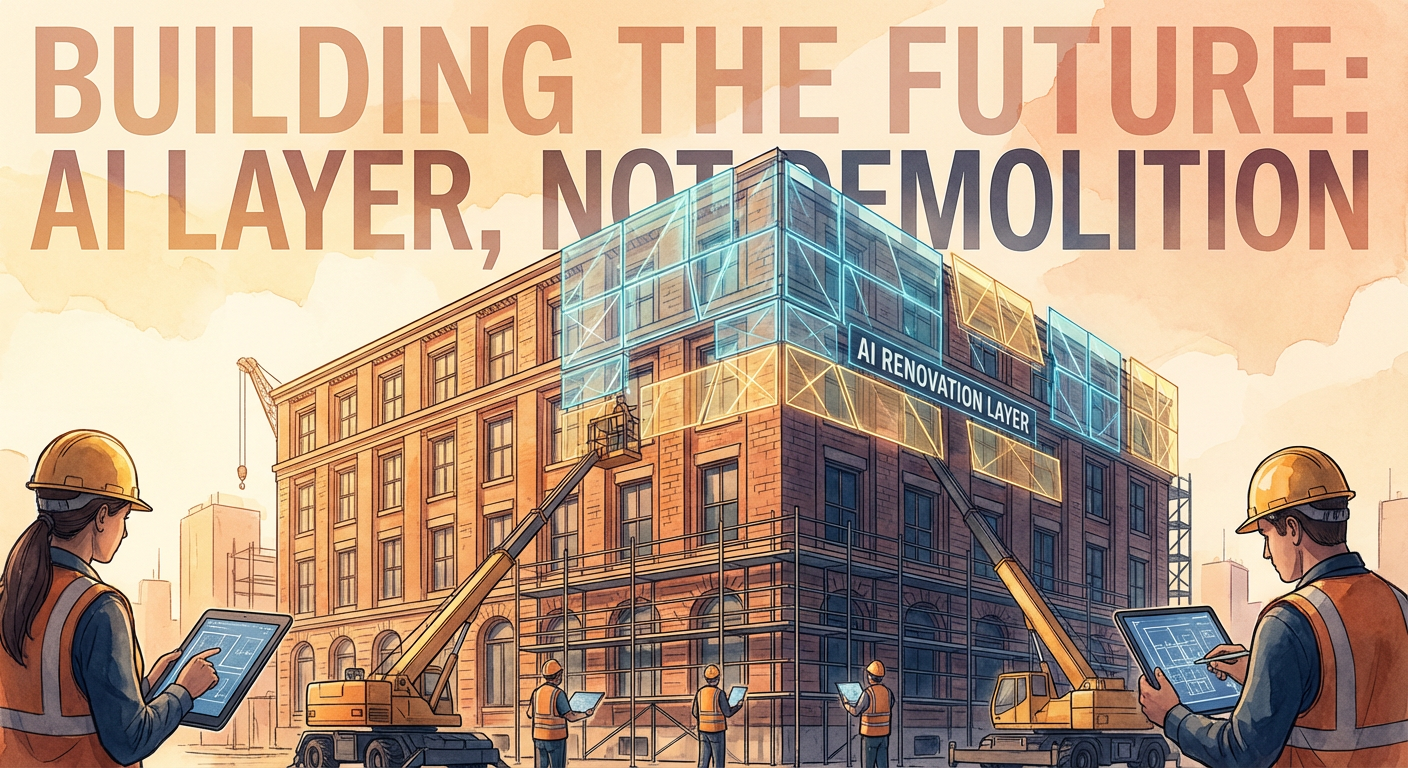
Six months ago, Priya came to me with a list. She'd spent a weekend researching Airtable alternatives. Monday.com, Notion databases, Smartsheet, Baserow, NocoDB. She had a spreadsheet comparing features, pricing, and migration difficulty. Her argument: Airtable wasn't handling our growing operational needs, and we should switch to something more capable.
I asked her what specifically wasn't working. She listed three things. Data quality across linked tables was getting hard to maintain. Complex automations kept hitting the builder's limitations. And reporting across multiple bases required manual work that nobody had time for.
All three were real problems. None of them were reasons to switch tools.
The Migration Fantasy
I've watched two companies go through a full Airtable migration. One moved to Monday.com. The other moved to Notion. Both spent more than three months on the transition. Both lost data during the migration. Both ended up with a subset of the workflows they had before, because the new tool did some things better and other things worse.
The company that moved to Monday.com got better Gantt charts and resource management. They lost the flexible field types and linked record relationships that Airtable handles well. Their ops team spent weeks rebuilding views and automations that didn't translate one-to-one. When I talked to their PM lead four months after the switch, she said: "We solved the reporting problem. We created three new problems."
The company that moved to Notion got better documentation and a unified workspace. They lost the structured database behavior, the API, and the automation builder. Their engineering team built custom scripts to replicate functionality that Airtable had provided natively. Six months later, they were maintaining a Notion workspace plus a collection of scripts that nobody besides the original developer understood.
Migration is expensive in ways that don't show up in the pricing comparison. The hours spent rebuilding. The institutional knowledge embedded in your current setup (why is this field named that? what does this automation do?). The training cost for the team. The period where both systems are running and nobody trusts either one.
What We Actually Needed
When I pushed Priya to get specific about the problems, the list narrowed to things that were about workflow capability, not about the tool itself.
Data quality. Records with missing fields, duplicate contacts, inconsistent formatting. She wanted something that could scan the base and flag problems automatically. Airtable doesn't have this. Neither does Monday. Neither does Notion. It's not a feature that any of the alternatives offer because it's not a spreadsheet feature. It's a data operations task.
Complex automations. Workflows that needed to read from multiple tables, make conditional decisions, and trigger different actions based on what they found. Airtable's automation builder maxed out. But Monday's automation builder has similar limitations. Notion barely has automations at all. Smartsheet's are more powerful but require a different mental model. Switching tools would trade one limited automation builder for another.
Cross-base reporting. Pulling data from three Airtable bases into a single weekly report. This was a manual process. Moving to a different tool wouldn't eliminate the manual process. It would just change which tool the data was being manually pulled from.
The pattern was clear: Priya didn't need a different database tool. She needed a layer on top of the database that could do things no database tool does natively. Data cleanup, complex automation, cross-system reporting. These are operational workflows, not product features.
The AI Layer Approach
Instead of migrating to a new tool, we kept Airtable and added AI agents that work with it through the API. The agents handle the tasks that Airtable can't do natively, without requiring us to abandon the tool we already know.
The first agent we deployed was a data cleanup agent. It runs nightly against our three main bases. It scans for duplicates using fuzzy matching (catching "Jnathan" and "Jonathan," or matching records where the email domains match but the names are slightly different). It flags records with missing required fields. It identifies formatting inconsistencies, like phone numbers stored as "(555) 123-4567" in some records and "5551234567" in others, and normalizes them.
This was Priya's number one pain point. She had been doing a manual data cleanup pass every two weeks, spending about four hours each time. The agent now catches issues within 24 hours of a record being created. Her biweekly cleanup session dropped to about 30 minutes of reviewing the agent's flags and approving changes.
The second agent handles the complex automation workflows. Instead of chaining together Airtable automations with workarounds, we built agent workflows that read from multiple tables, apply conditional logic, and take actions across the base. The weekly project status report that Priya had tried to automate three times in Airtable's builder now runs as an agent workflow that reads from the Projects, Tasks, and Team tables, calculates metrics, and posts summaries to Slack. One workflow doing what three failed automations couldn't.
The third agent handles cross-base reporting. It reads from all three of our operational bases, pulls the relevant data for the week, and compiles it into a single report. No manual data collection. No copy-pasting between bases. The report shows up in Slack every Monday at 8 AM.
What Didn't Change
Everything that already worked in Airtable kept working. Views, linked records, simple automations, forms, the API integrations we'd built. The team didn't have to learn a new tool. Nobody's muscle memory was disrupted. The bases, the field types, the way people interact with the data daily: all unchanged.
This is the part that migration advocates undervalue. When a team has been using a tool for two years, the tool is no longer just software. It's the team's shared mental model of how their data works. Kenji knows that the "Priority" field in the Tasks table has four options. Diana knows that the Content Pipeline base has a view called "My Queue" that shows her active assignments. Tomás knows how to filter the Sales base to find stale deals. That accumulated knowledge has real value, and it evaporates during a migration.
Marcus made this point during the discussion about whether to switch: "Every tool has gaps. If we move to Monday, we'll find Monday's gaps in about three months and start looking for a Monday alternative. The question is whether we fix the gaps we know or go discover new ones."
What the Alternatives Actually Offer
I don't want to dismiss the alternatives entirely, because some of them are genuinely better than Airtable for specific use cases.
Monday.com has stronger project management features. Timeline views, workload management, time tracking. If your primary use case is project management and Airtable's project tracking feels thin, Monday is a reasonable move. But Monday's database capabilities are weaker. Its field types are less flexible. Linked records between boards are clunkier than Airtable's linked record fields.
Notion is a better documentation and knowledge management tool. If you want your database to live alongside wikis, meeting notes, and project documentation in one workspace, Notion does that well. But Notion databases are simpler than Airtable's. No equivalent to Airtable's field types for attachments, barcodes, or formulas. The API is more limited. Automations are basic.
Smartsheet is closer to a spreadsheet with project management built in. Strong for teams that think in spreadsheet terms but need Gantt charts and dependencies. Less flexible than Airtable for custom data structures.
Open-source options like Baserow and NocoDB replicate Airtable's core features without the pricing. Good if cost is the primary driver. But they come with self-hosting complexity, and the ecosystem of integrations is smaller.
Each alternative trades one set of strengths for another. None of them solve the three problems Priya listed, because those problems aren't about which database you're using. They're about what sits on top of the database.
Six Months Later
Priya never made that switch. We've been running Airtable with the AI agent layer for six months now. The three problems she identified are resolved. Data quality stays consistent because the cleanup agent catches issues daily. Complex workflows run as agent processes instead of fighting the automation builder. Cross-base reporting is automated.
The total cost of adding the agent layer was about two days of setup time. Compare that to the three-plus months that a full migration would have consumed. The team didn't lose a single day of productivity to retraining or rebuilding.
We also gained something we didn't anticipate: the agents work across tools, not just within Airtable. The data cleanup agent can also monitor the Google Sheets that Kenji maintains for financial data. The reporting agent can pull from Airtable, Sheets, and Slack in the same workflow. We didn't just patch Airtable's gaps. We built a layer that operates above any individual tool.
Priya's take at the six-month mark: "I was ready to tear everything down and start over. I'm glad we didn't. The problems were real, but the answer wasn't a different database. It was adding intelligence on top of the one we had."
If you're googling "Airtable alternative" right now, ask yourself what specifically isn't working. If it's the data model, the interface, or the pricing, then yes, look at alternatives. If it's automation limitations, data quality, or reporting gaps, those problems follow you to every platform. You might be better off keeping what you have and adding a layer that fills the gaps without forcing a migration.
Try These Agents
- Airtable Data Cleanup Agent -- Scan for duplicates, missing data, and formatting issues across your Airtable bases nightly
- Airtable Project Status Reporter -- Generate cross-table project summaries that the automation builder can't handle
- Airtable Lead Enrichment -- Automatically fill in missing contact and company data on new records
- Airtable to CRM Sync -- Keep Airtable and your CRM in sync without migration