
7 Airtable Automations We Actually Use (and 3 We Replaced with Agents)
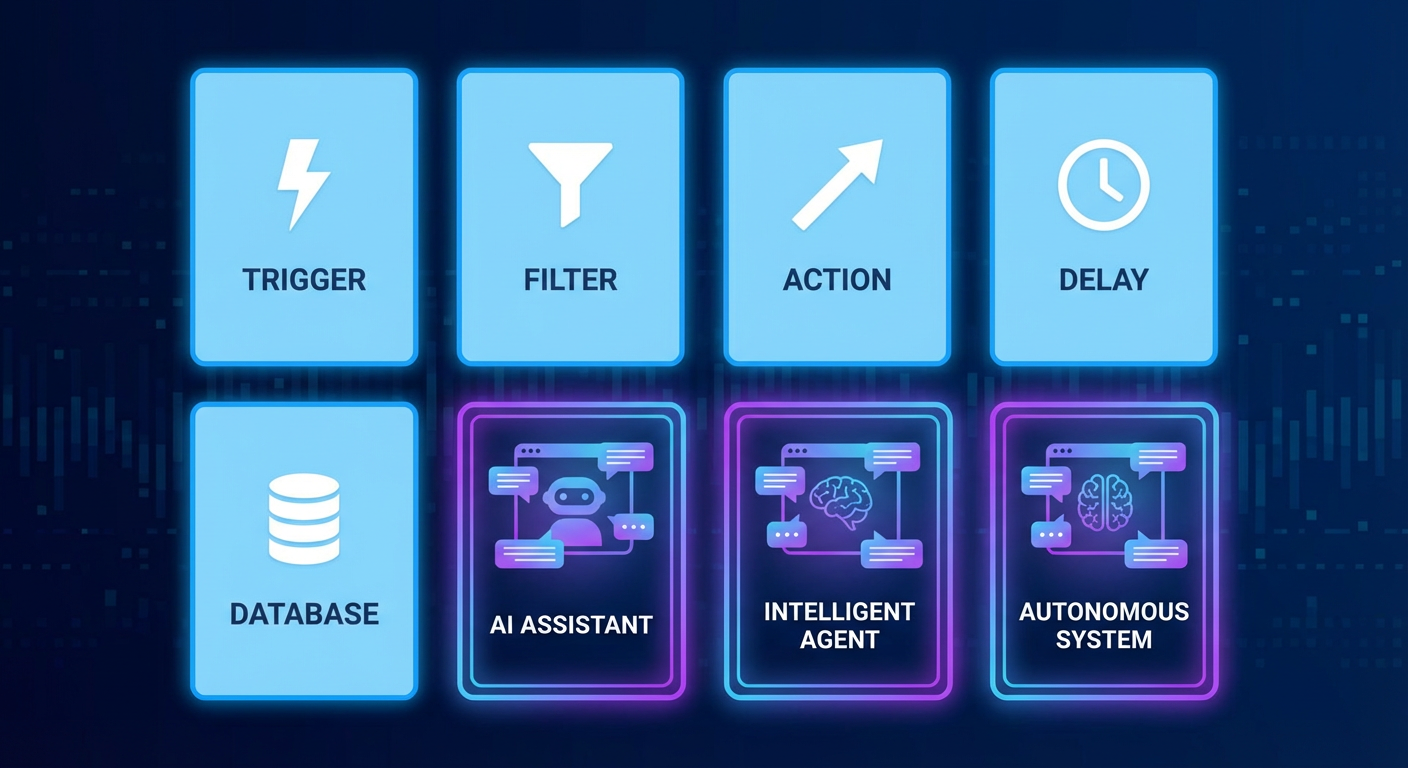
I've built probably 40 Airtable automations over the past two years. Most of them are dead now. A few died because they broke and nobody fixed them. A few died because the workflow they automated stopped being relevant. But seven of them are still running today, unchanged, doing exactly what they were built to do.
What do all seven have in common? They're boring. One trigger, one or two actions, zero conditional logic, no external API calls beyond Slack and email. They stay inside the lines of what the automation engine was designed for, and they've never given me trouble.
The automations that died were the ambitious ones. Multi-step branching logic. Cross-base sync. Data quality routines that needed to evaluate every record against a ruleset. Three of those deserve a closer look, because they mark the exact boundary where native automations stop working and you need a different kind of tool.
The Seven That Work
New record notification. When a record is created in our "Inbound Leads" table, a Slack message goes to #sales with the contact name, company, and source. This was the first automation I built and it's never broken. The trigger is simple (record created), the action is simple (send Slack message), and there's nothing to go wrong unless someone deletes the Slack channel. Tomás says this notification is the single most useful automation we have because it means the team responds to new leads within minutes instead of whenever someone remembers to check Airtable.
Status change email. When a project record's status changes to "Complete," an email goes to the client contact linked to that record. Anya set this up in about ten minutes. The email pulls the project name, completion date, and a brief summary from the record fields. It's not a beautiful HTML email. It's a plain text notification that says the project is done. Clients have told us they appreciate the speed. The alternative was Anya remembering to send the email, which she estimated she forgot about 30% of the time.
Overdue task alert. Every morning at 9am, a scheduled automation scans the "Tasks" table for anything past due that isn't marked "Complete" and dumps the list into Slack. Diana built this after a deadline slipped past her -- it had been sitting in a filtered view that nobody was looking at. The whole thing is just a schedule trigger, a filter, and a Slack post. No branching.
Form submission to record. Marketing uses Airtable forms for event registrations. Someone submits, the automation drops a record into "Registrants" and fires off a confirmation email. About as vanilla as automations get. Elena has pushed roughly 1,200 registrations through it. Not a single failure.
Linked record creation. Deal hits "Closed Won" in the pipeline? The automation spawns a matching record in the "Customers" table -- company name, contact info, deal value copied over. Saves Tomás from manual data entry across tables, and the linked record keeps the relationship visible.
Weekly digest. Every Friday at 4pm, a scheduled automation compiles a summary of records created that week in our "Content" table and sends it to the marketing team's email. Elena uses it to confirm that the week's publishing schedule was completed. The automation pulls the count of new records and lists their titles. It took fifteen minutes to build and has run every Friday for eleven months.
Assignment notification. When the "Owner" field on any record in the "Tasks" table changes, a Slack message goes to the new owner. Simple attribution. Priya told me she checks Slack more than Airtable, so the notification is the difference between her seeing the assignment immediately and discovering it the next time she opens the base, which might be tomorrow or might be Thursday.
Same pattern across all seven: clear trigger, one action (two at most), nothing external beyond Slack and email. They work because they're unambitious. I haven't logged into any of them in months.
The Three We Replaced
Cross-base syncing. Records in the "Leads" base needed to stay in sync with records in "Customers." One direction was easy: lead status flips to "Converted," automation creates a record in Customers. Done.
Bidirectional sync? Disaster. Somebody updates a phone number in Customers, and there's no native automation that can push that change back to Leads. I tried closing the loop with webhooks and Zapier. What I got was a circular dependency -- an update in one base triggered an update in the other, which triggered an update in the first, which triggered an update in the second. Kenji named it "the infinite loop of sadness." He wasn't wrong.
We ripped it out and pointed an agent at both bases. It runs on a schedule, reads everything, diffs records by email address, and updates whichever side is stale. No circular dependency because it's not trigger-driven -- it examines both sides, decides what's out of date, and fixes it in one pass. About 400 record pairs, under two minutes per run.
Conditional multi-step workflows. Project intake has routing rules. Design projects go to Elena's team. Engineering goes to Kenji. Budget over $50K? Finance review required. Client in a premium tier? Needs a dedicated account manager.
I tried chaining automations together. First one fires on new record creation, checks project type, sets the "Team" field. Second one watches "Team" for changes, checks the budget, conditionally flags "Needs Finance Review." Third one triggers when that flag flips to true and creates a task in the finance team's table.
It sort of worked. "Sort of" being generous. Automations 2 and 3 kept firing before Automation 1 finished writing, so they'd run against stale data. I added wait steps. Wait steps caused timeouts. I switched the chain to a scheduled automation running every 15 minutes. By the end: five automations, two scheduled runs, and a flow so convoluted that nobody else on the team could follow it.
We replaced the whole chain with an agent that reads new project requests, applies all the routing rules in a single pass, and writes the results back. One agent replaced five automations. The routing rules are defined in plain language, so when Anya wanted to add a new rule ("if the project involves a government client, flag it for compliance"), she described it in one sentence instead of building another automation.
The Airtable project status reporter agent handles the downstream reporting on these projects. Once they're routed and in progress, the agent generates weekly status summaries from the project base without anyone needing to pull the data manually.
Data quality checks. This one hurt the most because I spent a full day building it and it never worked reliably.
The goal sounded simple: scan "Contacts" daily and flag data quality issues. Missing emails. Phone numbers in the wrong format. Company names that were probably the same entity -- "Beacon Tech" vs. "BeaconTech" vs. "Beacon Technologies." Records untouched for 90 days that might need archiving.
Filtering for empty fields? Native automations handle that. But near-duplicate company names? Phone numbers that exist but are formatted wrong? Two records that are "probably the same person" based on name similarity? Airtable's formula language can't touch any of that. I tried a script automation with string comparison functions, but the 30-second execution limit meant I could only chew through about 200 records per run. Our table had 1,800.
We handed this to a data cleanup agent. It processes the full table, identifies 14 categories of data quality issues, and writes the results to a "Data Issues" table with the record link, issue type, and suggested fix. In the first run, it found 147 issues: 23 probable duplicates, 41 records with missing fields that should have been required, 18 phone numbers with incorrect country codes, and 65 records with no activity that needed archiving decisions.
Rafael spent about two hours reviewing the agent's findings and fixing the records. Before the agent, nobody was doing this work because the manual effort was too high and the native automation couldn't handle the complexity. The data just quietly degraded.
Where to Draw the Line
Two years of this, and my rule of thumb is dead simple. One trigger, one or two actions, no branching? Build it natively. Ten minutes and you're done. It'll run for months without a thought.
The moment you need to examine multiple records before deciding what to do -- or branch based on field values, or compare data across tables, or do anything that smells like judgment (deduplication, free-text interpretation, complex routing) -- stop trying to force the automation builder. Use an agent.
The seven automations at the top of this article haven't needed my attention in months. The three we replaced had been eating hours of maintenance every month. The dividing line isn't about how hard the workflow is. It's about whether the workflow needs to think. Automations execute. Agents decide.
Try These Agents
- Airtable Project Status Reporter -- Generate automated project status reports from your Airtable base
- Airtable Data Cleanup Agent -- Detect duplicates, fix formatting, and flag data quality issues across your tables
- Airtable Lead Enrichment -- Fill in missing contact and company data for new records automatically