
Automate Shopify Refunds Without the Risk
A rep on our team processed a $247 refund last Tuesday that should have been $147. She was handling two chat windows at once, calculated the partial refund in her head instead of using Shopify's refund calculator, and added a line item that the customer hadn't actually asked to return. We caught it in the daily reconciliation. Reversed the overcharge, apologized to the customer, and moved on.
The next day, a different rep processed a refund for a final-sale item. Our policy clearly says no returns on clearance products. She'd been working for five hours, had a queue of 15 tickets, and just missed it. We caught that one too, but only because the warehouse flagged the return when the product showed up.
Two errors in two days. Both from experienced reps. Both on straightforward refunds. This is not a training problem. This is a fatigue and volume problem. When you process 40 refunds a day, every day, the error rate isn't zero no matter how good your team is.
The Actual Risk of Manual Refunds
Everyone worries about the risk of automating refunds. What if the bot refunds the wrong amount? What if it processes a return on a non-returnable item? What if it gives money back when it shouldn't?
These are reasonable fears. But they're based on the assumption that manual processing is error-free, and it isn't. In my experience, manual refund processing at scale has a 2-4% error rate. Sometimes it's the wrong amount. Sometimes it's applying a refund to the wrong order. Sometimes it's forgetting to deduct the restocking fee. Sometimes it's approving a return that's past the window because the rep didn't check the date carefully enough.
At 40 refunds per day, a 3% error rate means about one mistake per day. Over a month, that's 20-25 incorrect refunds. Some of those are overpayments you'll need to recover. Some are policy violations you'll need to explain to your operations team. All of them are customer interactions that went wrong.
The other risk of manual processing is speed. A customer who requests a refund and gets it in 5 minutes is satisfied. A customer who requests a refund and waits 2 days is frustrated. A customer who requests a refund and waits 5 days files a chargeback. The average chargeback costs the merchant the refund amount plus a $15-25 processing fee plus cumulative damage to your chargeback ratio with your payment processor. If your ratio gets too high, you start paying higher processing fees on every transaction.
Slow refunds are expensive refunds. Manual processing is inherently slower because it depends on queue depth, rep availability, and shift schedules.
How an Agent Handles Refund Calculations
The refund processing agent we use follows a deterministic process. No judgment calls, no mental math, no cutting corners when the queue is long.
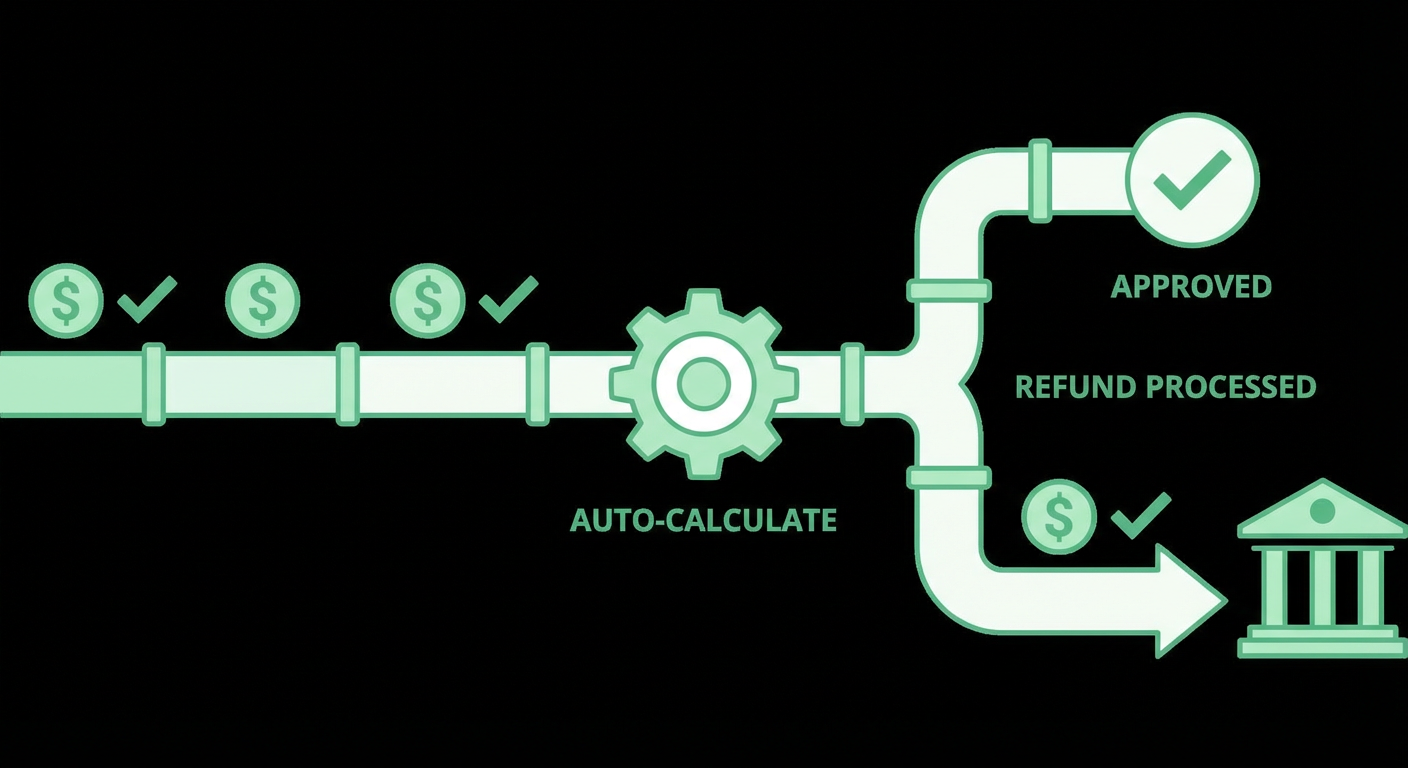
Policy check first. Before any refund calculation happens, the agent checks whether the return is eligible. It looks at the order date against the return window. It checks each line item against the product's return eligibility flag. It verifies that the order hasn't already been fully refunded. If any of these checks fail, the refund doesn't proceed. The agent tells the customer why and, if appropriate, routes to a human rep who can make an exception.
Shopify's own calculator. The agent doesn't calculate refund amounts on its own. It calls Shopify's Calculate Refund API endpoint, which returns the exact amounts for each line item including tax adjustments, shipping refunds, and any fees. This is the same calculation Shopify's admin panel uses when a rep processes a refund manually. The agent just calls it programmatically instead of requiring someone to click through the interface.
Itemized breakdown before processing. The agent never processes a refund silently. It presents the calculation to the customer (or the approving rep) in a clear breakdown. Line items being returned, refund amount per item, any deductions, total refund, and where the money is going (original payment method, store credit, etc.). This transparency catches errors before they happen. If the customer says "wait, I only wanted to return one of those," the agent corrects it before any money moves.
Threshold-based approval. The agent has a configurable dollar threshold. Below the threshold, it processes the refund automatically. Above the threshold, it packages everything, the order details, the eligibility check results, the calculated refund amount, and sends it to a human for approval. The human sees a complete picture and just needs to say yes or no. We set ours at $100. Some teams start at $0 and increase it gradually.
The Safety Rails in Practice
I want to give concrete examples of how the guardrails prevent the kinds of errors our manual process was producing.
The overcharge scenario. Remember the $247 refund that should have been $147? The rep included an extra line item. With the agent, the customer specifies which items they're returning. The agent pulls those specific line items and runs the refund calculation on only those items. It can't accidentally include an extra item because it only processes what was explicitly requested.
The final-sale scenario. The rep who refunded a clearance item missed the policy check. The agent can't miss it because the policy check is a required step in its workflow, not an optional one that a tired human might skip. The product's return eligibility is encoded in the rules. If the item is tagged as final sale, the agent won't calculate a refund for it, period.
The expired return window. We get customers who submit return requests on day 32 of a 30-day window. Sometimes a rep rounds in the customer's favor ("close enough"). The agent doesn't round. If the policy says 30 days and the order was placed 31 days ago, it's outside the window. The agent explains this to the customer and offers to connect them with a rep if they want to request an exception. The exception path exists, but it requires a human decision. The standard path is automated.
The duplicate refund. This one is rare but painful. A customer contacts support twice about the same order, gets two different reps, and both process the refund. We had this happen twice in one quarter. The agent checks the order's refund history before processing anything. If a refund has already been issued, it tells the customer instead of processing a second one.
Connecting Refund Data to Operations
Processing individual refunds faster is valuable on its own. But the data that comes out of automated refund processing is valuable too, because it's structured and consistent in a way that manual processing never is.
When a rep processes a refund manually, the reason is usually a free-text note. "Customer didn't like it." "Wrong size." "Damaged in shipping." These notes are inconsistent, sometimes missing entirely, and nearly impossible to analyze at scale.
An automated refund process captures structured data every time. Which products were returned, what reason was given (from a predefined list), whether it was within or outside the return window, what the refund amount was relative to the order total, whether it was a full or partial return. Feed that into a refund analytics report and you get actual visibility into return patterns.
We discovered that one product had a 19% return rate, more than double our store average. The reason was consistently "not as described." We updated the product photos and description. Return rate on that product dropped to 7% over the next two months. We would have found this eventually through customer complaints, but the structured refund data surfaced it weeks earlier.
The order lookup and refund tool ties into this same data pipeline. Every refund that flows through the agent is a data point that improves your understanding of why products come back.
Why Use an Agent For This
The fear with automating refunds is mistakes. I get it. Refunds move real money in the wrong direction. But after running automated refund processing for three months, our error rate dropped from roughly 3% to under 0.5%. The remaining errors are almost all edge cases that the agent correctly escalated to a human, and the human got wrong.
The speed improvement alone justifies the setup. Our average refund processing time went from 26 hours (time from customer request to refund confirmation, accounting for queue times and shift schedules) to 4 minutes for auto-approved refunds and about 2 hours for escalated ones. Chargebacks related to refund disputes dropped to nearly zero.
But the thing I didn't anticipate was the rep satisfaction improvement. Our support team used to dread refund tickets. Not because they were hard, but because they were boring and repetitive and one mistake would get flagged in the daily reconciliation. Taking that off their plate let them focus on the tickets that actually benefit from a human touch, the complicated ones, the emotional ones, the ones where a customer needs someone to listen and make a judgment call. That's real support work. Calculating whether a partial refund on a three-item order should be $67.14 or $71.08 is not.
Try These Agents
- Shopify Return & Refund Processor -- Automated refund processing with policy checks and approval thresholds
- Shopify Order Lookup & Refund -- Find orders and process refunds without opening Shopify admin
- Shopify Refund Analytics Reporter -- Track return patterns by product, reason, and trend