
Our Agency Automated Client GA4 Reports. Clients Think We Hired an Analyst.
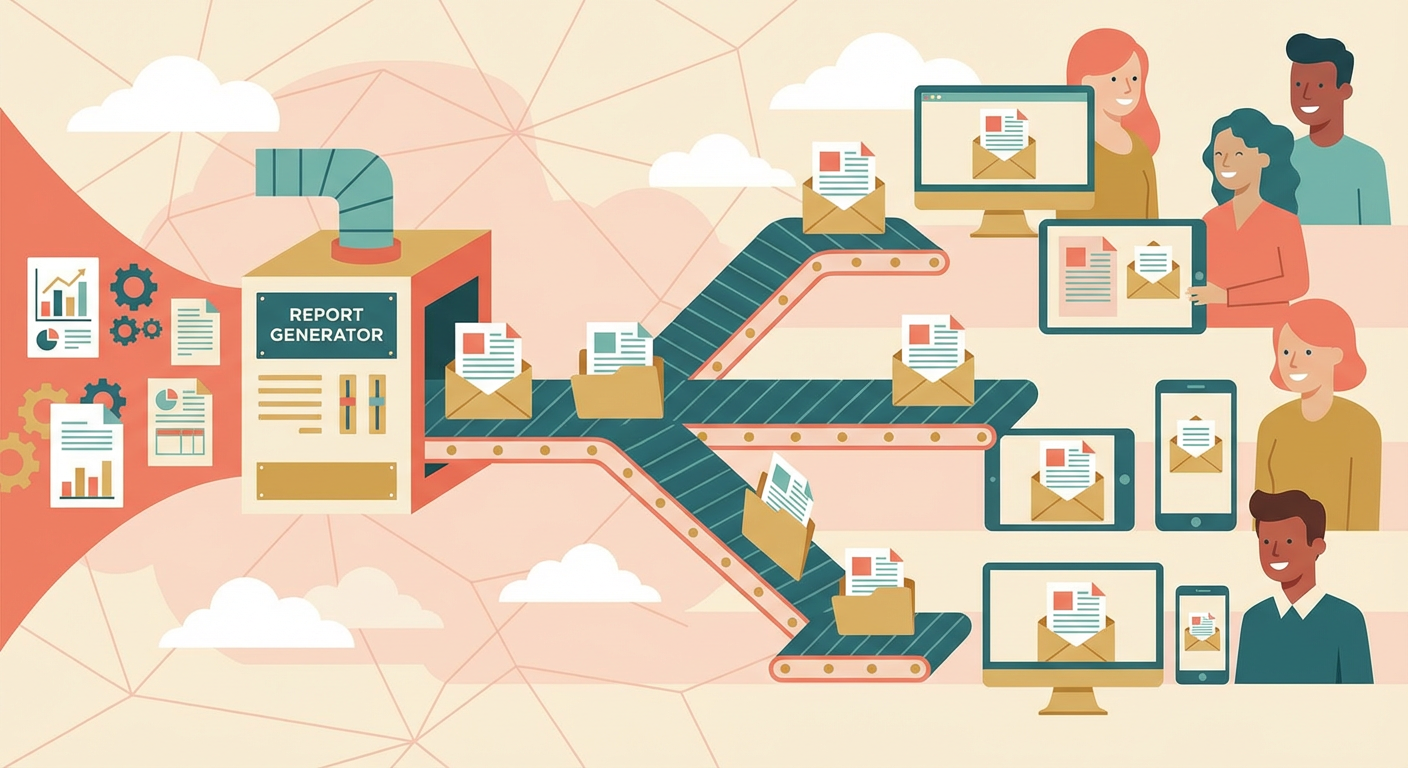
Every Friday at 3 PM, Kenji started building reports. He'd open GA4 for client one, pull the week's numbers, switch to a Google Doc template, type up a summary, attach a few screenshots, and email it. Then client two. Then client three. By the time he finished all eight of his accounts, it was usually 6:30 or 7 PM. Sometimes later. He called Friday afternoons "report jail."
I asked him once what percentage of his week went to report building versus actual marketing work for clients. He thought about it and said: "Probably 20%. Maybe more during month-end." One full day out of five, spent packaging data that already existed in GA4 into something clients would read.
The worst part wasn't the time. It was the consistency. Kenji's 3 PM reports were detailed and well-written. His 6 PM reports were shorter, less thorough, and occasionally had the wrong client name in the header because he was copying from a previous report and missed a find-and-replace. Client eight always got the worst report. Not because they were less important, but because they were last.
The Friday Afternoon Problem
Our agency has 11 active clients. Three account managers, Kenji, Priya, and Rafael, split them across their portfolios. All three had the same Friday routine. All three hated it.
Priya was the fastest. She could get through her four clients in about two hours, but only because her reports were more formulaic. She had a template with placeholders and she'd swap in the numbers without much commentary. Her clients got accurate data but minimal analysis.
Rafael took the longest. He's a natural writer and his reports read like mini strategy documents. Clients loved them. But each one took about 45 minutes, and he only had three clients. Even with fewer accounts, he was usually working past 5 PM.
The quality gap between account managers bothered me more than the time cost. A client assigned to Rafael got a beautifully written report with strategic recommendations. A client assigned to Kenji's 6 PM slot got a rushed summary with screenshots. Same agency, same service tier, same pricing. Totally different reporting experience.
We tried everything to fix it. Standardized templates. Report-writing blocks on the calendar. A shared Google Sheet with pre-populated data. Each solution made the process slightly more efficient without solving the core problem: someone still had to sit down, read the data, and write about it.
The First Automated Report
We set up the GA4 ecommerce performance tracker for one client as a test. This client, an online retailer with about 40,000 monthly sessions, had been getting Kenji's Friday reports for eight months.
The agent connected to the client's GA4 property, pulled the week's data, and generated a report. The report opened with a performance summary. Revenue was up 7% week-over-week. The top-selling product category shifted from accessories to outerwear, consistent with seasonal patterns. Cart abandonment improved from 71% to 68% after the checkout flow change deployed on Tuesday. Mobile conversion rate was still lagging desktop by 40%, which the agent flagged as an optimization opportunity.
I put the agent's report next to Kenji's most recent report for the same client. Kenji's report had the revenue number (correct), the traffic number (correct), and a line about conversions being "steady." The agent's report had the same numbers plus the category shift analysis, the correlation with the checkout change, and the mobile gap flag. The agent's report was better. Not marginally better. Meaningfully better.
Kenji wasn't offended. He was relieved. "I write that report at 5:45 PM after doing four others. Of course it's going to be thin. Give me a first draft and I can make it great in ten minutes instead of building it from scratch in forty."
Rolling It Out Across All Clients
We spent two weeks setting up agents for all 11 clients. Each client's agent connects to their specific GA4 property and any additional data sources relevant to their business. Ecommerce clients get revenue and product analysis. Lead-gen clients get form submission and cost-per-lead tracking. Content publishers get pageview and engagement metrics.
The reports generate Wednesday night. Account managers review them Thursday morning with fresh eyes and a full day ahead of them. They add strategic context, remove anything that doesn't apply, and personalize the tone. Thursday afternoon, reports go out.
Friday afternoons are now free. Kenji uses them for campaign optimization. Priya does competitive research. Rafael writes the long-form content pieces he never had time for. The report-building time dropped from roughly 16 hours per week across the team (combined) to about 3 hours of review and editing.
The Client Reaction
We didn't tell clients about the automation. Not because we were hiding it, but because we wanted to see if the reports stood on their own.
Three weeks in, one client emailed Priya: "Your reports have gotten really detailed lately. Did you hire a new analyst?" Priya laughed and said we'd "upgraded our reporting process." The client said whatever we'd done, they loved it.
The detail was the difference. When an account manager is writing eight reports in a row, they include the big numbers and skip the nuance. The agent includes everything. Week-over-week comparisons at the page level. Channel attribution with source breakdowns. Engagement metrics for individual landing pages. Conversion path analysis. The stuff that takes 20 minutes to pull from GA4 and another 10 minutes to write up. The stuff that always gets cut when you're on report number six and it's already 5 PM.
Another client, Tomás's ecommerce account, called specifically to talk about a recommendation in the report. The agent had noticed that their Google Shopping campaigns were driving traffic with a 1.2% conversion rate while their brand search campaigns converted at 4.8%. The report suggested shifting 15% of Shopping budget to brand terms as a test. Tomás hadn't written that recommendation. The agent did. But the client called to discuss it, and Tomás was able to have a strategic conversation about it because he'd reviewed the report that morning and agreed with the analysis.
That conversation would never have happened with the old reports. Kenji's Friday evening version of that report would have said "Google Shopping performing well, brand search strong." No comparison. No recommendation. No strategic conversation.
What Changed About Client Relationships
The reports became conversation starters instead of deliverables. Before, the Friday email was an obligation. Clients received it, maybe glanced at it, and moved on. Now clients email back with questions, ideas, and requests that reference specific points in the report.
Priya told me her monthly strategy calls got shorter. "Clients used to come to the call confused about their data and I'd spend 30 minutes explaining the report. Now they come having already read and understood the report, and we spend the full hour on strategy."
Retention improved too. In the six months before we automated reporting, we lost two clients. In the six months after, zero. The correlation isn't proof, but Elena, our account director, is convinced the reports played a role. "When clients understand what you're doing for them, they stay. The old reports showed data. The new reports show value."
The Process Now
Every Wednesday at 9 PM, agents run across all 11 client GA4 properties. By Thursday at 7 AM, each account manager has a draft report in their inbox. They spend 15 to 20 minutes per client reviewing, editing, and adding their own commentary. Reports go out Thursday afternoon.
The quality is consistent across all clients. Client one and client eleven get the same depth of analysis. No more "last report of the day" penalty. No more rushing at 6:30 PM. No more copying templates and forgetting to change the client name.
Rafael, who used to write the best reports at the expense of his Friday evenings, now writes the best commentary on top of agent-generated analysis. His clients still get the most strategic reports. But his Thursday review takes 20 minutes per client instead of 45 minutes of building from scratch.
Kenji stopped calling Friday "report jail." He started calling Thursday morning "report review." The difference in those two phrases says everything about what changed.
Try These Agents
- GA4 Ecommerce Performance Tracker -- Track revenue, conversion, and product performance with client-ready narrative analysis
- GA4 Weekly Traffic Report -- Generate automated weekly traffic reports with written summaries for client delivery
- GA4 Content Performance Auditor -- Audit content engagement and flag underperforming pages with actionable recommendations
- GA4 Channel Attribution Analyzer -- Analyze channel performance and attribution with narrative breakdowns for client reporting