
We Killed Our Friday Reporting Ritual. An AI Agent Replaced It.
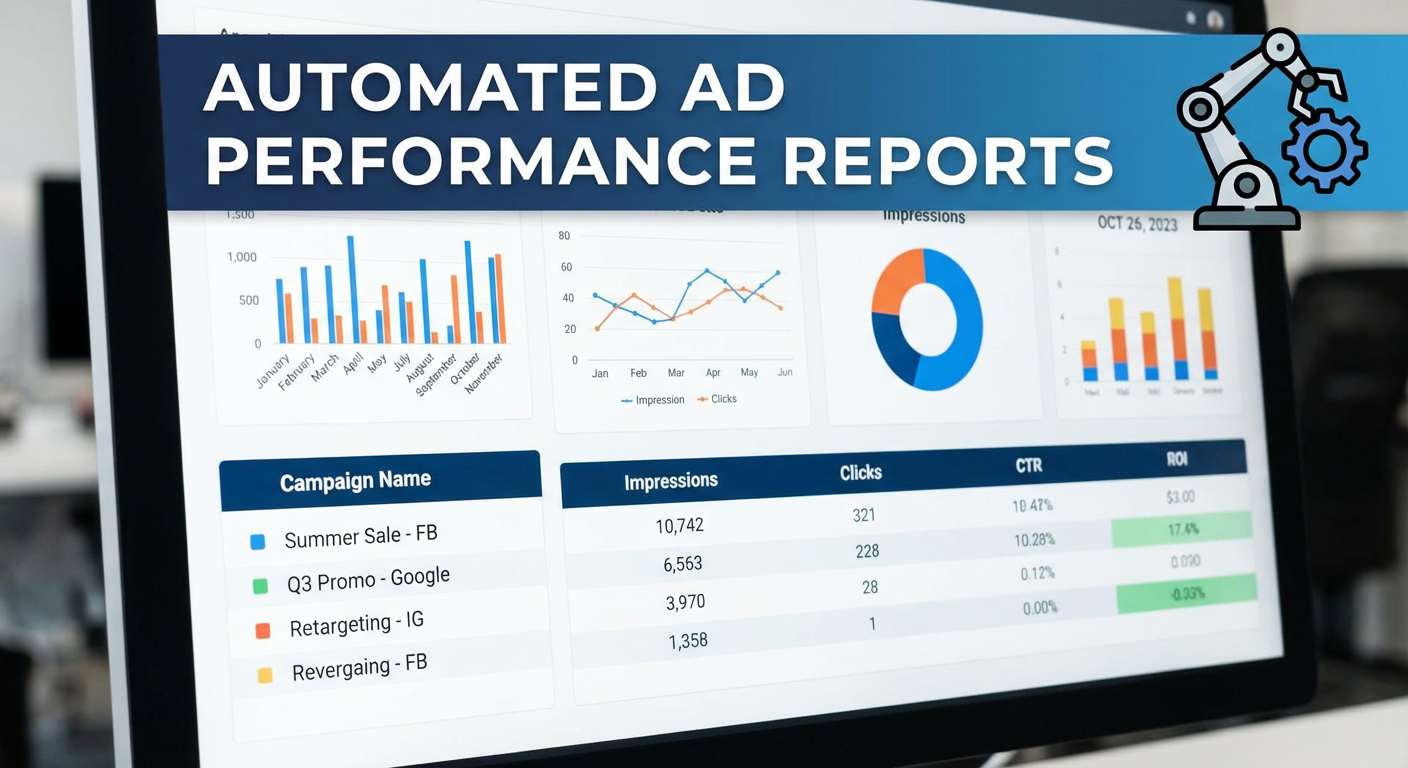
Every Friday at 2pm, Kenji would disappear into his headphones. The team knew not to bother him. He was building The Report. Capital T, capital R. Kenji would log into Google Ads, export campaign data for all 14 active campaigns, paste it into a Google Sheet with a template he'd built over months, manually calculate the week-over-week deltas, highlight anything that moved more than 15%, then write a Slack message summarizing what happened. The whole process took about three hours.
The irony was that The Report was actually useful. Our VP read it every Monday morning. The sales team used the lead volume numbers to calibrate their outreach. Product marketing checked which messages were converting. People relied on it. Kenji's Friday afternoon was sacrificed so that 12 other people could start Monday with context on what the ad campaigns were doing.
Then Kenji went on vacation for two weeks. Nobody built The Report. Monday came and the VP asked "where's the campaign update?" We looked at each other. Priya tried to pull together a quick version but didn't know which sheet to use or how Kenji calculated the pacing numbers. She spent 90 minutes producing something that was, in her own words, "a C-minus version." When Kenji came back, he had three weeks of data to catch up on and the whole system felt fragile in a way nobody had acknowledged before.
That was when we started looking for automated Google Ads reporting.
Why Dashboards Didn't Solve This
The obvious first suggestion was Looker Studio. We actually had a Looker Studio dashboard already. It connected directly to Google Ads and had campaign metrics, trend lines, and filter controls. It was well-built. It was also completely useless for our purposes.
Here's why. The dashboard answered the question "what are the numbers?" but nobody's actual question was "what are the numbers?" Their questions were: "What changed?" and "Should we be worried?" and "Which campaigns are working and which should we pause?" A dashboard with 14 campaign rows and 8 columns of metrics doesn't answer those questions. It presents the raw material for answering them and then leaves the analysis as an exercise for the reader.
Tomás tried using the dashboard for a week after Kenji's vacation exposed the fragility. He opened it Monday morning, looked at the numbers, and then messaged Kenji: "The Looker dashboard shows CTR went from 3.2% to 2.8% on Brand. Is that bad?" Kenji had to look at the underlying data, check if impressions changed, check if it was a seasonal thing, and then write back: "No, impressions went up 40% because we expanded match types. More impressions at a slightly lower CTR is actually more total clicks. We're fine." That analysis is the whole point. The dashboard couldn't provide it.
We also looked at email-based reporting tools. Third-party platforms that connect to Google Ads and send you a weekly PDF or email digest. We tried two of them. They were basically automated screenshots of dashboard data. Same problem: numbers without analysis. One of them charged $150/month per account and the output was a pivot table in an email. Kenji's Slack summary, which was free (except for his Friday afternoon), was genuinely more useful.
What Changed When We Automated
We set up a Google Ads performance report agent that runs every Monday at 7am and posts to our #marketing-updates Slack channel. The first time it ran, Elena read the output and said "this is better than The Report."
She wasn't being dramatic. Here's what the agent produces that Kenji's manual process didn't:
It covers every campaign, every time. Kenji's manual report included the top 8-10 campaigns by spend. The smaller campaigns got skipped because including all 14 added another hour to the process. The agent pulls all of them in seconds and flags the ones that need attention. In the second week, it caught a low-spend campaign with a CPA of $140 (our target was $35) that had been running for three weeks unnoticed because it was below Kenji's attention threshold.
It calculates and interprets the deltas. The agent doesn't just show that CPA went from $28 to $34. It says "CPA increased 21% week-over-week. The increase is concentrated in the 'Generic - Broad' campaign where three keywords drove 45 clicks with zero conversions, adding $157 to cost without results." That drill-down into keywords was something Kenji did for the top 2-3 campaigns but skipped for the rest because of time.
It tracks budget pacing. The report includes a section on month-to-date spend versus monthly budget. "Day 18 of 31. Spent $14,200 of $25,000 budget. Current run rate projects $24,470 at month end. Two campaigns are significantly over-pacing: 'Retargeting - Display' has spent 78% of its monthly allocation with 13 days remaining." Kenji used to calculate this in his head and mention it if something seemed off. The agent calculates it precisely for every campaign.
It writes in sentences, not rows. This sounds minor but it mattered to the people reading the report. A spreadsheet with 14 rows and WoW% columns requires the reader to scan, compare, and draw conclusions. A paragraph that says "three campaigns are performing within normal ranges, two improved significantly this week, and one needs immediate attention" gives you the shape of the situation in five seconds. The detail is there if you want it. The summary tells you whether you need to read the detail.
The Ripple Effects
After the automated report ran for about a month, things changed in ways I didn't expect.
The Monday meeting got shorter. We used to spend the first 20 minutes of our Monday marketing sync reviewing campaign data. Someone would share their screen, scroll through the dashboard, and narrate. Now everyone reads the Slack report before the meeting. The meeting starts with "anything in the report we need to discuss?" and usually there are one or two items. We saved about 15 minutes per meeting, which is 12 hours per year. Small in isolation. Meaningful over time.
More people engaged with the data. When the report was a spreadsheet that Kenji posted, three people regularly commented on it. When it became a Slack message with written analysis, seven or eight people started reacting and asking questions. Priya, who works on product marketing and never opened the Google Sheets report, started reading the Slack version every Monday. She caught a trend where conversion rate on the "product comparison" campaigns was dropping and connected it to a competitor that had recently redesigned their comparison page. That insight came from someone who never looked at the old report.
Kenji got his Fridays back. He said the first Friday after we turned on the automated report felt "weird." He'd been spending that time on reporting for so long that he didn't know what to do with three extra hours. He started using them for creative testing. He wrote and launched 12 new ad variations in the first month. Three of those became top performers. The time freed up by automation went directly into work that improved campaign performance. That's not a hypothetical benefit. Those three ads generated a measurably lower CPA than the ones they replaced.
Beyond the Weekly Report
The performance report was the first agent we set up. It solved the biggest pain point. But once the team saw what it could do, they wanted more.
Rafael asked for a spend tracker that ran daily instead of weekly. He manages the budget and wanted to catch pacing issues before they compounded. The daily tracker writes a one-paragraph Slack update with spend-to-date and projections. He reads it during his morning coffee. He's caught two pacing issues in the past three months that would have cost us $2,000-3,000 each if they'd gone unnoticed until the weekly report.
Diana wanted keyword-level reporting. She found that the weekly report's campaign-level view didn't give her enough detail for optimization work. We set up a keyword performance analyzer that runs weekly and identifies keywords with declining quality scores, high spend and low conversion rates, and new keywords that have entered the account through broad match. Diana calls it her "homework sheet" because it tells her exactly which keywords to work on each week.
Marcus, who manages campaigns for three business units, wanted a multi-account view. He used to log into three accounts every Monday and manually compare performance. The multi-account audit agent pulls all three accounts, ranks them by efficiency, and identifies which one needs attention first. His Monday morning went from an hour of account-hopping to a five-minute read.
Why This Works Better Than What Came Before
I've tried every approach to Google Ads reporting over the past six years. Manual exports. Looker Studio. Third-party reporting tools. Email digests. Google Ads scripts that write to Sheets. They all share the same limitation: they give you data and leave the analysis to you.
Automated Google Ads reporting with AI agents is different because the agent does both. It pulls the data and it interprets it. You get the numbers and the narrative. The numbers tell you what happened. The narrative tells you what it means and what to do about it.
The Friday ritual is gone. Nobody misses it. Kenji least of all.
Try These Agents
- Google Ads Performance Report -- Weekly performance digest with campaign metrics, keyword drill-downs, and written analysis
- Google Ads Spend Tracker -- Daily budget pacing with month-end projections logged to Google Sheets
- Google Ads Campaign Monitor -- Real-time anomaly detection with root cause analysis delivered to Slack
- Google Ads Multi-Account Audit -- Cross-account performance comparison for teams managing multiple ad accounts