
Backend as a Service in 2026: What Developers Actually Use (and Why)
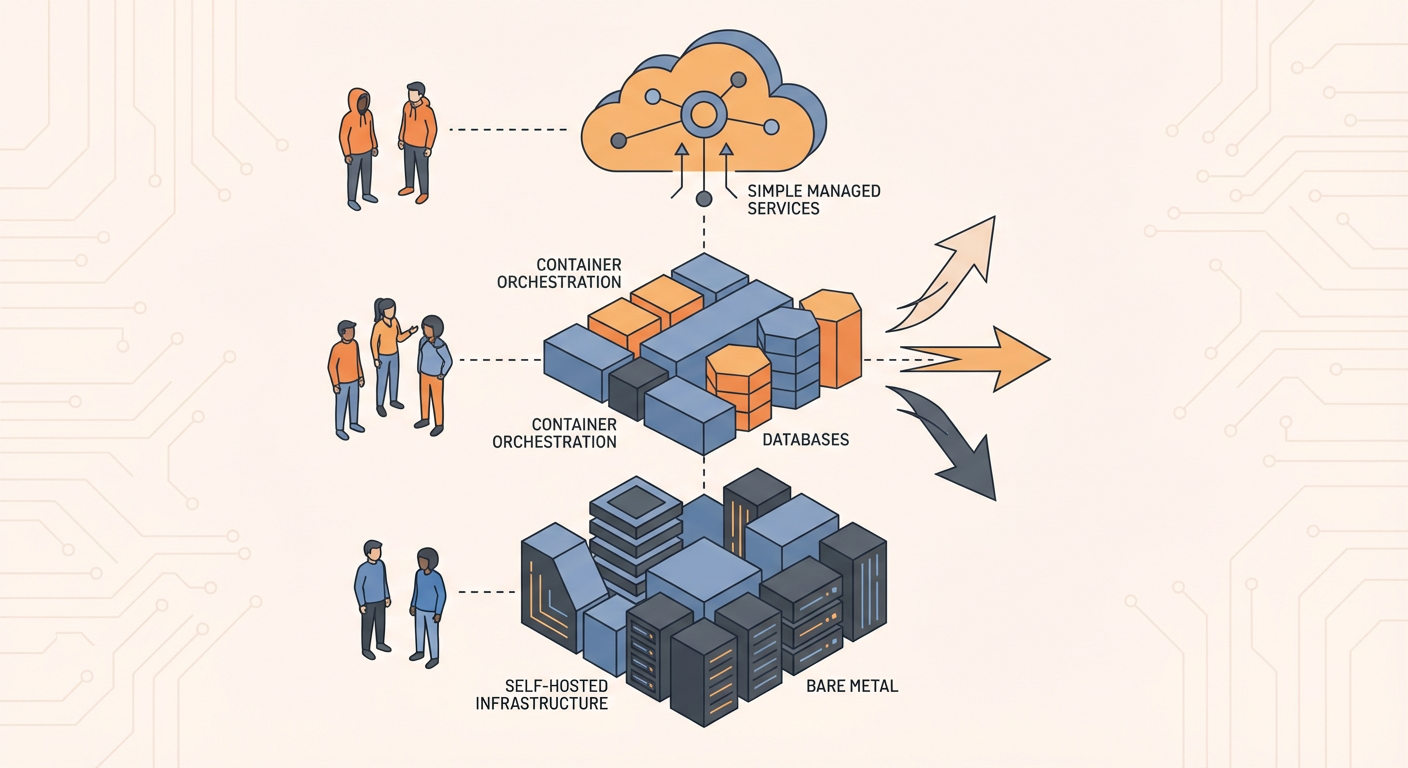
Tomas is a solo developer, and he's on SaaS product number three. His first two, he built on raw infrastructure. Express server on a DigitalOcean droplet, Postgres on another droplet, Nginx as a reverse proxy, Let's Encrypt for SSL, custom auth with bcrypt and JWT, file uploads to S3, cron jobs for background tasks. Each app took six weeks before a single user could sign up.
For his third product, Tomas wanted to ship the MVP in two weeks. That meant using a Backend as a Service. But the BaaS landscape in 2026 is unrecognizable from five years ago. Firebase was the default. Now there are real alternatives. The question stopped being "should I use a BaaS?" a while ago. Now it's "which one won't make me hate my life in six months?"
This is not a feature comparison table. Those exist everywhere and they are mostly useless because they compare checkboxes without telling you what each platform is actually like to use. What follows is an account of what actual developers are picking and why, based on conversations I've had with about two dozen teams over the past year.
The State of BaaS in 2026
The market has fractured into three distinct camps, and honestly, understanding which camp a platform belongs to tells you more than any feature matrix ever will.
Camp 1: Postgres-first platforms. Supabase is the leader here. The thesis is that Postgres is the best general-purpose database, and you should build your backend on top of it with auto-generated APIs, integrated auth, and real-time subscriptions. Nhost is in this camp too, adding Hasura for GraphQL. The appeal: you get a real database with SQL, joins, transactions, and three decades of battle-tested ecosystem. The trade-off: you have to think relationally upfront, which means more schema design work before you write your first line of app code.
Camp 2: Document-first platforms. Firebase leads this camp. Firestore (document database), Firebase Auth, Cloud Functions, and a polished SDK. Appwrite is the open-source alternative with a similar approach (though it uses MariaDB under the hood, the API layer is document-oriented). The appeal: pure speed to prototype. Just start writing data, no schema required. The trade-off: the moment you need complex queries or your data turns out to be relational (spoiler: it usually does), things get painful fast.
Camp 3: Cloud-native frameworks. AWS Amplify connects your frontend to AWS services (DynamoDB, Cognito, AppSync, Lambda, S3). It's not a standalone BaaS so much as a friendlier face on AWS's sprawling service catalog. The appeal is that you get the full power of AWS behind your app. The trade-off is AWS complexity. IAM policies, CloudFormation stacks, service-specific config -- the kind of stuff that eats entire days when something goes sideways.
There's also a fourth path that technically isn't a BaaS at all: just building on raw infrastructure. A lot of experienced developers still do this. Express/Fastify/Hono on a server, Postgres on a managed instance, auth with a library like Lucia or a service like Clerk, file storage on S3. It is more work upfront but gives you complete control and zero vendor abstraction to fight.
Tomas needed to pick a camp. Here is how he evaluated each option.
Firebase: Still the Fastest to Ship
Tomas built a prototype on Firebase in a single afternoon. Auth with Google sign-in took 15 minutes. Firestore for data storage took 20 minutes. Firebase Hosting for deployment took 5 minutes. Working app, user accounts, persistent data -- all done before lunch.
And the experience was legitimately pleasant. Firebase's SDK is well-designed, the docs are thorough, and the error messages are usually helpful (which is more than you can say for most things). For mobile apps especially, offline persistence and real-time sync just work out of the box.
The problems appeared when Tomas started building the admin dashboard for his SaaS. He needed to query all users who signed up in the last 30 days, grouped by plan type, sorted by usage. In Postgres: one query. In Firestore: three separate collection reads, then filtering on the client, grouping on the client, sorting on the client. Sixty lines of code to do what should be one line. And it was slow because it pulled all the data to the client before filtering.
Tomas also ran into the pricing model. Firebase charges per document read. His dashboard iterated through collections to build summary views. A single admin page load triggered 200+ reads. At 50 users, the cost barely registered. But Tomas ran the numbers for 5,000 users and the projection hit $400-600/month just from admin dashboard reads. Just reads.
The verdict. Firebase remains the best bet for mobile-first apps, real-time collaborative features, and MVPs where shipping fast matters more than query flexibility. But steer clear if you're building data-heavy dashboards, reporting features, or anything where the data is deeply relational.
Supabase: The Postgres Bet
Tomas rebuilt his prototype on Supabase. It took a full day instead of an afternoon. The difference was schema design. Firebase let him start writing data immediately. Supabase required him to define tables, columns, types, and relationships first. This felt slower, but the payoff came when he built the admin dashboard.
That same query -- the one that took 60 lines of Firestore client code -- was a single SQL statement through Supabase's auto-generated REST API. Dashboard loaded in 180ms instead of 2 seconds. And it cost the same whether the query touched 50 rows or 50,000, because Supabase bills for compute and storage, not per-read.
Row Level Security was the feature that won Tomas over. He defined a policy that said "users can only read their own data." That policy applied to every query, from every source. He did not need to add permission checks to every API endpoint. The database handled it.
The real-time features were different from Firebase. Instead of subscribing to a document and getting its current state, you subscribe to a table and get change events pushed to you. The mental model requires adjustment if you are coming from Firebase. But once Tomas understood it, he found the event-based model more flexible for his use case (showing a live activity feed of recent actions).
The verdict. Supabase is where you want to be if your app has relational data, reporting needs, or any use case where SQL matters. Yes, the upfront schema design takes longer. But it pays for itself many times over in query performance and data consistency. And the Postgres ecosystem -- extensions, functions, triggers -- gives you capabilities that no document database can touch.
Appwrite: The Self-Hosting Option
Tomas talked to a healthcare startup that needed all infrastructure on their own AWS account. Firebase was out (Google Cloud only). Supabase's managed service was out (data leaves your infrastructure). They found Appwrite's Docker-based deployment simpler. Auth, database, storage, and functions in a single Docker Compose file. The database is MariaDB (not Postgres), and you interact through Appwrite's API rather than SQL. For their CRUD-heavy patient management app, it worked.
The verdict. Appwrite is the best choice for teams that need self-hosted BaaS with a clean API. If you need SQL, look at self-hosted Supabase instead.
AWS Amplify: The Enterprise Path
An engineer at a Fortune 500 company chose Amplify because the decision was organizational, not technical. AWS was pre-approved. Anything else meant a six-month procurement process. Amplify Gen 2 (code-first TypeScript) was a big improvement over the CLI approach. But DynamoDB's single-table design confused junior developers, and AppSync resolver templates were hard to debug.
The verdict. Amplify is right when your organization is committed to AWS and you cannot use external services. But you are signing up for AWS complexity.
Raw Infrastructure: The Control Play
Tomas's first two SaaS products used Express, Postgres, and custom auth. Six weeks each to build, but they ran for three years at $15/month with zero vendor lock-in. The appeal is control. The downside is always time. Though in 2026, the gap is narrowing -- Clerk for auth, Hono for HTTP, Drizzle for database access, Railway for deployment. Assembling a custom stack is faster than it's ever been. But you still integrate the pieces yourself.
The verdict. Raw infrastructure is right for experienced developers who want full control and can afford the upfront time investment.
Automating the Backend Layer
Regardless of which BaaS Tomas chose, he needed to automate repetitive database operations. Creating user records on signup. Cleaning up expired sessions. Syncing data between tables. Updating inventory counts.
On Supabase, agents handle this through standard CRUD operations on Postgres tables. The user data manager agent handles user record creation, property updates, and cross-table consistency. The database cleanup agent takes care of the janitorial stuff -- expired sessions, orphaned records, duplicate entries. The data sync agent keeps Supabase tables aligned with external sources like payment processors and CRMs.
This works well on Supabase because of the relational model. Agents perform CRUD operations on SQL tables with defined schemas. The agent knows what columns exist, what types they expect, and what constraints are enforced. On a document database, the same operations require more defensive coding because the data shape is not guaranteed.
What Tomas Picked
Supabase. The decision came down to three things.
First, his SaaS needed an admin dashboard with reporting features. Postgres and SQL made that straightforward. On Firebase, it would have been a constant fight.
Second, predictable pricing. He could model costs at 1,000 users, 10,000 users, and 100,000 users without sweating about per-read charges blowing up his bill.
Third, automating database operations with agents. Tomas is a solo developer. He does not have a team to handle manual data maintenance. Agents that manage user records, clean up stale data, and sync external sources let him operate like a team without hiring one.
Your decision will be different because your constraints are different. The important thing is to pick based on what you are actually building, not based on which platform has the most hype. Firebase, Supabase, Appwrite, Amplify, and raw infrastructure all have teams shipping real products on them. The best BaaS is whichever one fits your data model, your team's skills, and your timeline.
Try These Agents
- Supabase User Data Manager -- Manage user records, update properties, and enforce data consistency across Supabase tables
- Supabase Database Cleanup Agent -- Automatically find and remove stale, orphaned, and duplicate records
- Supabase Data Sync Agent -- Sync records between Supabase tables and external data sources
- Supabase Inventory Tracker -- Track inventory levels and flag items that need restocking