
ClickUp vs Jira: We Switched. Then We Switched Back. Here Is Why.
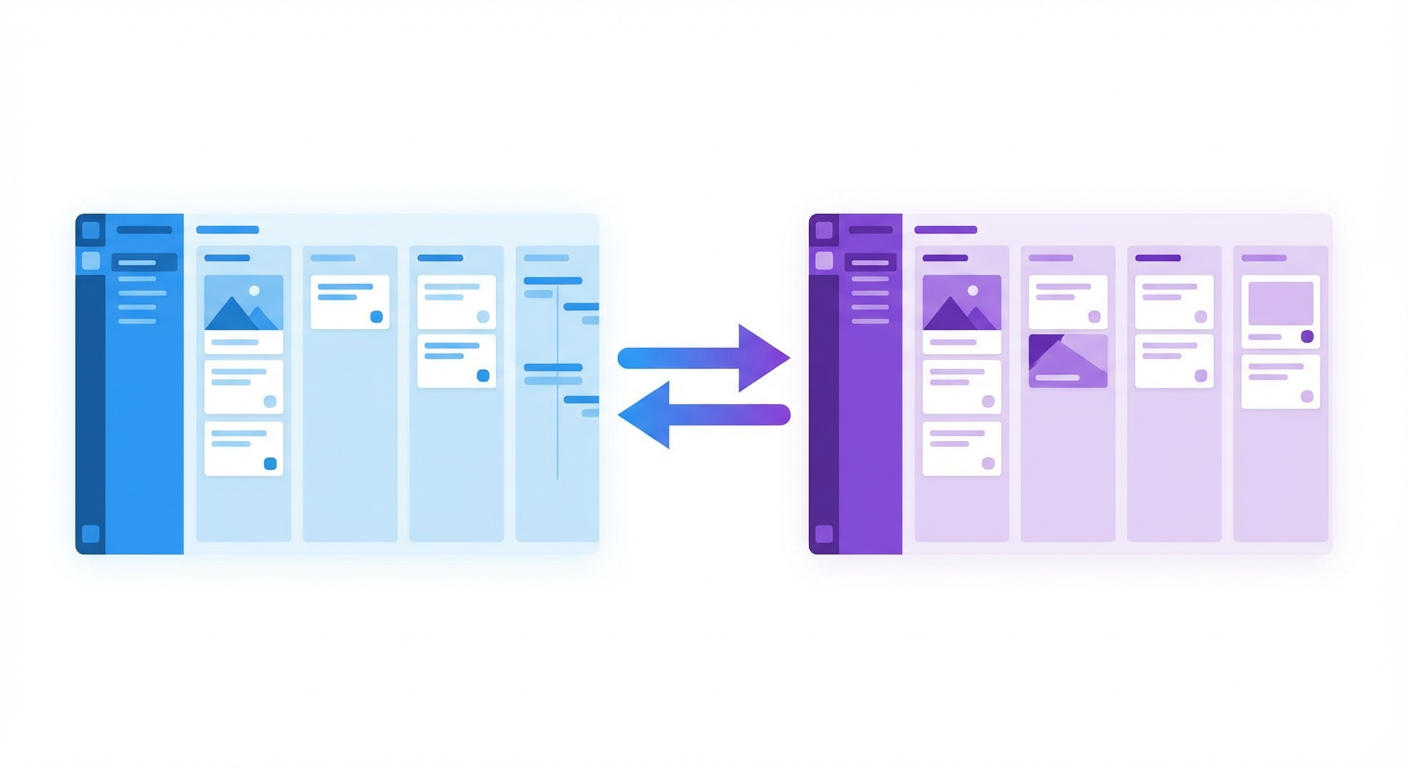
Priya runs engineering ops for a 40-person product org. Three backend squads, two frontend teams, a platform group, and a QA team that somehow reports to everyone and no one. When I met her at a conference last year, she was six weeks into migrating the entire org from Jira to ClickUp. She was optimistic. "ClickUp does everything Jira does, plus everything Jira doesn't," she told me, listing features from memory like someone reciting a pitch deck.
When I caught up with her four months later, the org was back on Jira. Not because ClickUp was bad. Because the specific ways it was different from Jira turned out to matter more than the specific ways it was better.
This is that story.
Why Priya Left Jira in the First Place
The frustration had been building for over a year. Jira's configuration sprawl was the main complaint -- 11 custom workflows across the org, each built by a different team lead over a different era, each with slightly different state names for the same thing. One team had "Code Review." Another had "In Review." A third had "Peer Review." All three meant the same thing. Nobody wanted to be the person who standardized them, because standardizing meant touching every team's workflow and dealing with three weeks of complaints.
The second problem was cross-functional visibility. Priya managed a weekly ops review where she needed to see progress across all seven teams. Jira's boards are per-project. Getting a cross-project view meant building a dashboard with JQL queries, which she'd done, but the dashboard loaded slowly, sometimes showed stale data, and required constant maintenance as teams added new components and labels.
ClickUp's pitch was appealing. Everything in one workspace. Custom views that span across teams. Docs, whiteboards, goals, and issue tracking all in one tool. Priya didn't have to use five Atlassian products anymore -- ClickUp would be the single source of truth.
The migration took three weeks.
The First Month: Everything Looked Great
ClickUp's flexibility is genuinely impressive. Priya set up Spaces for each team, Folders for epics, and Lists for sprints. She created custom statuses that were consistent across the org -- the workflow standardization she'd never managed to pull off in Jira happened naturally in ClickUp because it was a fresh start. No legacy workflows to untangle.
The cross-team views worked well. She built a dashboard that showed all seven teams' progress on a single screen, color-coded by status, filterable by assignee and date range. The view loaded fast and updated in real time. Her ops review went from a 45-minute status-pulling exercise to a 20-minute decision-making meeting.
ClickUp Docs replaced Confluence. Engineers could write specs and link them directly to tasks without leaving the tool. The whiteboard feature replaced Miro for quick architecture discussions. Goal tracking replaced the spreadsheet Priya had been maintaining to map OKRs to engineering work. Fewer tools, less context-switching, faster workflows. On paper and in practice, the first month was a win.
Her team liked the aesthetics too. ClickUp's interface is modern and visual in a way Jira isn't. The customizable dashboards, the color-coded everything, the drag-and-drop views -- it felt like a tool built for 2026 rather than one that's been accumulating UI decisions since 2002.
Where Things Started to Break
Week five. The platform team was debugging a production incident and needed to trace the issue back through related tickets. In Jira, they would have used JQL: project = PLATFORM AND labels = payments AND created >= -30d ORDER BY created DESC. Quick, precise, powerful.
ClickUp's filtering is visual -- dropdown menus, tag selectors, date pickers. It's approachable for non-technical users. But for engineers who think in queries, it felt like driving a car with an automatic transmission after years of manual. You can get where you're going, but you can't downshift into third when you need to. The platform team's lead, a developer named Tomasz, started maintaining a personal spreadsheet for queries that ClickUp's filter system couldn't express.
Week seven. Performance issues appeared. ClickUp started to lag as the workspace grew. Page loads that had been snappy in month one were now taking three to four seconds. The board view for the largest team -- 200 active tasks -- would occasionally hang for 10 seconds before rendering. Priya contacted support. The answer was to archive completed tasks more aggressively and reduce the number of custom fields per list. Both suggestions worked, but they required ongoing maintenance that Jira's infrastructure had never demanded. Jira handles large datasets better because it was built for large datasets from the beginning. ClickUp was built for everything, and the performance cost of "everything" showed up at scale.
Week nine. The developer experience gap became impossible to ignore. Jira's integration with Bitbucket, GitHub, and GitLab is deep and native. You open a Jira ticket and see the branch, the PR, the CI status, the deployment. ClickUp has GitHub and GitLab integrations, but they're thinner. PR links show up, but CI status doesn't flow back into the task automatically. Deployment tracking requires a third-party integration or a webhook. The engineers who'd been enthusiastic about ClickUp's interface started grumbling about losing visibility into their actual development workflow.
The Automation Comparison
This is where the comparison gets specific. Jira's built-in automation rules follow a trigger-condition-action model. They're limited -- you can't do anything that requires understanding content or reasoning across issues -- but they're reliable and well-documented. Priya had about 15 rules running in Jira: auto-assign based on component, auto-transition on PR merge, SLA escalation timers, scheduled Slack notifications.
ClickUp's automation is similar in structure but different in execution. The triggers are broader (ClickUp has more event types), the actions are broader (you can update custom fields, move tasks between lists, send emails), and the conditional logic is more flexible. Priya rebuilt all 15 of her Jira rules in ClickUp in about two days. Most of them worked the same way. A few worked better -- ClickUp's ability to trigger automations based on custom field changes was smoother than Jira's equivalent.
But the reliability was different. ClickUp automations would occasionally fire late, or fire twice, or not fire at all on tasks created via the API. Priya reported three automation bugs to ClickUp support during her time on the platform. Two were fixed within a week. One -- a race condition where automations triggered by bulk task creation would sometimes skip items -- was acknowledged but not resolved before she migrated back.
Jira's automation rules aren't exciting, but they run. Priya had been using them for two years without a single misfire. Boring reliability turned out to matter more than flexible triggers.
The Decision to Switch Back
It wasn't one thing. It was the accumulation. Performance issues that required constant workaround. Developer integrations that didn't go deep enough. Automation reliability that couldn't match Jira's track record. A filtering system that was great for product managers and limiting for engineers.
Priya listed the tradeoffs on a whiteboard during a team retrospective. ClickUp won on: unified workspace, cross-team visibility, modern interface, built-in docs and whiteboards. Jira won on: performance at scale, developer tool integration, query language, automation reliability, third-party ecosystem.
For a product-heavy team, ClickUp's wins would have been decisive. For Priya's engineering-heavy org, Jira's wins mattered more. The platform team's inability to run ad-hoc queries was a daily friction. The performance degradation was getting worse, not better. And the developer integration gap meant engineers were spending more time in their issue tracker, not less.
They migrated back to Jira over a weekend. Priya spent the following Monday rebuilding her cross-project dashboard. It was slower than ClickUp's, clunkier to set up, and required five JQL queries instead of a drag-and-drop view. But it worked with the tool her engineers actually wanted to use, and that turned out to be the variable that mattered most.
What Priya Built After Coming Back
The irony is that the problems Priya left Jira to solve -- cross-team visibility, status reporting, workflow standardization -- were real problems. ClickUp solved them with features. Priya eventually solved them with agents.
The sprint status reporter she deployed pulls data from all seven teams' Jira boards and generates a single narrative summary. Not a dashboard with charts. A written report that says "Backend team A closed 12 issues, including the payments refactor. Two items carried over, both waiting on API credentials from the vendor. Backend team B is behind on the authentication epic -- five of eight subtasks are still in progress." Priya reviews it, makes minor edits, and sends it to leadership. The ops review she used to spend 45 minutes preparing for now takes 10.
The workflow standardization happened differently too. Instead of trying to force all seven teams onto one workflow, she deployed a triage agent that applies consistent labels and priority assessments regardless of which team's workflow the issue lives in. The workflows stayed different. The metadata became consistent. That was enough.
The Honest Answer
ClickUp is a good tool. If you're a cross-functional team that values having everything in one workspace -- docs, whiteboards, goals, tasks, time tracking -- and your engineering team doesn't rely heavily on JQL or deep Git integration, ClickUp is worth evaluating seriously. It does things Jira simply doesn't do, and its interface is more pleasant to use daily.
But if your team is primarily engineers, if you have more than about 150 active tasks per workspace, if your developers live in their Git tools and expect the issue tracker to reflect that, and if automation reliability is non-negotiable -- Jira is still the safer bet. Not the exciting bet. The safe one. And for an engineering org that ships production code, safe is a feature.
Priya put it this way: "ClickUp is the tool I wanted to love. Jira is the tool that works."
Try These Agents
- Jira Sprint Status Reporter -- Generate narrative sprint summaries across multiple Jira teams
- Jira Ticket Triage Agent -- Auto-suggest priority, component, assignee, and labels for incoming issues
- Jira Backlog Grooming Agent -- Surface stale issues, duplicates, and mis-prioritized backlog items