
We Run Cold Email for 9 Clients. Here's How We Stay Sane.
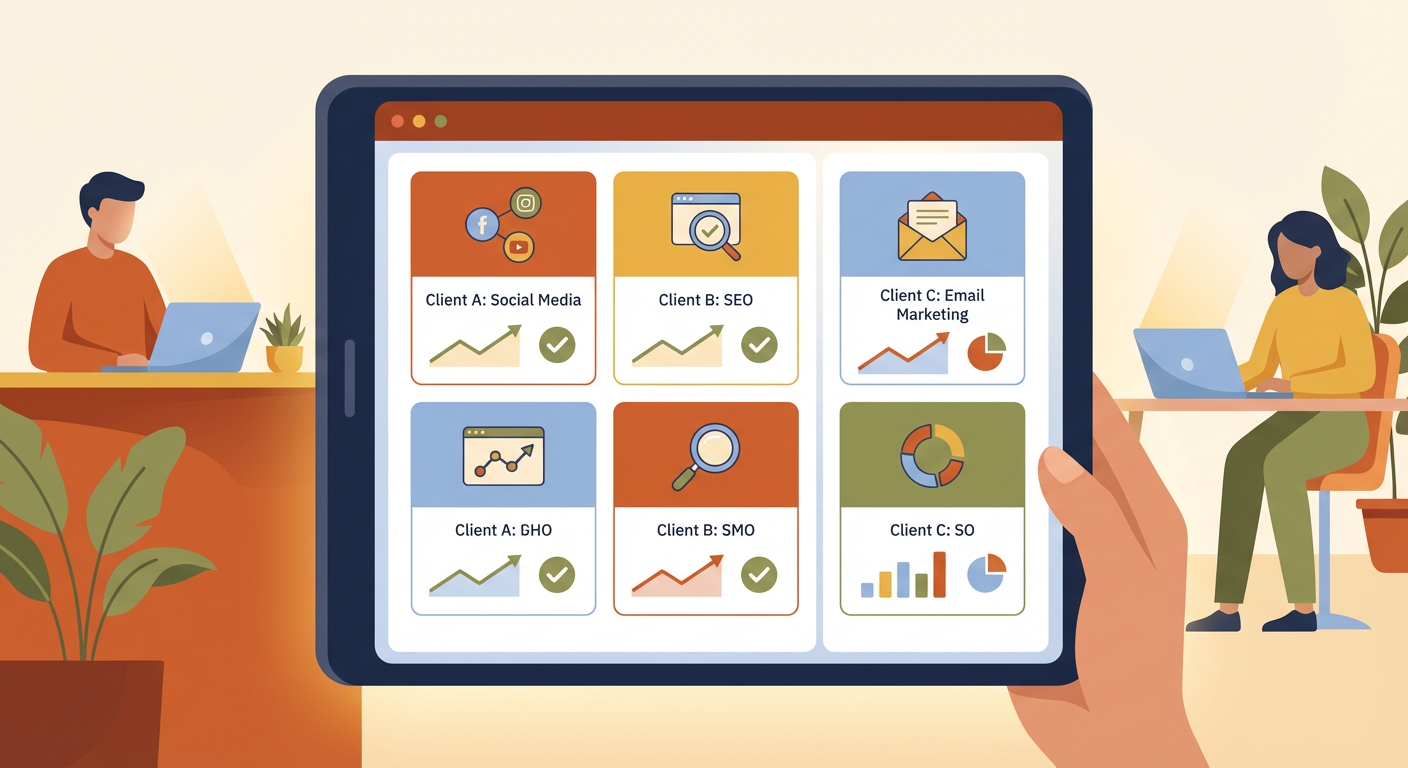
Elena manages cold email outreach for nine clients at our agency. Nine different companies, nine different ideal customer profiles, nine sets of messaging, nine reporting cadences, and twenty-seven sending domains across SmartLead sub-accounts. Every Monday morning, she opens SmartLead and clicks through each sub-account one by one, checking campaign performance, looking for bounced leads, verifying that sequences are still sending on schedule.
This takes her about four hours. Four hours of clicking, copying numbers into spreadsheets, screenshotting dashboards, and building client-specific reports. By the time she finishes the last client, the first client's data is already a few hours stale.
I started the agency two years ago. Back then we had three clients and the manual approach worked fine. At five clients it was starting to strain. At nine, it broke. Not dramatically — nobody missed a deadline or lost a client overnight. It broke slowly, the way a system breaks when there's just too much for one person to hold in their head.
The turning point was when Elena sent Client A's performance report to Client B. The numbers looked plausible enough that Client B didn't notice for two days. When they did notice, the call was uncomfortable.
The Actual Problem With Multi-Client Cold Email
The common assumption is that managing cold email for multiple clients is just doing the same thing nine times. It is not. Each client introduces multiplicative complexity.
Client A sells enterprise SaaS to CFOs. Their campaigns use formal language, long sequences of seven emails, and conservative sending volumes because their total addressable market is small and they can't afford to burn through it. Client B sells marketing services to e-commerce brands. Their campaigns are casual, high-volume, four-email sequences with aggressive subject lines. The strategies have almost nothing in common besides both using SmartLead.
Kenji, our campaign strategist, has to context-switch between these worlds constantly. He writes copy for Client A at 9am and Client B at 9:30am. By 10am he's reviewing analytics for Client C, whose ICP changed last month and whose campaigns are underperforming because the new messaging doesn't match the new audience. By 10:30am he's forgotten whether the bounce rate he just saw was Client C's or Client D's.
Cross-client analytics is where the real pain lives. "What's our average reply rate across all clients this month?" sounds like a straightforward question. Answering it requires logging into nine sub-accounts, exporting nine datasets, normalizing the data (because different clients measure different things), and assembling a single view. Elena tried building a master spreadsheet. It was out of date within hours of being created.
Reporting is worse. Three clients want weekly reports. Four want biweekly. Two want monthly. The weekly clients want different metrics — one cares about reply rates, another about meetings booked, a third about cost per lead. Elena maintains nine report templates. She's missed report deadlines three times in the past quarter, not because she forgot but because she ran out of hours in the day.
What We Tried Before Agents
We tried Zapier first. Connect SmartLead to Google Sheets, automatically pull campaign stats, build reports from the spreadsheet. The theory was sound. The execution was brittle.
Zapier's SmartLead integration handled basic triggers — new lead added, campaign sent — but couldn't pull aggregated analytics per sub-account. We'd have gotten nine separate Zaps feeding into nine separate sheets, with no cross-client view. And Zapier's task limits meant that high-volume clients burned through our monthly allocation by week two.
We tried a virtual assistant. Hired someone to log into each account every morning and compile the numbers manually. She was great, but she couldn't interpret the data. She could tell you the bounce rate was 7.2%. She couldn't tell you that 7.2% was a problem, that it had doubled since last week, or that it was isolated to a lead list uploaded on Thursday. She was doing what Elena was doing, just in a different timezone.
We tried building a custom dashboard. Marcus quoted us 80 hours of development time. That's $14,400 at his rate, plus ongoing maintenance. For nine clients, the dashboard would need multi-tenant data isolation, per-client views, cross-client aggregation, and automated data pulls from SmartLead's API. The estimate quickly ballooned to 150 hours. We shelved it.
The Agent Setup
We now run a campaign performance tracker agent across all nine client sub-accounts. Here's what changed.
Every morning at 7am, the agent pulls performance data from all nine SmartLead sub-accounts. It builds a cross-client dashboard that shows each client's active campaigns, sending volume, open rates, reply rates, bounce rates, and meetings booked. Elena opens one view and sees everything. No clicking through sub-accounts. No copying numbers into spreadsheets. No context-switching.
The agent generates client-specific reports on each client's reporting cadence. Weekly clients get their report every Monday. Biweekly clients get theirs on the 1st and 15th. Monthly clients get theirs on the last business day of the month. Each report uses the client's preferred metrics and format. Elena reviews each report before it goes out — about 5 minutes per client instead of 30 minutes per client — and sends it.
But the reporting is table stakes. The part that actually saves us is anomaly detection.
Last month, the agent flagged that Client F's reply rate had dropped from 4.8% to 1.9% over five days. Elena wouldn't have caught this for at least another week because Client F is on a biweekly reporting cadence, and the drop happened three days after the last report. The agent caught it the same day the trend became statistically meaningful.
Elena investigated. Client F had launched a new campaign targeting a different persona, and the messaging was completely wrong for the audience. Kenji rewrote the sequence that afternoon. By the end of the week, reply rates were back to 4.2%. Without the early warning, that campaign would have run for another ten days sending bad emails to good prospects, burning through a lead list that took three weeks to build.
How Cross-Client Insights Actually Work
One thing I didn't expect: having an agent monitor nine clients simultaneously produces insights that none of us could see when looking at accounts individually.
The agent noticed that campaigns across four different clients all saw open rate drops on the same Wednesday. None of the drops were dramatic enough to trigger an alert individually — each was maybe 3-5 percentage points. But the pattern across four unrelated accounts suggested an external factor, not a campaign problem. Tomás checked and found that Microsoft had rolled out a new filtering update that affected sending from one of our email infrastructure providers. We switched those clients to a different sending configuration and open rates recovered.
If Elena had been checking accounts one by one, she might have noticed one or two of the drops. She wouldn't have connected them. The agent saw the correlation because it sees all nine accounts as a single dataset.
We've also started benchmarking clients against each other anonymously. "Client G's reply rate is 2.1x higher than the cross-client average for similar ICPs. The differentiator appears to be shorter subject lines and a more direct opening line." We used that insight to improve campaigns for three other clients. Before the agent, we had no systematic way to learn from one client's success and apply it to another.
The Numbers
Elena's Monday morning admin session dropped from four hours to about forty minutes. Most of that forty minutes is reviewing agent-generated reports and making judgment calls — should we flag this to the client or wait another day, should we pause this campaign or adjust the sequence. The data gathering and compilation that used to eat all her time is gone.
Report accuracy went up. Zero wrong-client incidents since deploying the agent, compared to three in the six months before. The agent doesn't get confused about which numbers belong to which client.
We've onboarded two new clients since deploying the agent. Before agents, each new client added roughly five hours of weekly admin work. Now each new client adds about thirty minutes of weekly review time. That's the difference between "we can't take more clients" and "bring them on."
Revenue per head has increased by about 40%. We didn't hire anyone new. We just stopped spending half our time on admin and started spending it on strategy, copy, and client communication — the things clients actually pay us for.
Priya, who handles client relationships, told me: "Clients used to ask why their report was late. Now they ask how we generate reports that are this detailed. The answer is that we don't generate them. The agent does."
What Agencies Should Know
If you're running cold email for multiple clients, the decision to use agents isn't about whether the work is hard. The work is tedious but straightforward. The decision is about whether you want your team spending 40% of their time on data compilation or on the strategic work that actually moves campaigns forward.
We spent too long treating multi-client management as a staffing problem. Hire more people, distribute the accounts, hope everyone keeps up. That scales linearly and expensively. Agents scale the monitoring and reporting while keeping headcount flat.
The one caveat: you still need humans making decisions. The agent tells Elena that Client F's reply rate dropped. Elena decides whether to rewrite the copy, swap the lead list, or call the client to discuss a pivot in targeting. The judgment is human. The surveillance is automated.
That split — human judgment, automated monitoring — is what lets a three-person team run nine client accounts without losing their minds. Or sending the wrong report to the wrong client.
Try These Agents
- SmartLead Campaign Performance Tracker -- Cross-client campaign monitoring with automated reporting on each client's cadence
- SmartLead Lead Cleanup Manager -- Catch bad leads across all client accounts before they damage sending domains
- SmartLead Campaign Activator -- Launch and schedule campaigns across multiple sub-accounts from a single workflow
- SmartLead Apollo Campaign Builder -- Build targeted campaigns from Apollo data for each client's ICP