
Confluence API: We Built a Page Updater. Then an Agent Replaced It.
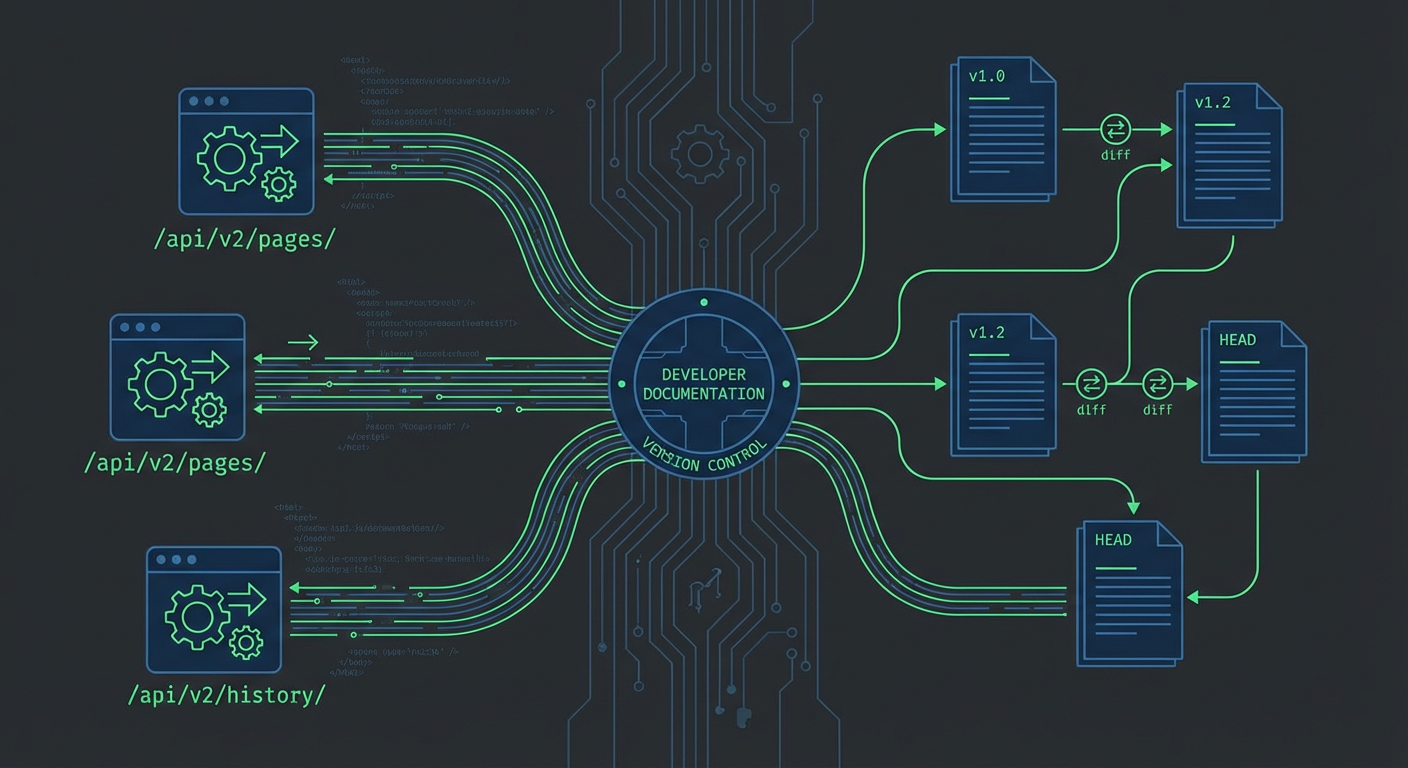
Kenji spent two weeks building a Confluence integration last fall. The goal was straightforward: when our CI pipeline deploys a new version, automatically update the relevant Confluence pages with the new version number, deployment timestamp, and changelog summary. We had 23 pages across three spaces that referenced version numbers, and someone had to manually update them after every release. That someone was usually Kenji, and he was tired of it.
He got it working. It ran for about four months. Then we replaced it with an agent that did the same thing in a fraction of the code, plus a dozen things the custom integration couldn't handle.
This is the story of both: the custom build and the replacement.
The Confluence Cloud REST API
Confluence Cloud's REST API has two versions floating around in the documentation. The v1 API (under /wiki/rest/api/) and the v2 API (under /wiki/api/v2/) coexist, and the documentation doesn't always make it clear which one you should use. Kenji started with v1 because most Stack Overflow answers reference it. He switched to v2 partway through when he realized v2 has a cleaner pagination model.
Authentication for Cloud uses OAuth 2.0 or API tokens. We went with API tokens because OAuth requires registering an app in the Atlassian developer console and handling token refresh, which was overkill for an internal tool. The API token gets passed as basic auth with your Atlassian email as the username and the token as the password.
Getting a page is straightforward. You hit the pages endpoint with a page ID and get back a JSON payload with the page's title, body, version, and metadata. The body comes back in Atlassian Document Format (ADF) by default in v2, or you can request storage format, which is Confluence's XHTML-like markup.
Updating a page is where it gets interesting. You can't just send the new content. You have to send the new content along with the current version number incremented by one. Confluence uses optimistic locking. If someone else edited the page between when you read it and when you try to update it, your update fails with a version conflict. This is by design, but it means every update operation is a read-then-write with a race condition window.
Kenji's first version had a bug where it would read the page, format the new content, and then write. If the formatting step took more than a few seconds (which it did for pages with complex macros), another user could edit the page in that window. The write would fail silently because the error handling wasn't catching the 409 conflict response. Pages would go un-updated and nobody would know until someone noticed the version number was wrong.
The CQL Problem
Confluence Query Language (CQL) is how you search for pages programmatically. It looks like a simple query language: space = "ENG" AND type = "page" AND text ~ "v2.4". In practice, it has quirks that aren't well documented.
Text search with the ~ operator is a contains search, not a regex. Kenji wanted to find every page with a version number in a specific format. CQL couldn't do this. He had to search for the exact current version string, which meant he needed to know the version before searching.
CQL also has a 200-result limit per query with pagination required beyond that. Labels turned out to be the most useful filter. Kenji added a "version-tracked" label to every page that needed automatic updates. Then his integration could query label = "version-tracked" to find exactly the pages it needed.
The Storage Format Nightmare
Confluence's storage format is XHTML with custom macros represented as XML elements. A simple paragraph is <p>text</p>. A macro is <ac:structured-macro ac:name="info"><ac:rich-text-body><p>text</p></ac:rich-text-body></ac:structured-macro>. Nested macros, tables with macros inside cells, and macro parameters with special characters produce storage format that's painful to parse and modify programmatically.
Kenji's version updater needed to find a specific spot in the page content and replace the version string. For simple pages, this was string replacement. For pages where the version number lived inside a macro or a table cell, it required parsing the XHTML, navigating the tree, modifying the node, and serializing back to XHTML. One of our pages had the version number inside a status macro inside a table cell inside a layout column. The code to update that single field was 47 lines of XML manipulation.
The alternative is ADF (Atlassian Document Format), a JSON-based format that's more structured but equally verbose. Neither format is designed for programmatic content editing. If you're building an integration that modifies page content, expect to spend more time on content manipulation than on the API calls themselves.
What We Built
After two weeks, Kenji had a working integration. It ran as a GitHub Actions workflow triggered by our release process. When a new version tag was pushed, the workflow did the following:
Read the changelog from the release notes. Query Confluence for all pages with the "version-tracked" label. For each page, read the current content in storage format. Find and replace the old version string with the new one. Update the deployment timestamp in the status table. Increment the version number and write the page back.
It handled 23 pages across three spaces. The average update took about four seconds per page. The whole workflow ran in under two minutes. Kenji was proud of it. It solved the immediate problem.
Where It Broke
The first break was version conflicts. Someone edited a page during the update window, and the optimistic locking rejected the write. Kenji added retry logic with a re-read. This fixed the immediate issue but added complexity.
The second break was a page structure change. Diana reorganized the engineering handbook and moved several pages into a new parent. The page IDs stayed the same, but the label-based query started returning pages from a space that Diana had restricted to specific users. The integration's API token didn't have access to the restricted space, so it failed with a 403 on those pages and stopped processing the rest of the batch. Kenji added error handling to skip inaccessible pages and continue.
The third break was content format changes. Someone updated a page and the editor converted part of the storage format from the old style to a new style. The version string that Kenji's regex was looking for was now wrapped in a different XML structure. The replacement failed silently. The page showed the old version number until Tomás noticed two weeks later.
Each break was fixable. Each fix added code. After four months, the integration was about 800 lines of JavaScript, most of it error handling and content parsing edge cases. It worked, but it was brittle in a way that made Kenji nervous every release day.
The Agent Replacement
We replaced the custom integration with a meeting notes publisher and a documentation updater that could handle the version update workflow along with a lot more.
The agent doesn't parse storage format or ADF. It reads the page content as a human would, understands what the page is about, identifies where version information appears, and writes the updated content. When the page structure changes, the agent adapts because it's not looking for a specific XML path. It's looking for version numbers in context.
The version conflict problem disappeared too. The agent reads the page, generates the update, and writes it back in a single operation that handles conflicts internally with retries. No custom retry logic needed.
But the real gain was everything else the agent could do that the custom integration couldn't. The custom integration could find and replace version strings. The agent can update the changelog summary in natural language. It can update the deployment timestamp in whatever format the page uses. It can adjust related content, like updating a "what's new" section based on the release notes. It can update pages that reference the version indirectly, like an architecture overview that mentions which version introduced a specific feature.
Kenji's reaction when we retired his integration: "I'm relieved. I built something that updated 23 pages. The agent handles every page that mentions our product version, and I don't have to maintain the code."
When the API Still Matters
The Confluence API isn't obsolete. Bulk operations like creating pages from templates, migrating content between spaces, or restructuring page hierarchies are better done through the API. Permission management, space administration, and user management are API-only operations.
But for the use case most teams care about, keeping Confluence content accurate and up to date, the custom API integration approach is overengineered. It works until someone changes the page structure, and then it breaks.
The Numbers
Kenji's custom integration: 2 weeks to build, 800 lines of code, 4 months of maintenance with 3 breaking issues. Updated 23 pages with version strings.
The agent replacement: 1 day to configure, 0 lines of custom code to maintain. Updates every page that references versioning information, currently 31 pages as of last count, including 8 that the custom integration didn't cover because they mentioned versions in a format Kenji's regex didn't match.
Time spent per release on documentation updates: went from about 20 minutes of manual work (before the custom integration) to 2 minutes of monitoring (with the custom integration) to zero (with the agent). The agent runs, the pages update, and nobody has to watch it.
If you're considering building a custom Confluence API integration, ask yourself whether you're solving a structural problem or a content problem. Structural problems (page creation, migration, reorganization) belong to the API. Content problems (keeping pages accurate, updating information, maintaining consistency) are where agents save you from writing and maintaining code that fights with storage format and version conflicts.
Try These Agents
- Confluence Meeting Notes Publisher -- Automated meeting notes and page updates without fighting the storage format
- Confluence Documentation Updater -- Keep pages in sync with code changes, version bumps, and process updates
- Confluence Knowledge Base Auditor -- Find broken links, stale content, and contradictions across your Confluence spaces