
Our Confluence-Slack Integration Created More Noise Than Signal. We Fixed It.
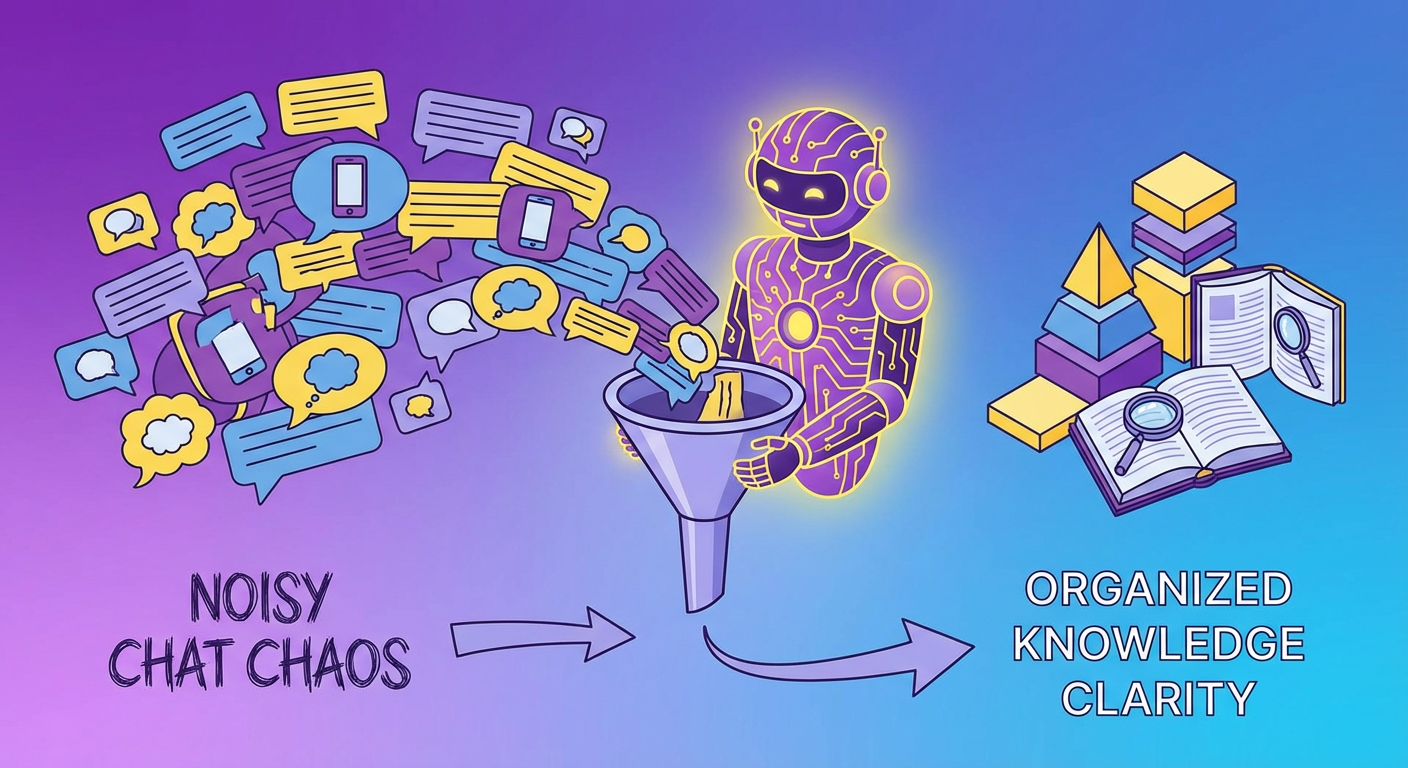
Priya set up the Confluence for Slack app in January. The idea was simple: when someone updates a Confluence page, the relevant Slack channel gets a notification. Engineering updates go to #engineering. Product updates go to #product. Company-wide policy changes go to #general. Keep everyone informed without requiring them to check Confluence proactively.
The first day, #engineering received 19 notifications. Page created. Page updated. Comment added. Page updated again. Comment replied to. Page moved. Each one a separate Slack message with a link and a one-line summary that rarely told you whether the update was worth clicking through.
By the end of the first week, Kenji had muted #engineering. "I joined this channel for engineering discussions," he said. "Now it's a Confluence changelog."
By the end of the second week, Elena had muted #product. Diana had muted #general. Tomás hadn't muted anything because he'd never unmuted the channels after the initial setup. The Confluence-Slack integration was running. Nobody was consuming its output.
What the Native Integration Does
Atlassian's Confluence for Slack app has three main features. Page notifications, page previews, and search.
Page notifications let you connect a Confluence space to a Slack channel. Every time a page in that space is created, updated, or commented on, Slack gets a message. You can filter by space but not by page, label, or update type. If the engineering space has 200 pages and someone corrects a typo on one of them, #engineering gets a notification.
Page previews unfurl Confluence links shared in Slack. Someone pastes a Confluence URL, and Slack shows a card with the page title, excerpt, and last modified info. This feature is actually good. It works reliably and saves people from clicking through to check what a link points to. We kept this turned on.
Search lets you use a slash command to search Confluence from Slack. The results show page titles and excerpts. Search quality is about what you'd expect from Confluence's native search -- decent if you know the exact page title, frustrating if you're trying to find something by concept. And it ignores context entirely. Searching from #engineering doesn't scope results to the engineering space. You get everything, which is the same as getting nothing when you're in a hurry.
The fundamental mismatch: the integration broadcasts changes. What people actually want are answers. Nobody cares that page 147 got a minor edit at 3:42 PM. They care about "what's our deployment process for staging?" and they want the answer without opening another tab.
Three Weeks of Noise
I pulled the Slack analytics for the first three weeks. The Confluence integration sent 312 messages across four channels. The click-through rate on those messages was 6.4%. That means about 20 of those messages resulted in someone actually opening the linked page. The other 292 were noise that scrolled past.
By week three, the click-through rate had dropped to under 3%. The integration doesn't distinguish between a major policy update and a formatting fix. Both generate the same notification. When everything has the same priority, nothing has priority.
Marcus pointed out a second-order problem: the notification noise was making the channels less useful for their actual purpose. #engineering was supposed to be for technical discussions. When half the messages were automated Confluence notifications, human conversations got buried. People started using DMs for things that should have been channel discussions.
What We Actually Needed
The breakthrough came from watching how people actually used Confluence through Slack. I tracked every manual Confluence reference in Slack over a two-week period.
The pattern was consistent. Someone would ask a question in a channel. Another person would reply, sometimes hours later: "I think there's a Confluence page about that. Let me find it." Then they'd search, find the page (or not), and paste the link into the thread.
This happened about eight times per week. Each instance took anywhere from two to fifteen minutes.
The team didn't need Confluence pushing notifications into Slack. They needed a way to pull Confluence knowledge into Slack on demand, when someone actually had a question.
The Agent Approach
We ripped out the notification system and replaced it with an onboarding guide generator plus a search agent that works in the opposite direction. Instead of Confluence shoving updates into Slack, the agent sits quietly until someone asks a question -- then it goes and finds the answer.
Here's how it works in practice. Someone drops a question in a channel. The agent searches across every Confluence space, reads through the top matches, and posts a reply in the thread -- not just a link, but the specific paragraph or section that actually answers the question, with a link to the full page for anyone who wants more.
Last Tuesday: Rafael asked in #operations about adding a new vendor to the procurement system. Thirty seconds later, the agent replied with a three-sentence summary of the process and a link to the full procurement procedures page. Before? That question would have sat unanswered for hours, or someone would have spent ten minutes searching Confluence on Rafael's behalf.
The difference is directional, and it matters more than it sounds. Push notifications tell you "something changed, figure out if you care." Pull-based answers wait for a question and then respond with what you need. One is an interruption machine. The other is a resource.
What We Kept, What We Cut
We kept link previews -- when someone pastes a Confluence URL, the unfurl card with the page title and excerpt still pops up. It's legitimately useful. Gives you enough context to decide whether to click through. No reason to kill that.
Everything else got cut. Every space-to-channel notification connection, gone. Three hundred and twelve automated messages across four channels in three weeks, replaced by silence. The telling part: nobody noticed. Not one person asked where the notifications went.
We added one new notification type through the agent: high-priority page updates. When someone updates a page that's tagged as a policy document or a process that affects the whole team, the agent posts a summary of what changed (not just "page updated," but what specifically is different). This happens about twice a week. Two deliberate, contextual notifications instead of 100 automated change logs.
Diana told me the shift felt obvious in retrospect: "The native integration treated every Confluence change as equally important. The agent only speaks up when something actually matters to the channel, or when someone asks it a question."
How Questions Get Answered Now
Across all our Slack channels, the agent fields roughly 30 questions a week. Some are straightforward -- "what's the process for X?" Others are fuzzier. Someone mentions in a thread about an upcoming conference that they're "not sure how the expense policy works for travel." The agent catches the implicit question and drops in the relevant section from the travel expense page. That one still impresses me.
Accuracy-wise: about 75% of answers are spot-on. Another 15% are in the right neighborhood -- the agent found the right page but the summary missed a nuance, so the person clicks through to read the whole thing. The last 10% are genuine misses, usually because the question is too vague or there literally isn't a Confluence page covering the topic.
Before we had this, those 30 weekly questions either died unanswered or sat in a channel for hours until someone with tribal knowledge happened to scroll past.
The agent also exposed content gaps. When it can't answer a question, it logs the query. In the last three months, the logs revealed seven topics people repeatedly asked about that had no Confluence documentation. Priya used those logs to prioritize which pages to create next.
Onboarding Changed
Onboarding is where this really changed things. Previously, new hires got the standard line on day one: "Everything you need is in the onboarding space on Confluence." Then they'd spend a full day clicking through 34 pages -- many outdated -- trying to piece together what to do and in what order. Classic information dump, zero guidance.
Now they just ask questions in #onboarding. "How do I set up my local dev environment?" Agent pulls the setup guide. "Brand guidelines?" Design space. "PTO policy?" HR space. The new hire doesn't need to learn Confluence's navigation or figure out which space has what.
Yara started two months ago and told me she barely touched Confluence directly during her first week. "I just asked questions in Slack and got answers. When I needed more detail, I clicked the link and read the full page. But most of the time, the summary was enough." She learned our systems through conversation, not by reading a wiki cover to cover.
The Numbers
Here's where we landed after three months:
Automated Confluence notification messages dropped from ~100/week to 2 (both high-priority policy changes that actually warranted a broadcast). The agent answers about 30 questions a week. Median response time: 30 seconds, versus 2 hours 40 minutes when a human had to look it up (we measured this over a two-week baseline before switching).
The mute rate tells the real story. Before: every single team member had muted at least one Confluence-connected channel. After: zero mutes. People actually read their channels again.
Unanswered query logs surfaced 7 documentation gaps over three months -- topics people kept asking about that had no Confluence page. Priya used those to prioritize what to write next.
And onboarding time in Confluence directly went from a full day of wandering around the wiki to about an hour, with most information consumed through Slack summaries instead.
If your team has muted every channel that receives Confluence notifications, tweaking the notification filters won't fix it. The model itself is broken. Push-based notifications bet that people want to be interrupted with every change. Pull-based search bets that people want answers when they have questions. After running both approaches back to back, it's not even close.
Try These Agents
- Confluence Onboarding Guide Generator -- Keep onboarding docs accurate and serve them to new hires through Slack when they ask
- Confluence Cross-Space Search Agent -- Search across all Confluence spaces from Slack with summarized, contextual answers
- Confluence Knowledge Base Auditor -- Surface content gaps and stale pages before they become a problem