
We Stopped Guessing Which Blog Posts Work. An AI Agent Reads Our GA4 Data Now.
Rafael manages our blog. Sixty-three published posts, about four new ones per month, and a content strategy that until recently was based on gut feeling and vibes. He would write a post, publish it, check the traffic after a day or two, and then mostly forget about it. Occasionally he would open GA4 and scroll through the pages report to see which posts were getting traffic. But "occasionally" meant about once a month, and the pages report in GA4 shows you pageviews without much context about whether those views are actually doing anything useful.
I asked Rafael in December which of our blog posts drove the most signups. He did not know. He knew which posts got the most traffic. He was pretty sure the Notion integration guide was doing well. But "doing well" meant it had high pageviews. Whether those pageviews translated to newsletter signups, demo requests, or any other conversion was a mystery he did not have time to solve.
The content team was publishing four posts a month without any feedback loop on what was working and what was not. They were writing in the dark.
The Content Team's GA4 Problem
The issue was not a lack of data. GA4 tracks everything. Every pageview, every scroll, every click event, every conversion. The issue was that getting useful content performance data out of GA4 required a level of GA4 expertise and time that a content team does not have.
Here is what Rafael would need to do to answer a simple question like "which blog posts drove the most conversions last month." Open GA4. Navigate to Explore. Create a free-form exploration. Set the dimension to "Page path and screen class." Set the metric to the relevant conversion event. Filter to only include paths starting with /blog/. Set the date range to last 30 days. Sort by conversion count. Wait for the report to load. Export it or screenshot it.
That process takes about 10 minutes if you know what you are doing. Rafael does not use GA4 daily. So it takes him closer to 25 minutes, including the time spent remembering where the Explore section is and which conversion event name to use. (Is it "generate_lead" or "sign_up"? He can never remember. It is "generate_lead.")
Now multiply that by every question the content team has. Which posts have high traffic but low engagement? Which posts rank well but have high bounce rates? Which posts from last quarter are still growing versus declining? Which topics correlate with conversions? Each question requires a different exploration, different dimensions, different filters, different date ranges. A thorough content performance review takes an entire afternoon. Rafael does this roughly once per quarter, which means the team operates on three-month-old data most of the time.
What Changed When We Automated the Audit
We set up the GA4 Content Performance Auditor agent to run a full content audit every Monday. The agent pulls data from GA4 for every page under our /blog/ path, going back 30 days. For each post, it collects: pageviews, unique users, average engagement time, bounce rate, scroll depth (via scroll events), and conversion events attributed to that page.
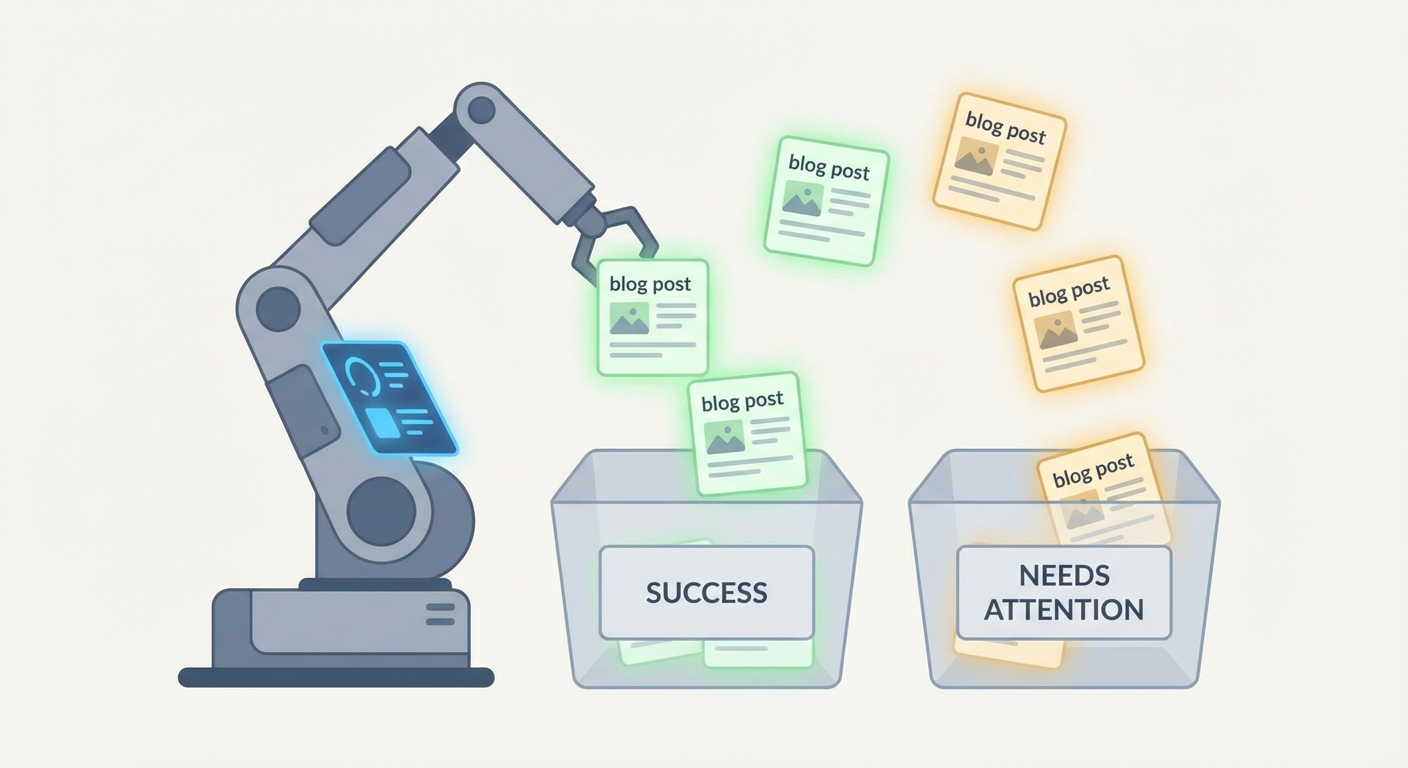
The output is not a spreadsheet of raw numbers. It is a structured analysis organized by what the content team can actually do with the information. Posts are grouped into categories based on their performance profile.
The first category is high-traffic posts with strong engagement. These are working. The recommendation is usually to update them with fresh information and add internal links to newer content. The agent flags when a post in this category starts declining, which is useful because traffic decay happens slowly and is invisible without trend data.
The second category is high-traffic posts with poor engagement. These pages attract visitors but the visitors leave quickly or do not scroll past the first few paragraphs. This signals a content quality issue, a mismatch between the search intent and the actual content, or a problem with the page layout. When the agent flagged our "What is Customer Success" post in this category, Rafael read the post and realized the introduction was 400 words of preamble before getting to anything useful. He rewrote the intro. Bounce rate dropped from 74% to 52% within two weeks.
The third category surprised us. Posts with low traffic but high conversion rates. These are pages that not many people visit, but the people who do visit tend to convert. Our comparison guide for two competitor products was getting 120 visits per month but converting at 8.3%, which was four times the site average. Rafael had no idea. The post was published nine months ago and he had never checked its conversion data. The team promoted it in the newsletter and added internal links from higher-traffic pages. Monthly traffic went to 380 visits. Conversions tripled.
That single insight paid for the entire effort of setting up the agent.
The Monthly Content Meeting Changed Completely
Before the agent, our monthly content meeting was Rafael presenting a list of posts published that month and the team brainstorming what to write next. The conversation was usually: "What topics do we think would do well?" followed by opinions based on nothing.
Now Rafael starts with the agent's output. He shows the top 5 posts by conversions, not by traffic. He shows which posts are declining and might need updates. He shows which topics have performed consistently over the past 90 days. The brainstorming still happens, but it starts from data instead of guesses.
Anya, who writes about half our posts, said the change affected her motivation. "Before, I would publish something and it would disappear into the void. I had no idea if anyone read it or if it mattered. Now I see the numbers every Monday. When my Notion automation guide hit 2,400 visits in a month with a 6% conversion rate, I knew exactly what kind of content to write more of."
The team started making different decisions. They used to distribute writing effort evenly across topics. After seeing the data, they shifted. Three months of content performance data showed that technical how-to guides converted at 3x the rate of thought leadership pieces. The thought leadership posts got more social shares and comments. The how-to guides got more signups. The team did not stop writing thought leadership, but they changed the ratio from 50/50 to 30/70 in favor of how-to content.
Catching Content Decay Before It Hurts
Content decay is the silent killer of content marketing. A blog post ranks well for six months, drives steady traffic, and then slowly drops as competitors publish better content or Google's algorithm shifts. By the time someone notices, the post has lost 60% of its peak traffic and recovering that ranking is much harder than maintaining it.
The agent tracks 90-day traffic trends for every published post. When a post's 30-day traffic is more than 20% below its 90-day average, the agent flags it as potentially decaying. The flag includes the peak traffic period, the current traffic level, and the rate of decline.
In the first three months of running this alert, the agent flagged eleven posts. Rafael investigated each one. Seven were genuinely decaying due to outdated information or new competitors ranking above us. Three were seasonal fluctuations that resolved on their own. One was a technical SEO issue where a redirect chain was slowing the page load time.
For the seven genuine cases, the team updated the content. Fresh statistics, new examples, updated screenshots. Five of the seven recovered to within 10% of their peak traffic within six weeks of the update. The other two had been overtaken by competitors with fundamentally better content, so Rafael planned new posts to replace them.
Priya calculated the value of this. The seven decaying posts collectively had been generating about 3,200 monthly visits at their peak. By the time the agent flagged them, they were at 1,800. After updates, they recovered to 2,900. The difference of 1,100 additional monthly visits, at our average conversion rate and deal value, translated to roughly $4,700 in pipeline per month.
What the Content Team Does With Their Time Now
Rafael used to spend one full day per quarter on content performance analysis. That analysis was stale within a month. Now the analysis happens weekly, automatically, and he spends about 20 minutes reviewing it on Monday mornings.
The time he saved does not disappear into the void. He uses it for the work that actually requires human judgment. Writing better content. Talking to customers about their problems. Developing the content strategy based on real performance data instead of assumptions. The agent handles the measurement. Rafael handles the creativity.
Elena asked him last month whether the automation had been worth it. He pulled up his Slack messages and scrolled to a Monday summary from three weeks prior. The agent had flagged a new blog post that was getting zero organic traffic after two weeks, despite targeting a keyword with 2,400 monthly searches. Rafael checked Search Console and found the page was not indexed because of a noindex tag left over from the staging environment. He fixed it in five minutes. Without the agent, he might not have checked that page's performance for months.
"That one catch," he told Elena, "was worth more than everything else combined."
Try These Agents
- GA4 Content Performance Auditor -- Run automated content audits with traffic, engagement, and conversion analysis for every published page
- GA4 Weekly Traffic Report -- Weekly traffic overview with source breakdown and trend detection
- GA4 Channel Attribution Analyzer -- Understand which channels drive the traffic that actually converts
- GA4 Realtime Site Monitor -- Catch traffic drops and anomalies before they cost you conversions