
We Tried Every Google Ads Automation Approach. One Replaced the Others
Priya forwarded me a Slack thread last October that summed up our Google Ads situation perfectly. A brand campaign had been spending $120/day on search terms like "our company name scam" and "our company name complaints" for eleven days. Eleven. Nobody noticed because Marcus was on PTO the first week and Priya assumed he'd set up automated rules before he left. He hadn't. That thread cost us $1,320 and zero conversions.
That was the moment we decided to get serious about Google Ads automation tools. Not just "set a few rules and forget it" serious. Actually serious. Over the next six months, we tried every approach I could find: native Google Ads rules, custom scripts, Optmyzr, WordStream, and eventually AI agents. We ran them in parallel for chunks of time, tracked what each caught and missed, and came out the other side with strong opinions about which google ads automation tools actually work.
Round 1: Google Ads Automated Rules
Google's built-in automated rules were our starting point because they're free and take about five minutes to set up. You define a condition, pick an action, set a schedule. We set up 8 rules covering our most common failure modes: campaigns spending without conversions, CPA spikes, budget exhaustion before 2pm, keywords with high spend and zero conversions.
The rules caught some things. Over the first month, they paused two campaigns that were bleeding money on bad search terms. They sent us three email alerts about CPA increases. That's real value for zero cost.
But the problems became obvious fast. Rules operate on fixed thresholds, and our campaigns don't. A CPA of $50 is fine for our enterprise campaign and catastrophic for our SMB campaign. So we needed different rules for every campaign, and every time we launched a new campaign, we had to remember to set up rules for it. Within two months we had 23 rules and Marcus was spending 40 minutes a week just managing the rules themselves.
The other problem: rules can tell you something happened, but not why. "Campaign paused because CPA exceeded $50" is a starting point. You still have to dig into ad groups, keywords, and search terms to figure out what went wrong. The diagnosis took longer than the detection.
Round 2: Google Ads Scripts
Rafael on our dev team wrote custom JavaScript for our Google Ads account. The scripts ran hourly, checked for anomalies, and sent alerts to a shared email inbox. One script calculated rolling 7-day CPA and compared it to the 30-day average. Another tracked budget pacing by hour of day. A third pulled search term reports and flagged any term with more than 5 clicks and zero conversions.
The scripts were more sophisticated than rules. They could do math. They could compare time periods. They could look at search term data, which rules can't. For about three months, they were our primary automation layer.
Then Rafael left the company. Nobody else could read the scripts. When Google changed its Ads API in January, two of the three scripts broke. Priya spent an entire day trying to debug JavaScript she didn't write, gave up, and asked if we could hire a contractor. We could. For $2,000, a freelancer fixed the scripts and added error handling.
Scripts work if you have someone who can maintain them. We didn't. And even when they worked, they had the same diagnosis gap as rules. They flagged the problem. They didn't explain it.
Round 3: Optmyzr
We signed up for Optmyzr at $499/month because the sales demo was impressive. One-click optimizations. Smart bidding layered with rules. Custom reporting dashboards. The tool had a lot of google ads automation capabilities packaged in a clean interface.
Optmyzr was genuinely better than rules and scripts for the first two months. The "Rule Engine" was more flexible than Google's native rules. The optimization suggestions were useful about 60% of the time. The reporting was solid. Marcus liked the bid management features and used them regularly.
Where Optmyzr frustrated us was in the other 40%. Its suggestions were often generic: "Increase budget on Campaign X because it has impression share below 50%." That sounds reasonable until you realize Campaign X is intentionally capped because we're testing creative and don't want to scale it yet. The tool didn't know our context. It could read the numbers but had no understanding of why those numbers were what they were.
The other issue was that Optmyzr is a separate interface. Two dashboards, two sets of alerts, two places to check. Marcus was spending 25 minutes a day in Optmyzr reviewing suggestions. That's better than 74 minutes of manual work, but it's still another tool competing for attention.
Round 4: WordStream
We ran WordStream alongside Optmyzr for one month so we could compare. (I know. Our ad ops budget was getting expensive.) WordStream's pitch at the time was the "20-Minute Work Week" for PPC management. Spend 20 minutes a week in their tool and it'll handle the rest.
The 20-minute promise was aspirational. WordStream's alerts were simpler than Optmyzr's, and the optimization suggestions felt more templated. "Add these negative keywords." "Pause these underperforming keywords." "Increase bids on these top performers." Useful if you're running a small account and don't have much PPC experience.
For our account size ($40K/month across 18 campaigns), WordStream felt like training wheels. The suggestions were correct but obvious. Any PPC manager with six months of experience would have spotted the same things. And since Gannett acquired WordStream, the product development has slowed. Features we requested in our trial never materialized, and the support team seemed stretched thin.
We canceled after the trial month. It's a fine tool for small advertisers who need guidance. It wasn't the right google ads automation tool for a team managing mid-five-figure monthly spend.
Round 5: AI Agents
By this point we'd spent five months trying various tools and still had the same core problem: something goes wrong in the account, we find out too late, and then we spend 30-60 minutes diagnosing what happened. The detection was partially automated. The diagnosis was still manual.
The first agent we set up was a campaign auto-pauser. It runs every 4 hours, pulls campaign and ad group data, evaluates each campaign against performance thresholds we defined (CPA more than 2x target, spend above $50 with zero conversions, budget exhausted before 1pm), and takes action. For campaigns that meet the criteria, it pauses them and posts a detailed explanation to Slack: which ad group caused the problem, which keywords were responsible, what search terms drove the bad clicks.
The explanation part changed everything. Instead of getting an email that says "Campaign X paused" and spending 30 minutes figuring out why, we got a Slack message that said: "Paused 'Non-Brand - Demo Terms' because ad group 'Demo Free Trial' spent $87 today with 0 conversions. The keyword 'free demo software' matched to search terms including 'free screen recording software' and 'free presentation software.' Recommend adding 'screen recording' and 'presentation' as negative keywords." That's the diagnosis we'd been doing manually for six months, done automatically.
The second agent ran a weekly optimization pass at the ad group level. It pulled performance data for every ad group, identified the bottom performers by CPA and conversion rate, and recommended specific changes: pause these keywords, adjust these bids, restructure this ad group that has 40 keywords in it when it should have 10.
Within the first month, the agents caught three issues that every other tool missed:
- A keyword in our highest-spending campaign had a quality score that dropped from 8 to 4 over two weeks. None of our rules or scripts checked quality scores. The agent noticed because it pulled keyword-level data including quality scores on every run.
- Two ad groups in different campaigns were bidding against each other on overlapping keywords. Optmyzr flagged this generically ("keyword conflicts detected") but the agent identified the specific keywords, calculated the wasted overlap spend ($340/week), and recommended which campaign should keep each term.
- Our brand campaign was matching to competitor brand terms through broad match. The search term data showed it clearly, but nobody was reviewing search term reports weekly. The agent was.
What We Actually Use Now
We run three things. Google's native automated rules handle the simplest guardrails: don't let any single campaign spend more than $800/day, don't let account-level daily spend exceed $2,500. These are safety nets, not optimization tools.
The campaign auto-pauser agent handles real-time performance management. It watches for problems, pauses what needs pausing, and tells us why. We review its actions in Slack and override when needed, which happens maybe once a month.
The ad group optimizer handles weekly optimization. Keyword management, bid recommendations, quality score monitoring, ad group structure analysis. This replaced both Optmyzr and WordStream for us.
We canceled Optmyzr and WordStream. We didn't renew the Google Ads scripts maintenance contract. Our total automation stack went from four overlapping tools to two: native rules and AI agents.
The Honest Comparison
If you're spending $2K/month on Google Ads and running three campaigns, Optmyzr or even WordStream will handle it fine. The complexity doesn't justify an agent-based approach at that scale.
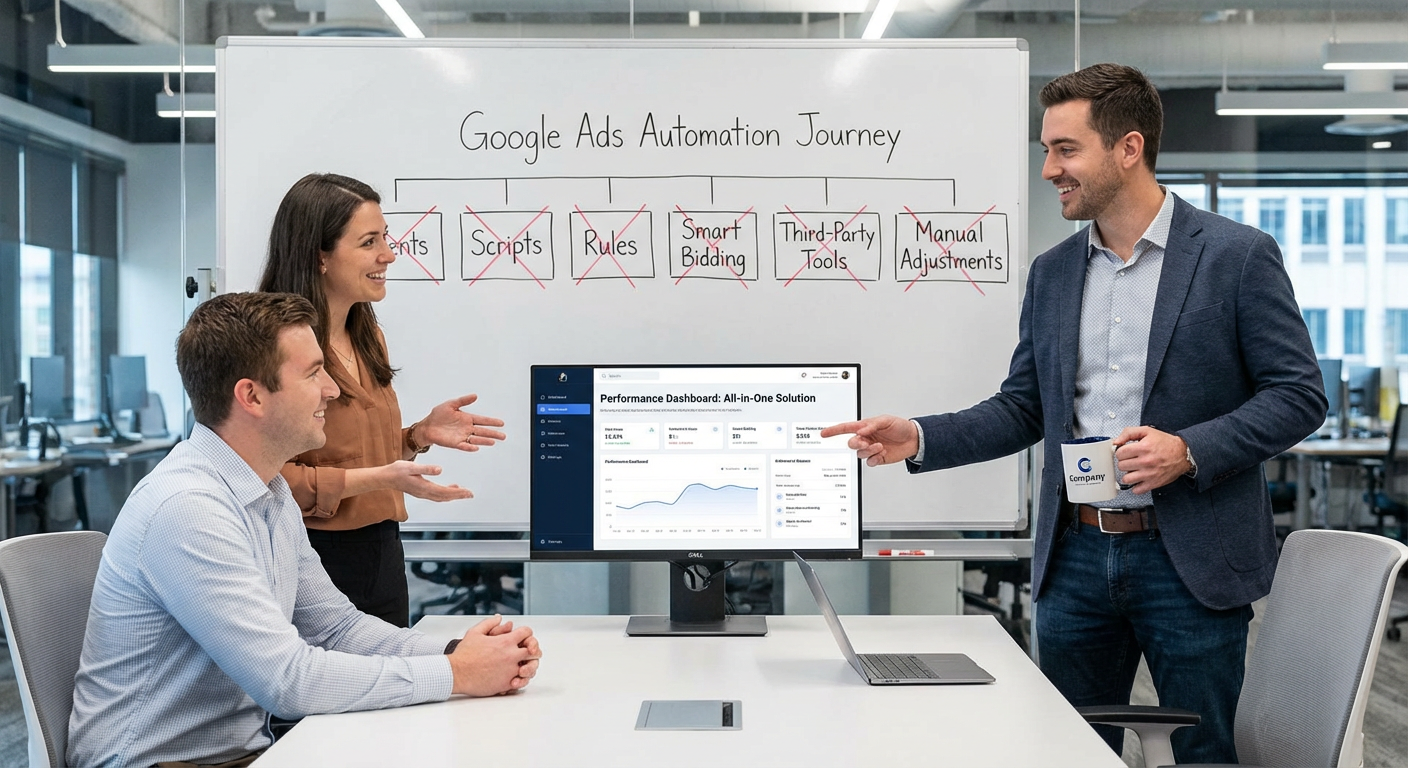
But if you're spending five figures monthly, managing more than 10 campaigns, or running multiple accounts, the comparison gets clear. Rules and scripts catch problems but can't explain them. Third-party tools like Optmyzr explain problems but add another interface to manage. AI agents catch, explain, and act, all within the tools you're already using.
Marcus put it bluntly: "I spent six months managing automation tools. Now the automation manages itself and just tells me when something needs a human decision." That's the difference between google ads automation tools that create work and ones that remove it.
Try These Agents
- Google Ads Campaign Auto-Pauser -- Automatically pause underperforming campaigns with detailed Slack explanations
- Google Ads Ad Group Optimizer -- Weekly ad group analysis with keyword, bid, and structure recommendations
- Google Ads Campaign Monitor -- Real-time monitoring with Slack alerts for CPA spikes and budget issues
- Google Ads Multi-Account Audit -- Cross-account performance comparison for agencies and multi-brand teams