
We Manage 11 Google Ads Accounts. Here Is How We Stay Sane
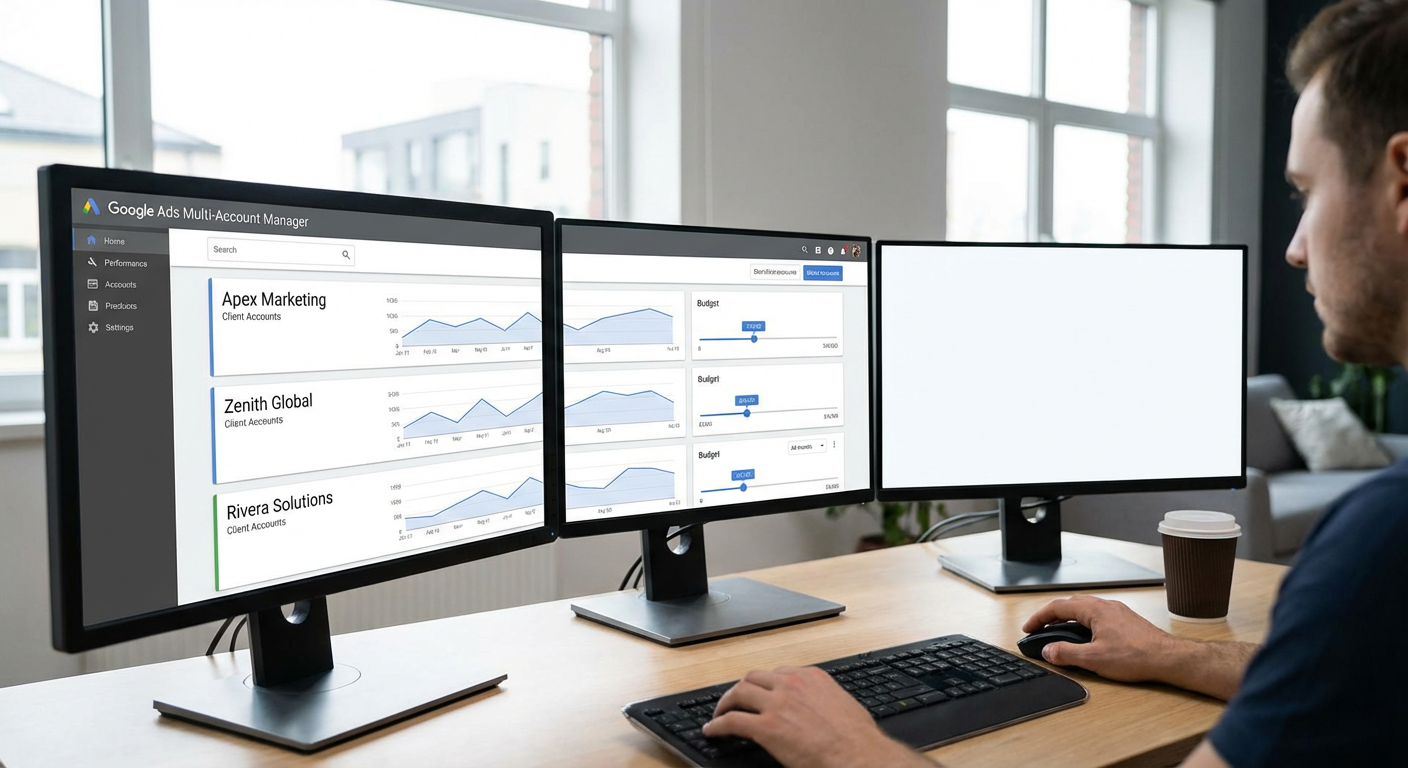
Rafael sent me a message at 6:47pm on a Friday that read: "Account 7 has been paused for three days and nobody noticed." Account 7 was a client spending $12K/month. Their campaigns had been paused because a payment method expired. Three days. Roughly $1,200 in missed spend that the client was expecting us to manage. When I called them Monday morning to explain, the conversation was exactly as uncomfortable as you'd imagine.
That was the moment I accepted that managing multiple Google Ads accounts with spreadsheets and manual checks was going to fail us eventually. Not because we were careless. Because the math doesn't work. Eleven accounts, each with 5-20 campaigns, means roughly 130 campaigns total. Checking each account's dashboard takes about 8 minutes. That's almost two hours just for the daily scan, before any actual optimization work. And even after two hours, you're scanning. You're not analyzing. You're looking at surfaces and hoping nothing important is hiding underneath.
We'd been looking for google ads management software that could handle multi-account oversight for months. We tried Marin Software, which was built for this use case but felt like it was designed in 2014. We tried using Google Ads Editor, which is great for making bulk changes but has no monitoring or alerting. We eventually tried Optmyzr, which was the best of the traditional tools but still required us to log into another dashboard and review each account individually.
The Multi-Account Problem
Here's what makes managing multiple Google Ads accounts different from managing one big account. It's not just more campaigns. It's more contexts.
Account A is an e-commerce brand with ROAS targets. Account B is a B2B SaaS company with CPA targets. Account C is a local services business with call tracking as the primary conversion. Each account has different goals and different benchmarks. A $40 CPA that's great for Account B would be a disaster for Account A.
Priya managed our accounts before we automated. She kept a spreadsheet with target metrics for each account: target CPA, target ROAS, monthly budget, and primary KPIs. Every morning, she'd open each account, check the metrics against her spreadsheet, and flag anything off track. On Mondays, she'd compile a cross-account summary for our team meeting.
The morning check took 90 minutes on a good day. The Monday summary took another 2 hours. That's 9.5 hours per week on checking and reporting, plus about 6 hours on actual optimization. Total: 15+ hours per week before any strategic work or client communication.
When she took PTO, nobody could replicate her process. She had the context in her head. Account 3 has a seasonal pattern where CPA spikes in February but conversions catch up in March. Account 8 runs on a limited budget and should never be scaled without client approval. Account 11 has a keyword conflict with Account 6 that we're managing intentionally. This institutional knowledge lived in Priya's brain and nowhere else.
What Traditional Management Software Gets Wrong
Most google ads management software takes one of two approaches. Either it's a dashboard aggregator that shows you all your accounts in one place, or it's a rule engine that lets you set up automated actions across accounts.
Dashboard aggregators look great in demos. One screen, all accounts, pretty charts. The problem is that a dashboard doesn't know your context. It shows you that Account 7's CPA is $45, but it doesn't know whether $45 is good or bad for Account 7. You still need the spreadsheet. You still need Priya's brain. The dashboard replaced the act of logging into each account individually, but it didn't replace the analysis.
Rule engines are more useful but have the same limitation as Google's native automated rules: they operate on fixed thresholds. "Alert if CPA exceeds $50." But Account B's target CPA is $35 and Account C's is $80. So you need different rules for each account, which means configuring and maintaining 11 sets of rules. When a client changes their targets (which happens quarterly for most of ours), you update the rules. When a new account is added, you create a new rule set. The rule engine becomes its own management overhead.
Neither approach handles cross-account analysis. Is Account 4 bidding on keywords that overlap with Account 9? Are there efficiency patterns across accounts that suggest a shared strategy? Which accounts are pacing ahead of budget and which are behind? These questions require reading data from multiple accounts simultaneously and comparing them, which is exactly what a dashboard or rule engine can't do.
What Changed When We Used Agents
The first agent we deployed was a multi-account audit. It connects to our MCC, discovers all 11 accounts underneath it, and runs a standardized performance check across every one. The output is a ranked list of accounts by efficiency, with specific flags for any account that needs attention.
A typical Monday morning audit looks like this. The agent posts to our #ads-ops Slack channel with a summary: "11 accounts audited. 8 performing within targets. 3 need attention." Then it breaks down the three flagged accounts with specifics.
"Account 4 (Meridian Labs): CPA is $52 against a $35 target. The increase started 5 days ago, concentrated in the 'Non-Brand Demo' campaign. Ad group 'Free Trial Keywords' is matching to search terms unrelated to their product. 23 irrelevant search terms identified. Recommend adding as negatives."
"Account 7 (Northstar Tech): Monthly pacing at 42% with 65% of the month elapsed. Two campaigns are underspending due to low impression share. Competitor activity may have increased on primary keywords."
"Account 11 (Apex Digital): Brand campaign impression share dropped from 92% to 71% this week. A new competitor is bidding on their brand terms. Current brand CPC increased from $1.20 to $2.80."
Three paragraphs. Three accounts that need work. Each with a diagnosis and a starting point for action. The other 8 accounts get a one-line summary confirming they're on track. The entire audit takes about 3 minutes to read.
Compare that to Priya's old process: 90 minutes of manual checking to generate the same information, minus the diagnosis. The agent doesn't just tell us what's off. It tells us why and where to look.
Cross-Account Intelligence
The multi-account audit also does something no traditional google ads management software we tried could do: compare accounts to each other.
Anya asked a question in a team meeting that seemed simple: "Which of our accounts has the best cost per conversion on branded search?" In the old world, answering that meant opening each account, filtering to brand campaigns, pulling the CPA, and typing them into a spreadsheet. Twenty minutes of clicking for a one-number-per-account comparison.
The agent answers that in its regular audit output. It ranks accounts by brand CPA, and the ranking surfaces patterns. We noticed that our three e-commerce accounts all had brand CPAs between $0.80 and $1.40, while our SaaS accounts ranged from $2.50 to $5.20. That gap prompted us to investigate whether the SaaS accounts had landing page issues on brand traffic. Two of them did. Their brand landing pages sent traffic to a generic homepage instead of a product-specific page. Fixing that brought one account's brand CPA from $4.80 to $2.10 within three weeks.
We wouldn't have caught that without the cross-account comparison. When you manage each account in isolation, you don't see patterns that span accounts. The agent sees all 11 at once.
The Client Reporting Problem
Beyond internal management, multi-account teams have a client reporting obligation. Each account owner expects a regular performance update. In our case, that was a weekly email to each client with their account metrics, trends, and any actions we took.
Priya used to spend her entire Monday afternoon on client reports. Open the account, export data, format it, write a paragraph of commentary, attach the spreadsheet, send the email. Eleven accounts, eleven reports. She had templates, but each one still needed custom commentary because clients don't want to see generic numbers without context.
We built a reporting agent that generates per-account summaries with the same contextual analysis as the audit. The agent writes something like: "This week, your Non-Brand campaigns generated 34 conversions at $28 CPA, a 12% improvement from last week. The improvement came from the new ad group 'Product Comparison' which converted at $19 CPA in its first full week. Brand campaigns are stable at $1.10 CPA. One recommendation: keyword 'enterprise software pricing' has spent $180 with 1 conversion this month. Consider pausing or narrowing the match type."
That's a client-ready summary. Priya reviews each one, edits maybe 20% of them to add context the agent doesn't have, and sends them. Her Monday afternoon went from 4 hours to about 45 minutes.
What I'd Tell Another Multi-Account Team
If you manage fewer than 5 Google Ads accounts, a spreadsheet and daily dashboard checks probably work fine. The overhead of automation doesn't pay for itself below that threshold.
Above 5 accounts, the math changes. Daily manual reviews take more than an hour. Client reporting takes a full afternoon. Cross-account analysis doesn't happen because there's no time.
The google ads management software that works at scale isn't a dashboard that shows you more data. It's something that reads the data, compares it to your goals, and tells you what needs your attention. Everything else is noise, and at 11 accounts, there's a lot of noise.
Rafael hasn't sent me a Friday evening panic message since we set up the automated monitoring. Priya got 6 hours of her week back. And Account 7's payment method expired again last month, but this time the agent caught it within 4 hours because campaign delivery dropped to zero. We fixed it before the client noticed. That's the difference between managing accounts and watching accounts.
Try These Agents
- Google Ads Multi-Account Audit -- Cross-account performance comparison with ranked efficiency and flagged issues
- Google Ads Campaign Monitor -- Real-time monitoring with Slack alerts for CPA spikes and budget anomalies
- Google Ads Weekly Performance Report -- Per-account weekly digest with campaign metrics and trend analysis
- Google Ads Spend Tracker -- Daily budget pacing with month-end projections and Google Sheets logging