
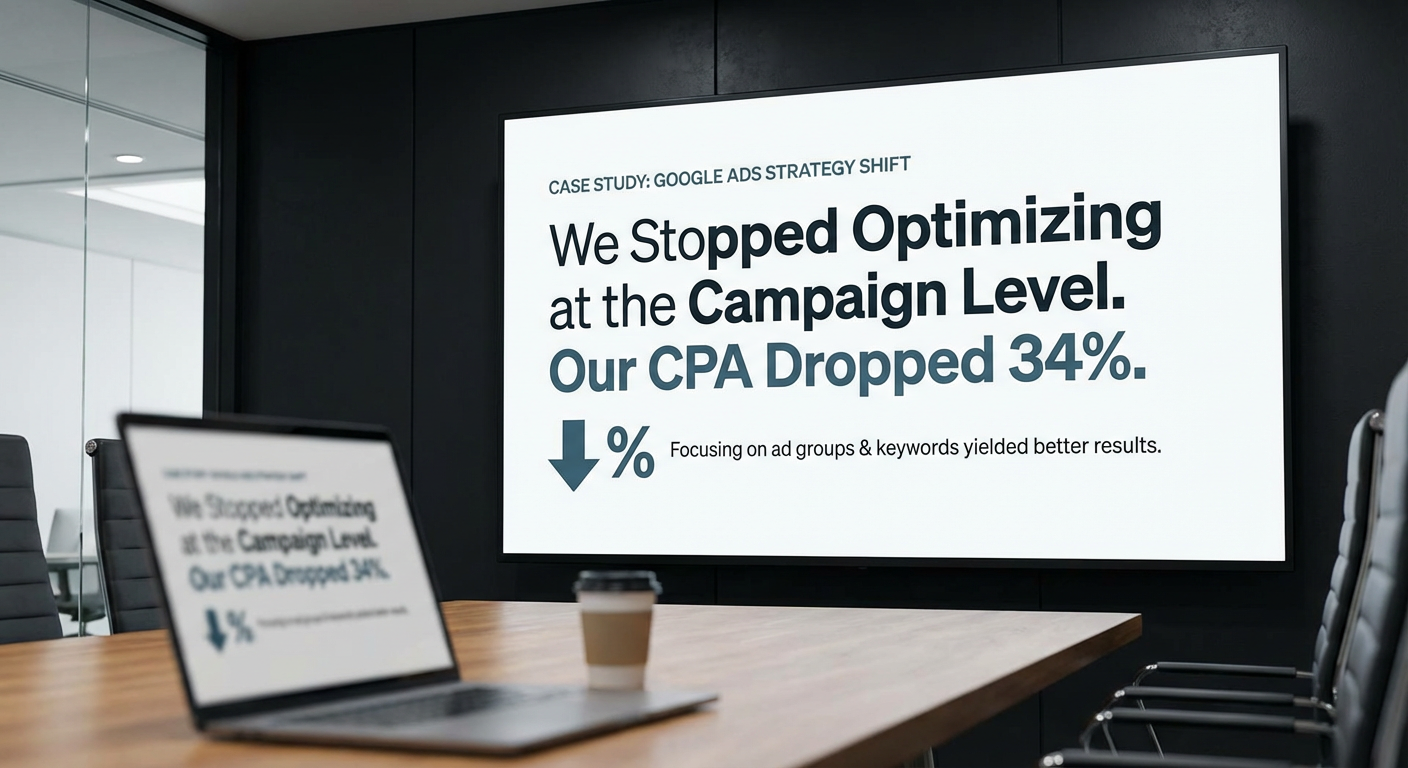
We Stopped Optimizing Google Ads at the Campaign Level. Our CPA Dropped 34%
Kenji pulled me into a call last August with a spreadsheet he'd been building for three weeks. He'd tagged every conversion in our Google Ads account back to the specific ad group and keyword that generated it. Not the campaign. The ad group and the keyword. What he found was embarrassing.
Out of our 14 active campaigns, 8 had at least one ad group that was spending money with a CPA more than 3x the campaign average. One campaign that we considered "performing well" at a $32 CPA actually had two ad groups at $18 CPA pulling down the average of a third ad group running at $78 CPA. The campaign-level view made everything look fine. The ad group-level view showed we were lighting $2,200 a month on fire inside a "good" campaign.
That's when I realized our entire approach to Google Ads optimization was wrong. We were making decisions at the campaign level because that's what the default dashboard shows you. Pause a campaign, increase a budget, adjust a bid strategy. All campaign-level actions. The real optimization opportunities were two layers deeper, at the ad group and keyword level, and we were barely looking at them.
The Campaign-Level Trap
Here's why most teams optimize at the campaign level: it's easy. Google Ads defaults to showing you campaign metrics. Your daily check takes five minutes. "Brand campaign looks good. Non-brand CPA is up. Retargeting spend is on track." Done.
The problem is that campaign-level metrics are averages, and averages hide everything interesting. A campaign with a $30 CPA might have ad groups ranging from $12 to $90. A campaign with strong CTR might have one ad group at 8% CTR averaging up three others at 1.5%. When you optimize at the campaign level, you're adjusting budgets and bids based on blended numbers that don't represent any single ad group's actual performance.
Elena ran our Google Ads for a year before Kenji's analysis. She's a good marketer. She checked the dashboard daily, paused campaigns that weren't converting, scaled up ones that were. By any reasonable standard, she was managing the account well. And she was still missing $4,000/month in wasted spend because the waste was buried inside campaigns that looked healthy on the surface.
Going Deeper: Ad Group Optimization
When Kenji presented his analysis, we restructured how we thought about optimization. Campaign level is for budget allocation. Ad group level is where performance actually lives.
We started pulling ad group data weekly. For every ad group across every campaign, we tracked:
- CPA relative to the campaign average and to the account target
- Conversion rate by ad group (not just campaign-level conversion rate)
- Quality scores on the keywords within each ad group
- Impression share at the ad group level
- Click-through rate by ad group compared to the campaign average
The first week was ugly. We found 11 ad groups across our 14 campaigns that were spending more than $50/week with zero conversions over the trailing 30 days. Eleven. These were ad groups with 5-15 keywords each, quietly accumulating spend because the campaign they lived in was performing well overall.
We paused 6 of them immediately. The other 5 had keywords we wanted to keep, so we restructured them: removed the non-converting keywords, tightened the match types, and rewrote the ad copy to match the remaining keywords more precisely. Within three weeks, our account-level CPA dropped from $38 to $31.
The Keyword Layer
Below ad groups, keywords tell you even more. A keyword's quality score is Google's opinion of how relevant your ad and landing page are for that search term. Quality scores range from 1 to 10, and the difference between a 6 and an 8 on a high-volume keyword can be 30-40% in cost per click.
We had been ignoring quality scores almost entirely. Nobody on the team checked them regularly. When Kenji pulled the data, we found 23 keywords with quality scores of 4 or below. These keywords were paying a penalty on every single click. A keyword with a quality score of 4 might pay $8 per click where the same keyword with a quality score of 8 would pay $4.50.
Some of those keywords were worth fixing. We rewrote ad copy to match the keyword intent more closely, updated landing pages so the content matched what people were searching for, and added more specific ad extensions. Over six weeks, 14 of the 23 keywords improved by 2 or more quality score points. The CPC reduction on those keywords saved us about $1,100/month.
Other keywords weren't worth saving. A keyword with a quality score of 3 that generates 5 clicks per week isn't worth the effort of landing page optimization. We paused those and reallocated the budget to keywords that were already working.
Why Nobody Does This Manually
The reason most teams don't optimize at the ad group and keyword level is time. Checking campaign metrics takes 5 minutes. Checking ad group metrics across 14 campaigns with 4-8 ad groups each takes 45 minutes. Pulling keyword data with quality scores, calculating relative performance, and identifying the specific underperformers takes 2-3 hours.
Nobody has 2-3 hours per week for this. So they do the 5-minute version and miss the 80% of optimization that lives below the campaign level.
Kenji did his original analysis as a one-time project. He spent three full days building that spreadsheet. The insights were great, but the analysis was stale within two weeks. New keywords got added. Performance shifted. Ad groups that looked fine in August were underperforming by September. A one-time deep dive doesn't account for the fact that Google Ads accounts change constantly.
Where an Optimization Tool Comes In
The first google ads optimization tool we tried was an ad group optimizer agent. It runs weekly and does what Kenji did manually, but automatically: pulls every ad group across every campaign, calculates performance relative to the campaign and account averages, identifies underperformers, and recommends specific actions.
A typical output looks like this. The agent identifies that ad group "Demo Request - Broad" in the "Non-Brand Lead Gen" campaign has a CPA of $74 against a campaign average of $29. It drills into the keywords and finds that two broad match keywords are matching to irrelevant search terms. It lists the specific search terms, recommends adding them as negatives, and suggests restructuring the remaining keywords into a tighter ad group with exact and phrase match only.
That's not a dashboard. That's not a metric. That's an action plan for a specific ad group based on data the agent pulled and analyzed. The kind of analysis that took Kenji three days now happens in about two minutes every Monday morning.
We also set up a keyword performance analyzer that focuses specifically on the keyword layer. It pulls quality scores, monitors changes week over week, identifies keywords where quality score dropped (which usually means a competitor changed their ads or Google re-evaluated relevance), and flags keywords where the gap between expected CPC and actual CPC suggests a quality score problem.
The 34% CPA Drop
Over eight weeks of systematic ad group and keyword optimization, our account CPA went from $38 to $25. That's a 34% reduction. Here's where the savings came from:
Pausing underperforming ad groups removed about $3,800/month in wasted spend. These were ad groups running inside "healthy" campaigns that nobody was examining individually.
Quality score improvements on 14 keywords reduced CPC by an average of 28% on those terms, saving about $1,100/month in click costs with the same volume.
Restructuring broad ad groups into tighter, more specific groups improved CTR by about 15% on average. Higher CTR further improved quality scores, which further reduced CPC. This feedback loop accounted for about $900/month in savings.
The total monthly savings were around $5,800, which on a $40K/month account is meaningful. But the bigger win was conversion volume. Because our CPA dropped without reducing budget, we generated 23% more conversions in the same time period. Same spend, more results.
What I'd Tell Someone Still Optimizing at Campaign Level
You're looking at the wrong numbers. Not wrong as in incorrect. Wrong as in they're averages that hide everything you need to see.
Open any campaign that's been running for more than 30 days. Go to the ad group view. Sort by cost. Look at the ad groups that are spending the most and check their individual CPAs. I'll bet money that at least one ad group has a CPA more than double the campaign average. That's money you're wasting right now, today, inside a campaign you think is performing well.
Then go one level deeper. Look at keyword quality scores within those ad groups. Any keyword below 5 is costing you extra on every click. Some of those are fixable with better ad copy or landing page alignment. Others should be paused.
This analysis takes time if you do it manually. A google ads optimization tool that works at the ad group and keyword level, instead of just the campaign level, turns a 3-hour audit into a 2-minute read. The data is already in Google's API. The math is straightforward. The only question is whether you're willing to look below the surface, and whether you have a tool that makes looking easy.
Try These Agents
- Google Ads Ad Group Optimizer -- Weekly ad group analysis with performance benchmarking and restructuring recommendations
- Google Ads Keyword Performance Analyzer -- Quality score monitoring and keyword-level optimization recommendations
- Google Ads Campaign Monitor -- Real-time campaign monitoring with Slack alerts for anomalies
- Google Ads Weekly Performance Report -- Full weekly digest with campaign metrics and trend analysis