
I Ditched Google Ads Scripts for AI Agents. No Regrets.
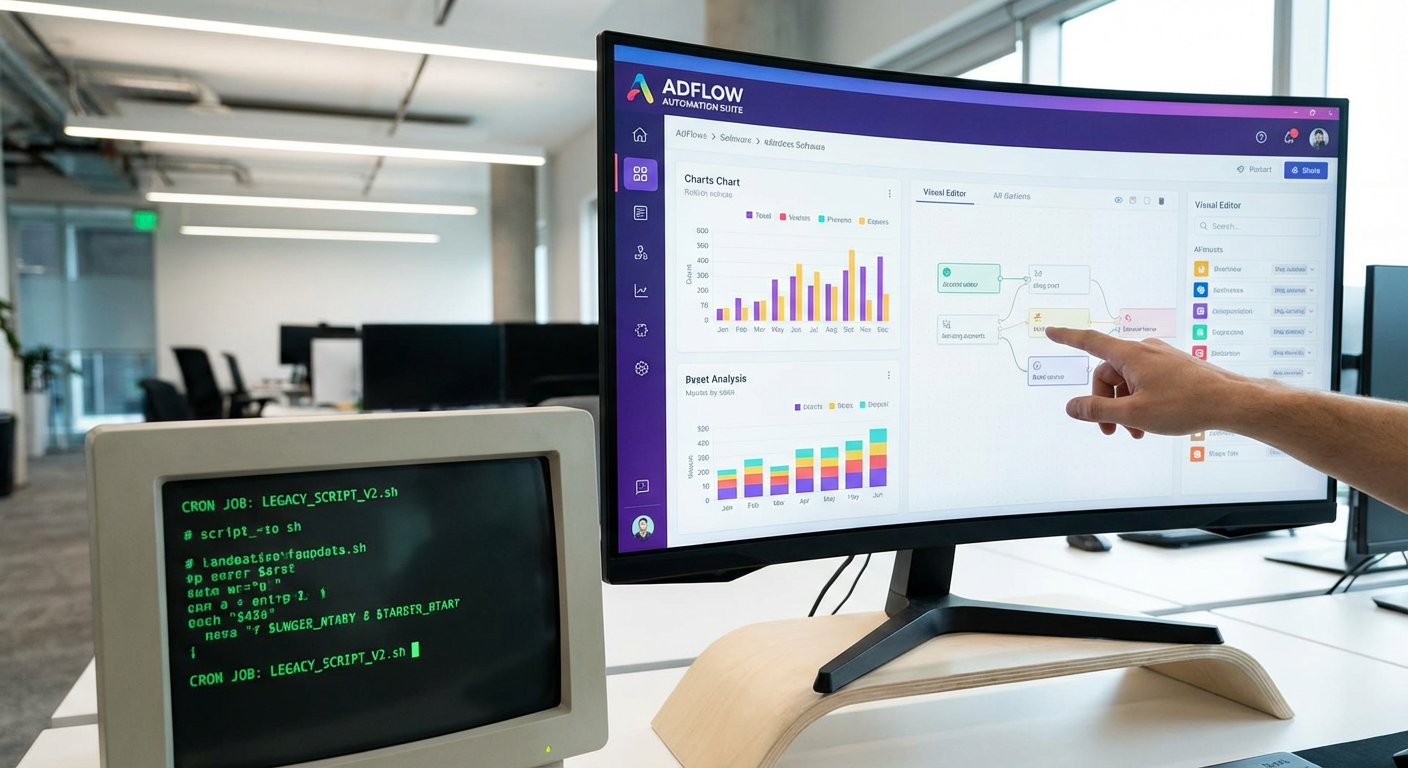
I have a Google Doc somewhere with 23 Google Ads scripts in it. I collected them over four years. Some I wrote myself. Some I found on blogs. A few I paid freelancers to build. At the peak of my scripts phase, I had nine of them running on schedules across three accounts. They tracked spend, paused keywords above a CPA threshold, sent me email alerts when budgets hit 80%, and exported campaign data to a Google Sheet every morning.
Then Google deprecated the AdWords API in favor of the Google Ads API in 2022. Three of my scripts broke. I fixed two of them. The third was a search term report script that used a method Google removed entirely. I spent a weekend trying to rewrite it. I got it mostly working but it kept timing out on accounts with more than 5,000 keywords.
That was the weekend I started thinking there might be a better way.
The Real Problem With Scripts
If you've never used Google Ads scripts, here's the deal. They're JavaScript functions that run inside the Google Ads platform. You write code that calls the Google Ads API, processes the data, and does something with it — sends an email, writes to a spreadsheet, pauses a campaign. Google runs the code on a schedule you define: hourly, daily, weekly.
In theory, this is a powerful automation tool. In practice, it's a maintenance burden that grows with every script you add.
Marcus had the best analogy. "Scripts are like having a robot assistant that only speaks JavaScript, forgets everything between conversations, and occasionally stops working because someone changed the dictionary." He wasn't wrong.
The specific problems I ran into over four years:
API changes break scripts without warning. Google updates its API and your script calls a method that no longer exists. You find out when the script fails, which might be days later if you're not checking the logs. I lost a week of spend data once because an export script had been failing silently for six days.
Debugging is painful. When a script fails, you get an error message in the Google Ads scripts log. Sometimes the error is helpful. Often it's something like "TypeError: Cannot read property 'stats' of null" with a line number that corresponds to a data access pattern that worked fine yesterday. You can't set breakpoints. You can't step through execution. You're debugging JavaScript in a web browser text editor with no dev tools.
Execution limits create real constraints. Google Ads scripts have a 30-minute execution timeout and API quota limits. For small accounts, this is fine. For accounts with thousands of keywords, you start hitting walls. My search term report script had to process data in batches across multiple scheduled runs, which meant maintaining state between executions. That's where bugs live.
No real testing environment. You can't unit test a Google Ads script. You can run it in "preview" mode, but that still calls the real API. There's no way to mock the data or test edge cases without running against your actual account.
What Made Me Switch
The breaking point was when Anya asked me to set up spend tracking for a new account. She wanted daily budget pacing logged to Google Sheets, with a Slack notification if any campaign exceeded its daily target by more than 20%.
In script world, this would have been two scripts. One to pull spend data and write it to Sheets. Another to check the pacing and trigger a Slack webhook. The Sheets part is straightforward. The Slack part requires setting up an incoming webhook, formatting the message payload in JavaScript, and handling the HTTP request inside the script. I've done it before. It takes about three hours to write and test.
Instead, I set up a Google Ads spend tracker agent. It connects to the Google Ads API, pulls campaign spend data, compares it against monthly budgets, writes the results to a Google Sheet, and posts a summary to Slack. It took about 10 minutes to configure. No JavaScript. No webhook URLs. No debugging API responses in a web editor.
That was the moment it clicked. The agent did in 10 minutes what would have taken me 3 hours to script. And unlike the script, I didn't have to worry about API changes breaking it, because the agent uses tool integrations that get updated when APIs change. The maintenance burden just disappeared.
The Same Tasks, Without Code
Let me walk through the specific things I used scripts for and how agents handle each one.
Spend tracking and budget pacing was my most-used script. It ran daily, pulled campaign spend, calculated pacing against monthly targets, and exported to Sheets. The agent does the same thing but also writes a plain-English summary. Instead of opening a spreadsheet and scanning rows of numbers, I read a message that says "Day 15 of 31. You've spent $11,400 of your $25,000 budget. On pace for $23,560. Campaign 'Brand - Exact' is 40% over pace. Campaign 'Generic - Broad' is 25% under pace." That summary used to be my job. I'd look at the spreadsheet, do the math in my head, and write a Slack message. Now I just read one.
Anomaly detection was the script I maintained the longest and hated the most. It compared each campaign's CPA to its trailing 14-day average and emailed me when the difference exceeded 30%. Simple concept. The implementation was 180 lines of JavaScript that handled edge cases: campaigns with no conversions (division by zero), new campaigns with less than 14 days of data, campaigns that were paused and restarted. A campaign monitor agent handles all of those edge cases without me having to think about them. It also tells me why the CPA spiked, which my script never did. The script said "CPA is 45% above average." The agent says "CPA spiked because the keyword 'enterprise software' matched to 'free enterprise software trial' and generated 67 clicks with zero conversions."
Weekly reporting was a collection of three scripts that ran Monday mornings. One pulled campaign metrics. One pulled keyword metrics. One assembled the data and emailed a formatted report. They were fragile. If the first script failed, the other two produced garbage because they read from the same spreadsheet. The whole chain broke about once a month. A performance report agent generates the same report in one step and posts it to Slack. It's been running for four months with zero failures.
Keyword performance monitoring was the script I never got working reliably. The goal was to flag keywords with high spend and low conversion rates. The logic was simple but the data volume was the problem. Pulling quality scores and performance metrics for 3,000+ keywords hit execution limits. I tried batching, caching, scheduling across multiple runs. It always eventually broke. An agent handles this without any of those workarounds because it uses GAQL queries that are designed for exactly this kind of data retrieval.
What You Lose (and What You Gain)
I want to be honest about the tradeoffs. Scripts give you something agents don't: granular programmatic control. If you want to write a script that changes bids based on weather data from a third-party API, that's possible with scripts and not (easily) possible with an agent. If you need to manipulate individual bids based on custom formulas, scripts are the right tool.
But here's the thing. I looked at my 23 scripts and categorized them by what they actually did. Nineteen of them fell into four categories: monitoring, reporting, alerting, and data export. Four of them did something more custom. Those four were the ones I needed scripts for. The other nineteen were just data retrieval and analysis, which agents handle without code.
Tomás put it bluntly: "You spent four years writing JavaScript to pull numbers from an API and put them in a spreadsheet. That's not automation. That's busywork with extra steps."
What you gain by switching from scripts to agents:
No code to maintain. No JavaScript to debug, no API changes to track, no execution limits to work around. The agent uses maintained tool integrations. When Google updates its API, the tool integration updates. You don't have to do anything.
Natural language output. Scripts produce data. Agents produce analysis. Instead of a spreadsheet with 47 rows, you get a summary that tells you what matters and why. The difference between "here are the numbers" and "here's what the numbers mean" is the difference between data and information.
Composability. An agent can use multiple tools in one workflow. Pull Google Ads data, check it against targets in a Google Sheet, post the results to Slack. With scripts, that's three scripts with a shared spreadsheet. With an agent, it's one workflow.
Who Should Still Use Scripts
If you're a developer who genuinely enjoys writing JavaScript and has specific automation needs that go beyond monitoring and reporting, scripts are a fine tool. If you need to make real-time bid adjustments based on external data, scripts can do that.
But if you're a media buyer, a marketing manager, or an agency owner who maintains scripts because they seemed like the only option for automation, agents are a straight upgrade. Same capabilities for the common use cases. No code. No maintenance. Better output.
I still have that Google Doc with 23 scripts. I keep it around as a reminder of the hours I spent writing and debugging code that did what a 10-minute agent setup now handles automatically. Kenji saw it on my screen once and asked what it was. "Ancient history," I told him. He didn't ask any follow-up questions.
Try These Agents
- Google Ads Spend Tracker -- Daily budget pacing and spend tracking logged to Google Sheets with Slack notifications
- Google Ads Campaign Monitor -- Automated CPA anomaly detection with root cause analysis delivered to Slack
- Google Ads Performance Report -- Weekly campaign report with keyword analysis and recommendations
- Google Ads Multi-Account Audit -- Cross-account performance comparison for agencies managing multiple clients