
Jira Workflow Automation: We Automated Our Entire Ticket Lifecycle
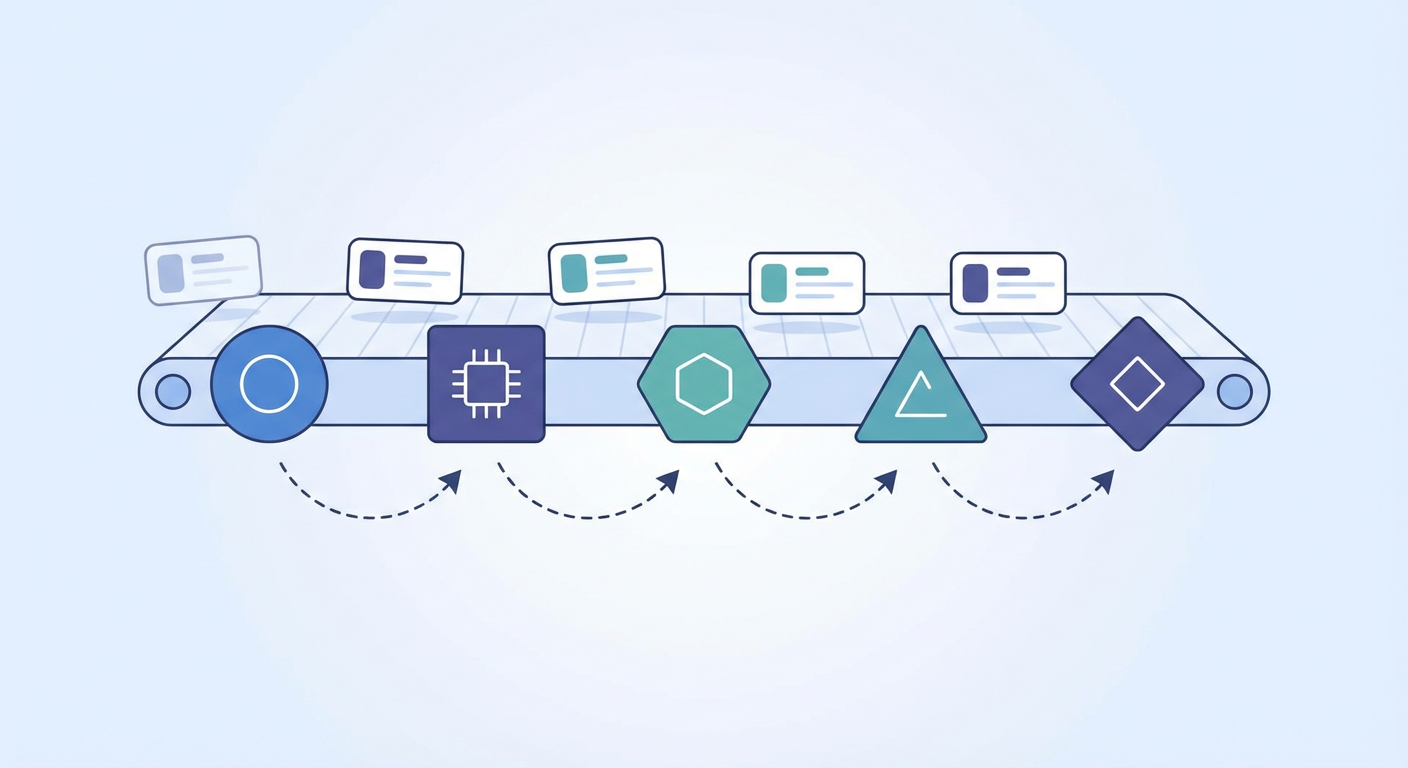
Elena runs a 14-person platform engineering team at a mid-size fintech. Last April, she mapped out how a single Jira ticket moves from creation to closure. The journey had 11 steps, involved 4 people, and took an average of 6.3 days -- even for tickets that required less than 2 hours of actual work. The rest was waiting. Waiting for triage. Waiting for assignment. Waiting for someone to notice the ticket was done and transition it to closed. Waiting for a human to do something a machine should have done two days ago.
She decided to automate the entire lifecycle. Not just one step, not just the notification when something gets stuck, but every transition point where a human was doing mechanical work instead of engineering work. This is what that looked like.
Stage 1: Intake -- Where Tickets Are Born
The old process: tickets arrived from four sources. Customer support filed bugs through a form. Engineers created tickets directly in Jira. The product team added stories during planning. And an alerting system (PagerDuty) auto-created incidents from monitoring.
Each source used different conventions. Support tickets had structured fields but vague descriptions -- "Customer reports payment not working" with no stack traces, no account IDs, no reproduction steps. Engineer-created tickets were technically detailed but inconsistently labeled. Product stories were well-written but used a different priority framework than everyone else. PagerDuty incidents were machine-generated and needed human translation.
Elena's first automation layer standardized intake. She set up Jira automation rules to normalize the basics: enforce required fields per issue type, apply default labels based on the source (support-filed, eng-filed, product-filed, alert-generated), and auto-link incidents to their parent service component. This took an afternoon to configure and immediately cut the "wait, what is this ticket even about?" confusion by about half.
But normalization is table stakes. The real problem was what happened next.
Stage 2: Triage -- The Bottleneck Nobody Admits To
Before automation, Elena triaged every ticket herself. Every morning, 30 minutes minimum. She'd read the title and description, check the reporter's history, look at the affected component, assess severity, set priority, assign a team, and move it from "Backlog" to "Ready for Dev." Thirty minutes on a light day. An hour when something was on fire.
She'd tried building triage rules in Jira's automation engine. The rules were fine for the obvious cases -- a P1 incident from PagerDuty gets auto-assigned to the on-call rotation, a ticket tagged "documentation" goes to the docs team. But 60% of incoming tickets didn't fit a neat rule. They needed someone to actually read the description and make a judgment call.
This is where the ticket triage agent replaced Elena's morning ritual. The agent reads each new ticket -- title, description, comments, reporter history, and the last 30 days of issues on the same component -- and sets priority, assigns the right team, adds labels, and posts a triage comment explaining its reasoning. Elena still reviews the output over coffee. She overrides maybe 15% of the assignments, usually because of context the agent doesn't have (like knowing that Raj is out on paternity leave and his tickets should go to Suki).
Time saved: roughly 20 minutes per day. That's about 80 hours per year of a team lead's time that was being spent on sorting, not leading.
Stage 3: Assignment and Routing
Triage sets the team. Assignment picks the person. These sound like the same thing but they're not.
Elena's team has two squads: one focused on infrastructure (databases, networking, CI/CD) and one on developer experience (internal tools, SDKs, onboarding). Triage routes a ticket to the right squad. Assignment within the squad depends on who has capacity, who has context on that part of the codebase, and who's already working on related issues.
The manual version of this was a weekly capacity conversation during standup. "Anyone have room for two more tickets this sprint?" followed by silence, followed by Elena assigning them anyway.
The automated version pulls each engineer's current workload from Jira (in-progress issue count, story points assigned vs. completed this sprint) and the ticket's component history (who touched this component most recently?). The agent suggests an assignee and the squad lead approves or reassigns in Slack with a thumbs-up or a name.
What surprised Elena was how much better assignment got when it was data-driven instead of memory-driven. The manual process was biased toward the loudest and most responsive engineers. The automated process distributed work more evenly, which the quieter team members appreciated and the previously overloaded ones appreciated even more.
Stage 4: Status Transitions -- The Zombie Ticket Problem
Every team has zombie tickets. Tickets that are functionally done -- the code is merged, the PR is approved, the change is in production -- but nobody transitioned the Jira issue from "In Review" to "Done." They sit there, cluttering the board, making sprint metrics look wrong, and generating "hey, is this still in progress?" pings from product managers.
Elena set up a two-part system. First, Jira's built-in automation rules handle the deterministic transitions: when a linked PR is merged in GitHub, transition the issue from "In Review" to "QA." When a QA engineer adds the label "qa-passed," transition to "Ready for Deploy." When a deploy tag is detected in the CI pipeline, transition to "Done."
Second, for the transitions that aren't deterministic -- tickets that have been in "In Progress" for 10 days with no updates, tickets in "Blocked" with no blocker linked, tickets in "QA" for a week with no QA engineer assigned -- the agent runs a daily scan. It posts a comment on each stuck ticket: "This issue has been in 'In Progress' for 12 days with no commits linked. Is it still being worked on, blocked, or ready for review?" If there's no response in 48 hours, it flags the ticket in a weekly digest to Elena.
This is less glamorous than the triage automation, but it's the one that had the most visible impact on the board. Before: 30-40 tickets in ambiguous states at any given time. After: usually under 10.
Stage 5: Closure and Reporting
The last mile is the most neglected. A ticket gets to "Done" and... that's it. Nobody writes a resolution summary. Nobody checks whether it was actually done right. Nobody updates the sprint report.
Elena's agent adds a resolution comment when a ticket transitions to "Done": a two-sentence summary of what changed, pulled from the linked PR descriptions and commit messages. It also checks whether the ticket's resolution matches its original description -- if a bug ticket was filed about payment timeouts but the linked PR only addresses retry logic without fixing the underlying timeout, the agent flags it for review.
The sprint reporting piece pulls from the sprint status reporter and runs every Friday at 3pm. It generates a narrative summary -- not a list of tickets, but an actual paragraph describing what the team accomplished, what carried over, and what patterns emerged. Elena pastes it into Slack and her VP reads it. Before the agent, Elena spent 30-45 minutes writing that summary manually every Friday.
What Stayed Manual
Not everything got automated, and that's worth saying explicitly. Sprint planning is still a conversation. Architectural decisions embedded in tickets still need human review. Escalation decisions -- "should we wake someone up at 2am for this?" -- still go through a human on-call. Stakeholder communication beyond status updates still requires Elena's judgment.
The pattern is straightforward: anything that requires reading comprehension and pattern matching got automated. Anything that requires relationship management, strategic judgment, or creative problem-solving stayed manual. The line between them is clearer than you'd think.
Why Use an Agent For This
The Jira automation rules handle the mechanical stuff well -- field updates, notifications, scheduled transitions. They break down when the automation requires understanding context: reading a ticket description, assessing severity based on the affected component's history, or synthesizing a sprint's worth of work into a coherent summary.
An AI agent bridges that gap. It reads tickets the way a human would, suggests triage decisions based on patterns rather than keyword matches, and generates reports that synthesize rather than list. The combination of Jira's built-in rules for deterministic workflows and an agent for judgment-based workflows is what got Elena's team from 11 manual touchpoints per ticket to 3.
Try These Agents
- Jira Ticket Triage Agent -- Auto-triage incoming issues with priority, component, and assignee suggestions
- Jira Sprint Status Reporter -- Generate narrative sprint summaries from Jira data every Friday
- Jira Standup Report Generator -- Pull daily standup updates from Jira activity instead of asking people to self-report
- Jira Automated Bug Reporter -- Create structured bug tickets from alerts with automatic deduplication