
Notion Has AI Agents Now. Here's What They Miss (and How We Fill the Gaps)
Priya sent our CS team a screenshot the week Notion 3.0 launched. It showed a Notion AI agent summarizing a project database, sorting tasks by priority, and drafting a status update. "This is going to change everything," she wrote. She was half right.
Notion's native AI agents are good at working inside Notion. They can query databases, fill in properties, draft content, and answer questions about your workspace. If your entire workflow lives in Notion, they handle a lot. Ours doesn't. Our customer data lives in Salesforce. Our conversations happen in Slack. Our support tickets are in Intercom. Our usage metrics sit in a data warehouse. The Notion AI agent can't see any of that.
That's the gap we've been building around for the past six months. Not replacing Notion's AI. Extending it so our Notion workspace connects to everything else.
What Notion's Native Agents Do Well
I want to give Notion credit because the native agents are genuinely useful for workspace-level tasks.
Database queries work. You can ask the agent "which projects are overdue?" and it'll scan your project database, filter by due date, and return a list. You can ask "summarize the meeting notes from this week" and it'll read through your meeting notes pages and pull out the highlights. This is real time saved. Kenji used to spend 10 minutes every Monday morning filtering and sorting our project board to find overdue items. Now he asks the agent and gets an answer in seconds.
Content drafting is solid. The agent writes first drafts of page content based on your existing workspace context. It knows your team members, your project names, your terminology. When Diana asked it to draft a quarterly review template, it pulled in actual project names and team members from our databases instead of generating placeholder text. That's a meaningful step above generic AI writing tools.
Property automation works within single databases. The agent can watch for changes and update related properties. A task moves to "Complete" and the agent fills in the completion date, updates the progress bar on the parent project, and notifies the assignee of the next task.
All of this runs natively inside Notion. No external setup, no API configuration, no third-party tools. For teams whose entire operation lives in Notion, the native agents might be enough.
Where Native Agents Stop
Our CS team manages 127 customer accounts. The account data lives in Salesforce. Health scores are calculated from product usage data in our warehouse. Renewal dates, contract values, and stakeholder contacts are all in the CRM. When a customer mentions something concerning in a support ticket, that ticket is in Intercom. When our sales rep shares context about a customer relationship, that's in a Slack channel.
Notion knows none of this. The native agent can only see what's inside your Notion workspace. It can't log into Salesforce to check an account's health score. It can't search Slack for recent mentions of a customer name. It can't read Intercom tickets to see what issues a customer has reported this quarter.
Priya tried to work around this by manually importing customer data into a Notion database. She spent two hours building a customer tracker, manually entering account names, health scores, and renewal dates. By the time she finished, three of the health scores had already changed. The data was stale before she even used it.
The maintenance problem is the real killer. Static Notion databases with manually entered data from other systems are always out of date. Someone has to update them, and nobody wants to.
External AI Agents Fill the Gaps
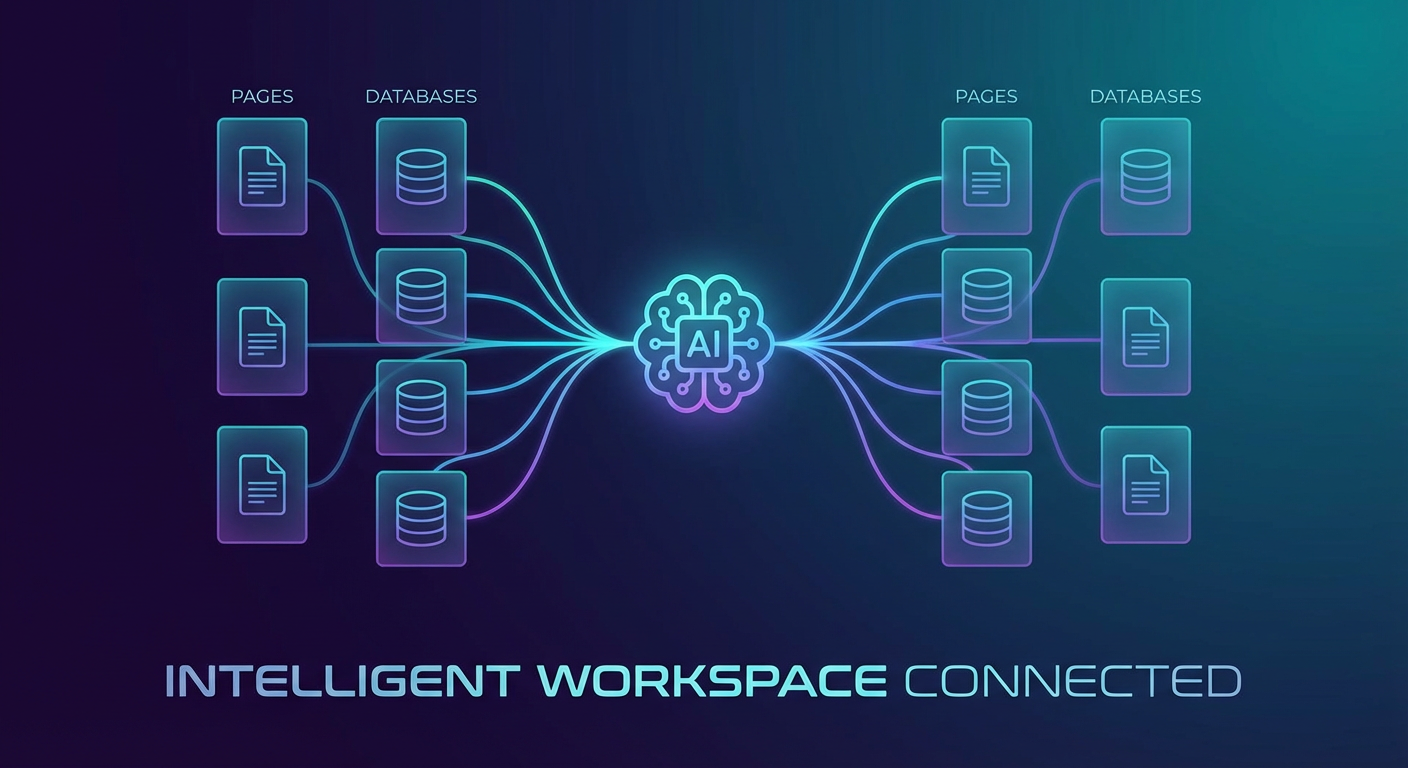
We connected AI agents through Cotera that can read and write Notion pages while also pulling data from Salesforce, Slack, Google Sheets, and our other tools. The agents act as a bridge between Notion and everything else.
The first agent we deployed was a customer health dashboard builder that creates and maintains a Notion database of customer accounts. It pulls health scores from Salesforce, last contact dates from Slack, open ticket counts from Intercom, and usage trends from our data warehouse. Every morning at 7 AM, the agent updates every account page in Notion with fresh data.
Priya no longer maintains the customer tracker manually. She opens it Monday morning and sees 127 accounts with data that was updated two hours ago. Health scores, renewal dates, days since last contact, open support tickets, usage trend direction. All current.
The difference from her manual approach is the agent keeps it alive. The database doesn't decay because nobody is responsible for updating it. The agent is.
The second thing we built was a Slack-to-Notion escalation flow. When a customer's name comes up in our #cs-alerts channel with a negative signal, a flag on an account, a churn mention, a missed renewal check-in, the agent creates a page in our "Action Required" Notion database with all the context. It includes the Slack message that triggered the alert, the customer's current health score from Salesforce, their renewal date, and their last three support tickets.
Marcus called these "instant briefing pages." Before, when an account was flagged, someone had to manually look up the customer across three different tools to understand the situation. Now the briefing page assembles itself and lands in Notion within a minute of the alert.
Native Plus External: The Combined Setup
We run both systems. Notion's native agents handle the internal workspace tasks. External agents handle everything that crosses system boundaries.
Here is how the split works for our CS team:
Notion native agents handle task management inside our CS workspace. When a follow-up task is marked complete, the native agent updates the parent account page and notifies the account owner. When a new onboarding project is created from a template, the native agent fills in default properties and assigns tasks based on the customer segment. These are database-to-database operations inside Notion. The native agent does them well.
External agents handle data that comes from or goes to other systems. Syncing customer data from Salesforce into Notion. Posting weekly account summaries from Notion to Slack. Creating action items in Notion when support ticket patterns emerge in Intercom. Reading a Notion meeting notes page and updating the corresponding account record in Salesforce with the main takeaways.
The agents don't conflict because they operate at different layers. Think of Notion's native agents as the nervous system inside the workspace. They keep things connected and responsive internally. External agents are the circulatory system. They move data between Notion and the rest of your tool stack.
Real Numbers After Three Months
Before we set up this combined system, our five-person CS team spent roughly 6 hours per week on data synchronization tasks. Moving information between tools. Updating Notion pages with data from Salesforce. Copying support ticket summaries into account notes. Building weekly reports by pulling numbers from three different systems.
After three months with both native and external agents running, that number dropped to about 45 minutes per week. Most of the remaining time is spent reviewing what the agents produced and making judgment calls the automation can't make. Should we escalate this account? Does this health score drop warrant an executive check-in? Those decisions still need a human.
The less obvious benefit is freshness. Priya told me: "I used to check three tools every morning to build a picture of my accounts. Now I check Notion. The picture is already there and it was built two hours ago." When your workspace data is always current, you make better decisions because you're working from today's information, not last week's.
Elena, who manages our largest enterprise accounts, said the Slack-to-Notion escalation flow caught two at-risk accounts she would have missed. Both had subtle signals spread across different channels. Neither would have shown up in a single-tool view. The agent connected the dots because it could see across tools.
What to Start With
If you're already using Notion and thinking about adding AI agents to it, start with the highest-pain data sync. For most teams, that's CRM data flowing into Notion. Health scores, renewal dates, deal values, contact information. Whatever you currently update manually or wish you had inside Notion but don't because the maintenance burden is too high.
Set up one external agent to populate and maintain that data. Run it for two weeks. If the data stays accurate and your team starts relying on it, expand to the next integration. Slack notifications, support ticket summaries, usage data.
The native Notion agents will keep getting better at internal workspace tasks. External agents solve a different problem: making Notion the place where all your data comes together, regardless of where it originates. Both are worth using. Together, they make Notion a lot more than a docs tool.
Try These Agents
- Notion Customer Health Dashboard -- Build and maintain a live customer health database in Notion from CRM data
- Notion Salesforce Deal Tracker -- Sync Salesforce deal data into Notion databases automatically
- Notion Meeting Notes to Slack -- Push meeting summaries and action items from Notion to Slack
- Notion Project Tracker to Sheets -- Two-way sync between Notion project databases and Google Sheets