
We Manage 23 Projects in Notion and Here's the Automation Stack That Makes It Work
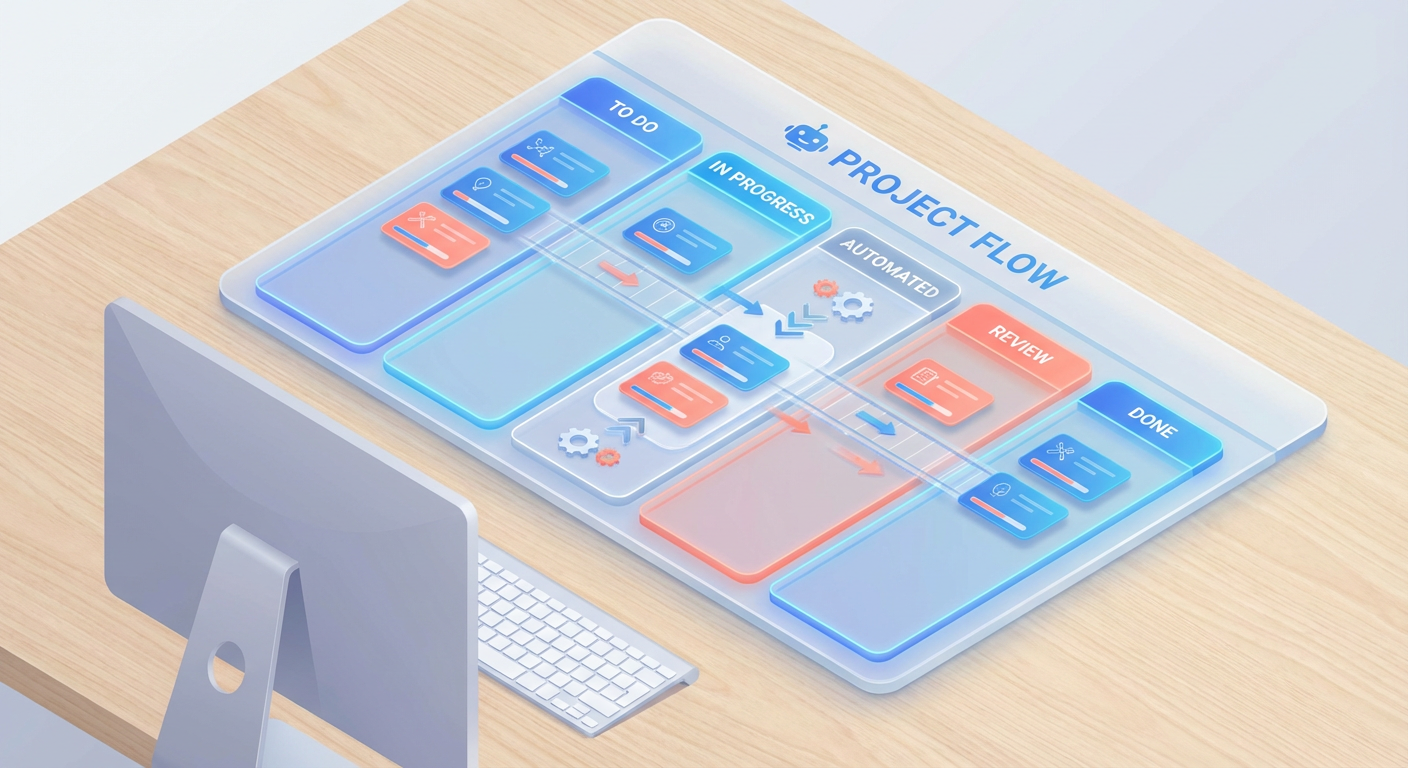
Anya runs our project management org. She oversees 23 active projects across four teams, and until about six months ago she spent every Monday morning doing the same thing: opening each Notion project database, reading the latest updates, copying status notes into a summary page, and then building meeting prep docs for the three syncs she had that week. It took her about three hours every Monday. She called it "the admin tax."
I watched her do it once. She opened a project page, scrolled to the latest status field, read "on track" with no additional context, sighed, opened Slack to ask the project lead what "on track" actually meant, waited for a reply, then manually typed the answer back into the Notion summary. She did this 23 times. Some project leads responded quickly. Others didn't respond until Tuesday, which meant the Monday summary was already out of date by the time it was complete.
The problem was never Notion itself. Notion is a good project management tool. The problem was that everything between "information exists in Notion" and "the right person sees the right information at the right time" was manual.
Where All the Time Was Going
We asked Anya and her two coordinators to track their hours for two weeks. The results were depressing.
The biggest drain was chasing context on status updates — roughly four and a half hours a week. Every project had a status property, but "in progress" tells you absolutely nothing. Is it on track? Is design blocked on brand guidelines? Is the client ghosting? The coordinators spent more time asking project leads what a status meant than they did on actual project coordination. Kenji's projects were the worst offenders. He'd mark something "on track" and then casually mention in standup that the timeline had slipped by two weeks.
Meeting prep ate another three and a half hours. Anya's three weekly syncs each needed a prep doc: last meeting's outcomes, what changed since, decisions on the table, attendee context. She built these from scratch every time, tabbing between Notion pages, old Slack threads, and her own shorthand notes in a personal doc that only she could decipher.
Then there was the cross-platform syncing. Project timelines in Notion, resource allocation in Google Sheets, client updates in email. Three different tools, three different versions of the truth. Anya's coordinators spent roughly three hours a week copying numbers between them and hoping nobody changed something without telling anyone. (Someone always changed something without telling anyone.)
That's 11 hours a week. For a three-person team, it meant more than one full day each week spent not on project management but on project administration.
What We Automated First
We started with meeting prep because it had the clearest input-output structure. Before every meeting, someone needed to research the attendees, pull together what happened since the last sync, and create a structured page in Notion with talking points.
We pointed a pre-meeting research agent at our meeting calendar and let it handle the research step. The agent pulls attendee information, checks recent activity, and creates a Notion page with everything the meeting lead needs to know. What used to take Anya 45 minutes per meeting now takes her about 5 minutes of review.
The difference is in the details. Before the agent, Anya's meeting prep was whatever she could remember plus whatever she had time to look up. After, every prep doc includes the attendee's role, their recent LinkedIn activity, the company's latest news, and a summary of any prior interactions. She told me: "I used to wing the first five minutes of every meeting trying to remember what we talked about last time. Now I walk in already knowing."
Automating Status Collection
The status update problem was harder because it wasn't a single workflow. It was 23 different projects with 23 different leads who all had different habits around documentation.
We built a system where an AI agent searches the Notion project database on Monday mornings, retrieves each project page, reads the current status and any recently appended blocks, and flags anything that looks stale or incomplete. If a project's status hasn't been updated in more than five business days, the agent creates a checklist item on a "needs update" page and sends a Slack message to the project lead.
Kenji, who leads our engineering projects, initially pushed back. "I don't need a bot nagging me about status updates." Two weeks later he came around. "Actually, the bot asking me on Monday is better than Anya asking me on Wednesday. At least the bot doesn't look disappointed."
The agent also generates a weekly project summary page. It retrieves block children from each project's updates section, pulls the last week's changes, and appends a condensed summary to a central tracking page. Before, this summary was Anya's three-hour Monday morning task. Now it's done before she opens her laptop.
Views, Templates, and the Stuff That's Still Manual
Not everything needs an AI agent. Notion's native features handle a lot of project management well, and we didn't try to automate things that already worked.
Board views for sprint planning. Timeline views for roadmapping. Template buttons for new project kickoffs. Relation properties that link tasks to projects to people. All of this is fine out of the box. We use six different database views for the same project tracker, and they're all useful for different audiences.
What Notion can't do natively is connect information across those views intelligently. A board view shows you cards. A timeline view shows you dates. Neither tells you "this card has been in the same column for three weeks and the person assigned to it hasn't updated the page since February 12." That's where the agent comes in.
We also kept our project templates manual, at least for now. When someone starts a new project, they click Anya's template button, fill in the properties, and the page generates with the right sections. Could an agent do this? Probably. But the template works, nobody complains about it, and automating a process that takes two minutes feels like over-engineering.
The Cross-Platform Problem
The hardest automation was syncing data between Notion and other tools. Our project tracker in Notion needed to reflect what was happening in Google Sheets, Slack, and our client-facing reports.
We set up an agent that searches Notion for projects tagged "client-facing," retrieves the relevant pages, and creates a formatted export in Google Sheets. Stakeholders who refuse to use Notion (there are always a few) can see the same information in a spreadsheet without anyone manually copying it over.
Diana, our client success manager, used to spend Friday afternoons rebuilding the client status spreadsheet from Notion data. She literally had a checklist on her desk: "Open project A. Copy status. Open project B. Copy status." Twelve projects. Forty-five minutes. Every Friday. The agent does the same export in about 90 seconds, and it catches things Diana sometimes missed, like a due date that slipped since last week.
What Changed After Six Months
The PM team's admin time dropped from 11 hours per week to about 3. Anya spends Monday mornings reviewing agent-generated summaries instead of building them. Meeting prep is a five-minute review instead of a 45-minute research project. Cross-platform syncing happens automatically instead of on Friday afternoons.
The less obvious change: project leads started writing better status updates. When they knew an agent was going to read their status field and flag it if it was stale or vague, they started putting actual information in there. "On track" became "on track, design approved, dev starts Wednesday." The agent didn't force this behavior. But the accountability of knowing something would check made people write for an audience instead of writing for a checkbox.
We're also using meeting notes synced to Slack now, which closes the loop on meetings. The agent creates the meeting prep in Notion before the meeting and posts a summary to the relevant Slack channel after. Tomás, who manages two of our larger client accounts, said he stopped worrying about meeting follow-ups for the first time in his career.
Total time to set up all of this: about two days, spread over a week. Not nothing. But compare that to 11 hours per week, every week, forever. The payback period was less than two weeks.
Try These Agents
- Pre-Meeting Research to Notion -- Research attendees and create structured meeting prep docs in Notion automatically
- Notion Project Tracker to Google Sheets -- Export Notion project databases to Google Sheets for stakeholder reporting
- Notion Meeting Notes to Slack -- Sync meeting notes from Notion to the right Slack channels after every call
- Notion Salesforce Deal Tracker -- Keep Notion deal pages in sync with Salesforce pipeline data