
Our Content Calendar Ran Itself for a Month. Here's How We Set It Up in Notion
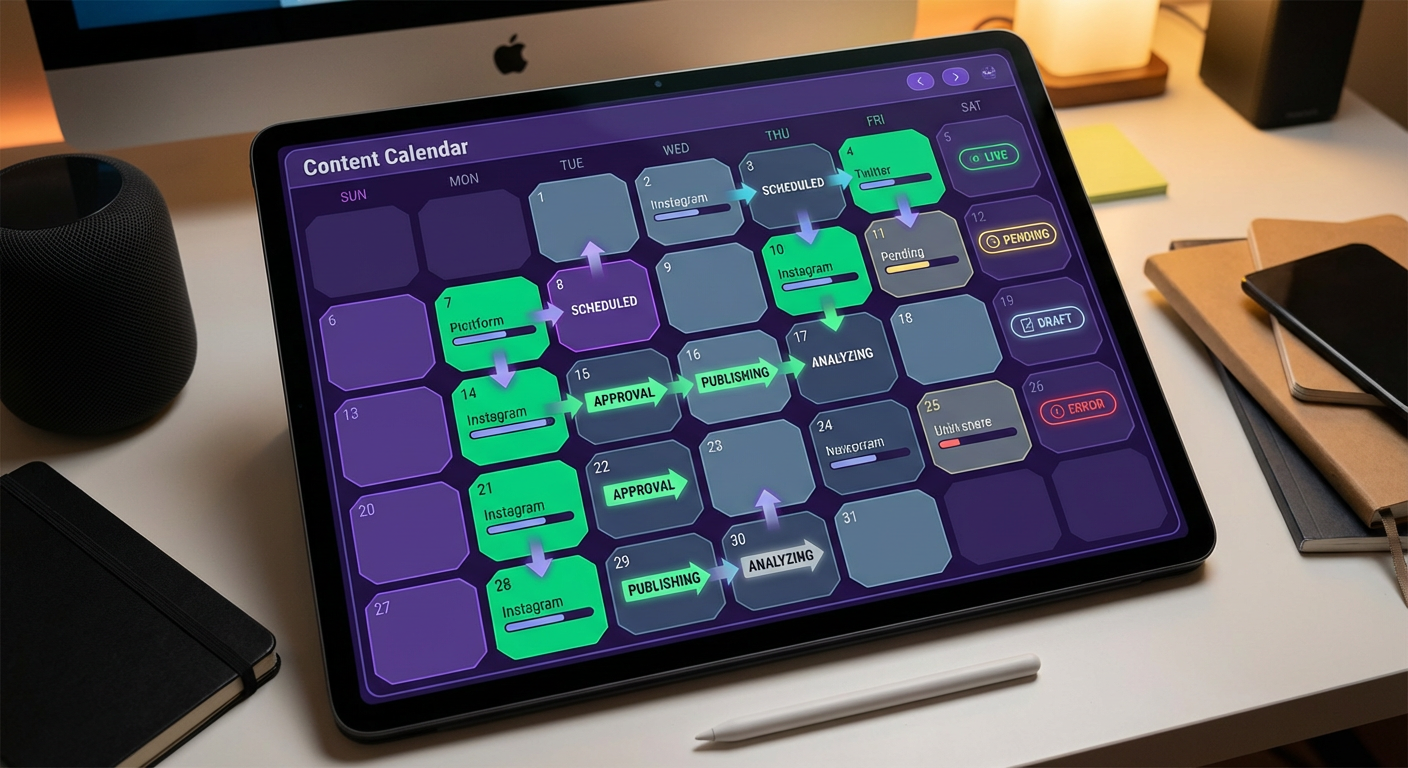
Diana manages our content team and she had a spreadsheet problem. Not a spreadsheet. A Google Sheet with 14 tabs, 200+ rows of content ideas, a color-coding system only she understood, and a weekly ritual where she spent 90 minutes updating statuses, reassigning pieces, and pasting performance data from analytics tools. She called it "feeding the machine."
One Friday she forgot to do the update. Nobody noticed until the following Tuesday. That told us two things. First, the manual update was less useful than we thought. Second, the content calendar needed to update itself.
We moved the calendar from Google Sheets to Notion and built a workflow automation system around it. Not just Notion automations. A multi-step workflow that spans Notion, Slack, Google Sheets, and our analytics tools, all coordinated by AI agents. The calendar ran itself for 32 days before Diana intervened to make a single manual change. Here's the full setup.
Why Basic Notion Automations Weren't Enough
We started with Notion's built-in database automations. They handle simple triggers. A content piece moves to "In Review" and the reviewer gets notified. A piece moves to "Published" and the publish date property gets filled in. A new idea is added and it gets assigned a default status of "Backlog."
These worked. We set up 8 triggers in the first afternoon. They saved Diana about 15 minutes per week on status-related busywork.
But the content calendar workflow has steps that cross system boundaries. When a piece is published, we need to pull its performance data from Google Analytics after a week and add it to the Notion page. When a writer is overloaded, we need to check their current assignments and redistribute upcoming pieces. When a piece has been in "Draft" for more than five days, we need to post a nudge in the writer's Slack DM. None of this is possible with Notion-only automations.
We also needed conditional logic that built-in automations don't support. If a piece is a blog post, the review process has two steps. If it's a case study, the review process has three steps and includes a customer approval gate. If it's a social post, there's no review step at all. Notion automations can't branch based on content type with that level of complexity.
The Multi-Step Workflow We Built
The content calendar lives in a Notion database with these properties: Title, Type (blog, case study, social, email), Status (Backlog, Assigned, Writing, Draft, In Review, Revisions, Approved, Published), Writer, Editor, Publish Date, Target Keyword, Word Count Target, Actual Word Count, Traffic (7-day), Traffic (30-day), and Conversion Rate.
The content calendar automation agent ties the whole thing together. It runs Monday mornings, scans the content backlog, checks each writer's current workload, and assigns pieces to whoever has capacity. Blog posts get a 10-day window, case studies 21 days, social posts 3 days. Kenji, one of our writers, said the Monday messages felt like getting a weekly brief. "I open Slack and there's a message saying: you have two pieces this week, here are the topics and deadlines. I don't have to check Notion. They come to me."
The daily progress check was Diana's idea, actually. She used to spend every morning scanning the calendar for overdue items and pinging people in Slack. Now the agent does the scan at 9 AM. If a blog post has been in "Writing" for more than five days, the writer gets a DM: "Your piece on [topic] has been in draft for 6 days. The publish date is [date]. Need help or a deadline extension?" We learned quickly that the tone matters. Rafael pointed out that messages framed as information work, messages framed as accountability don't. So the agent states facts instead of applying pressure.
Review routing turned out to be the part with the most conditional logic. Blog posts go to the assigned editor. Case studies go to the editor plus the CSM who owns the account relationship. Social posts skip review entirely because Diana pre-approved the topics at assignment. All the routing happens through Slack DMs with links back to the Notion page. When the reviewer marks something "Approved" or "Revisions" in Notion, the writer finds out in Slack within minutes.
Performance tracking was where Diana personally saved the most time. She'd been manually pulling traffic numbers from Google Analytics every week and typing them into Notion page properties. Fourteen pieces of content, 15 minutes each, every single Friday. The agent does the same pull at day 7 and day 30 after publication, writing the numbers directly to the database. If something hits 500 visits in the first week, it posts to #content-wins automatically. Writers started paying more attention to their numbers once the data was right there on their Notion pages.
What Went Right
The calendar ran for 32 days without a manual intervention. Pieces were assigned, written, reviewed, published, and tracked without Diana touching the calendar. She intervened on day 32 to re-prioritize a piece that needed to go out ahead of a product launch, which is the kind of judgment call that should stay manual.
The time savings were real. Diana went from 90 minutes per week on calendar management to about 10 minutes. The 10 minutes is spent on strategic decisions: should we add this topic to the backlog, should we change the priority of that piece, should we kill this idea that's been sitting in backlog for a month.
Writer satisfaction went up, measured by a quick survey we ran before and after. The biggest improvement was predictability. Writers knew on Monday what they were working on that week. They knew by 9 AM if they were behind. They knew when their piece was reviewed without checking Notion. Everything came to them.
Anya, who writes for us part-time, said: "I used to spend 15 minutes every morning figuring out what I should work on. Now I spend zero. The system tells me."
What Went Wrong
Two things.
First, the assignment algorithm was too simple at launch. It distributed work based on count, giving each writer an equal number of pieces, without accounting for complexity. A 3,000-word case study and a 300-word social post counted the same. Kenji ended up with two case studies in one week while Anya had two social posts. We fixed this by adding a complexity weight to each content type, and the agent now distributes by weighted points rather than raw count.
Second, the nudge messages were too frequent at first. A piece that was 1 day past the expected timeline got a nudge. Writers felt monitored. We changed the threshold to 2 days for blog posts and 3 days for case studies, and we changed the tone of the messages from "your piece is overdue" to "your piece on [topic] has been in draft for [X] days, the publish date is [Y]." The factual tone worked better than the urgency tone.
Rafael pointed out something I hadn't considered: "The nudges are better when they feel like information and worse when they feel like accountability." He was right. We adjusted.
Would We Do This Again?
One hundred percent. But we'd do it differently.
We made the mistake of building all the automations during one intense week. It would have been smarter to start with the piece that saved the most time — performance tracking, in our case — run it for a week, tune the thresholds, and then add the next piece. When you bolt on four things simultaneously, debugging is miserable because you don't know which piece broke.
Kenji also reminded me that this pattern isn't content-specific. He pointed out that our hiring pipeline in Notion has the exact same structure: assignments, progress tracking, review routing, and outcome measurement. Same bones, different data. We haven't automated that one yet, but the template is already there.
If your Notion workspace has any workflow where someone spends an hour a week copying information between tools, scanning for overdue items, or manually routing work to the right person, the calendar setup we built translates directly. The coordination layer is always the same. Only the database properties change.
Try These Agents
- Notion Content Calendar Automation -- Automate content assignment, tracking, and performance reporting in Notion
- Notion Project Tracker to Sheets -- Two-way sync between Notion project databases and Google Sheets
- Notion Meeting Notes to Slack -- Push meeting summaries and action items from Notion to Slack channels
- Notion Salesforce Deal Tracker -- Sync Salesforce deals into Notion databases automatically