
PostHog API Integration: Everything You Can Automate (With Examples)
Kenji is a full-stack engineer who joined a 40-person fintech startup three months ago. His first week, the VP of Product asked him to "set up analytics." No tracking plan. No existing instrumentation. Just a React frontend, a Node backend, and the expectation that someone would eventually want to know what users were doing.
Kenji picked PostHog because it was open-source and he could start without a sales call. By Friday, he had the JavaScript snippet installed and autocapture running. Page views, clicks, form submissions -- all flowing into PostHog. He felt productive. The VP was happy.
Six weeks later, Kenji realized autocapture was giving him noise, not signal. He had 400,000 events from the last month and could answer almost none of the questions the product team was asking. "How many users completed KYC verification?" Autocapture doesn't know what KYC verification is. "Which users connected a bank account but never made a transfer?" Autocapture sees button clicks, not business logic.
That's when Kenji started actually reading the PostHog API docs. And that's where this guide begins.
The Four Core API Operations
PostHog's ingestion API is refreshingly simple. Four operations cover 95% of what you'll need. All of them hit a single endpoint -- your PostHog instance URL plus /capture -- and accept JSON payloads.
Capture Event
This is the one you'll use the most. Every meaningful user action becomes a captured event.
POST /capture
{
  "api_key": "your_project_api_key",
  "event": "kyc_verification_completed",
  "distinct_id": "user_8472",
  "properties": {
    "verification_method": "document_upload",
    "document_type": "passport",
    "time_to_complete_seconds": 340,
    "attempt_number": 2
  }
}
The event name is whatever you want. The distinct_id ties it to a user. Properties are the context that makes the event useful later. Kenji learned this the hard way: a kyc_completed event without properties tells you someone verified. With properties, you know they uploaded a passport, it took six minutes, and it was their second attempt. That second event tells you the verification flow has a UX problem.
A few things the docs don't emphasize enough. You can batch events -- send an array of up to 1,000 events in a single request. This matters when you're ingesting from a backend queue or replaying historical data. Timestamps are optional but you should always send them for server-side events. Without an explicit timestamp, PostHog uses receipt time, which can be off by seconds or minutes depending on network latency and queue depth.
Identify User
Identify attaches properties to a user profile. It doesn't create a new event in your analytics -- it enriches the user record that all future events will be associated with.
POST /capture
{
  "api_key": "your_project_api_key",
  "event": "$identify",
  "distinct_id": "user_8472",
  "$set": {
    "email": "kenji@example.com",
    "plan_tier": "pro",
    "company_name": "Acme Fintech",
    "signup_source": "product_hunt"
  },
  "$set_once": {
    "first_seen_at": "2026-01-15T09:30:00Z",
    "original_referrer": "https://producthunt.com"
  }
}
The $set properties overwrite on every call. The $set_once properties stick -- they only apply if the property doesn't already exist. Kenji uses $set for things that change (plan tier, last active date) and $set_once for things that shouldn't (original signup source, first-seen timestamp).
This is where most teams under-invest. They capture events religiously but never enrich user profiles. Then when they want to build a cohort like "Pro users from Product Hunt who signed up in January," they can't, because that data lives in their database, not in PostHog.
Track Page View and Screen View
Page views for web, screen views for mobile. Both follow the same pattern as Capture Event but use reserved event names.
// Web page view
POST /capture
{
  "api_key": "your_project_api_key",
  "event": "$pageview",
  "distinct_id": "user_8472",
  "properties": {
    "$current_url": "https://app.example.com/dashboard",
    "$referrer": "https://app.example.com/settings"
  }
}

// Mobile screen view
POST /capture
{
  "api_key": "your_project_api_key",
  "event": "$screen",
  "distinct_id": "user_8472",
  "properties": {
    "$screen_name": "TransactionHistory",
    "tab": "pending"
  }
}
If you're using PostHog's JavaScript or mobile SDKs, these fire automatically. The API matters when you're tracking from a backend service, a CLI tool, or a system that doesn't run PostHog's client library.
Create Alias
Alias merges two distinct IDs into a single user. The classic use case: an anonymous visitor browses your site, then creates an account. Before the alias, you have two separate users in PostHog -- one with a random anonymous ID and one with the real user ID. After the alias, PostHog treats them as the same person and stitches their event history together.
POST /capture
{
  "api_key": "your_project_api_key",
  "event": "$create_alias",
  "distinct_id": "user_8472",
  "properties": {
    "alias": "anon_f7e2a9c1"
  }
}
Kenji's team spent two weeks debugging a funnel that showed a 90% drop-off between "visit landing page" and "complete signup." The real conversion rate was 35%. The problem was that pre-signup events were tracked under anonymous IDs and post-signup events under authenticated IDs. Without aliases, PostHog couldn't connect them. The funnel treated every signup as a new user who appeared from nowhere.
After implementing alias calls at the login and signup endpoints, the funnel reflected reality. The 90% "drop-off" was actually a 90% identity disconnect.
What You Can Build With These Four Operations
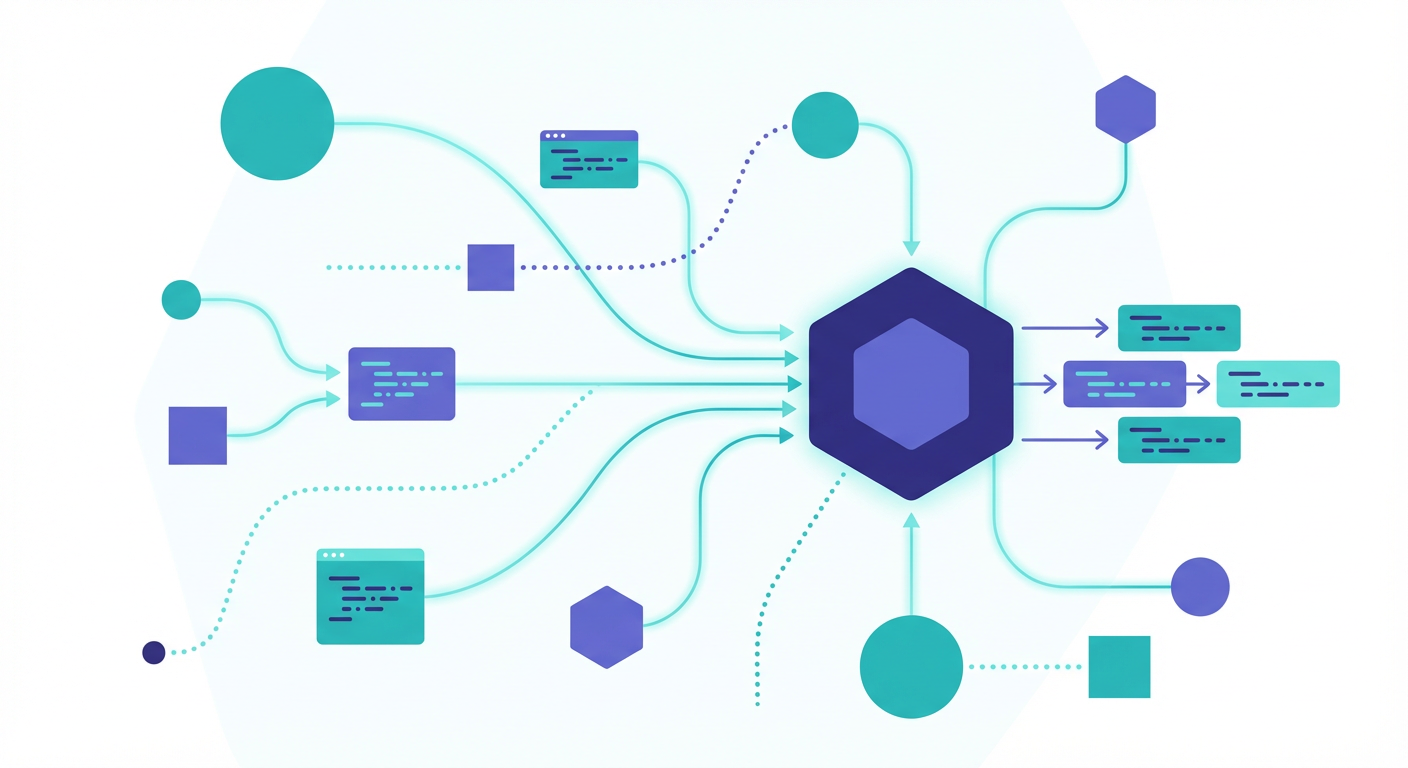
Once you understand that the PostHog API is just four operations -- capture, identify, page/screen view, and alias -- the integration possibilities open up.
Server-side event tracking. Kenji's frontend SDK handles client-side events, but the interesting stuff happens on the backend. When a user's bank transfer settles, that's a server event. When a fraud check flags a transaction, that's a server event. When a webhook from Stripe confirms a subscription upgrade, that's a server event. All of these go through the Capture API.
User enrichment from external sources. Your CRM knows the user's company size. Your billing system knows their plan tier. Your support tool knows their ticket count. The Identify API lets you push all of that into PostHog so you can segment and filter by properties that live outside your product.
Cross-platform identity resolution. A user signs up on web, downloads the mobile app, and logs in. Without aliases, that's two users in PostHog. With aliases, it's one user with a complete journey from first website visit through mobile adoption.
Backfill and migration. Moving from another analytics platform? The Capture API accepts historical events with explicit timestamps. Kenji migrated six months of Amplitude data into PostHog over a weekend using a batch script that sent 1,000 events per request.
The Maintenance Problem (and Why It Matters)
Kenji's PostHog integration worked well for the first three months. Then the product changed.
The KYC flow got redesigned. The event that was called kyc_verification_completed now had a new step between document upload and verification. Kenji needed to add kyc_document_reviewed as a new event. He also needed to update the properties on the existing event because "verification_method" had a new option.
The payments team launched a new feature. Five new events needed tracking. Each one needed a distinct_id, properties, and a naming convention that matched the existing ones.
A new mobile app launched. Screen views needed tracking. The mobile team used different naming conventions than the web team. Kenji spent a Friday afternoon reconciling TransactionHistory with transaction_history_screen with txn_history.
This is the lifecycle nobody warns you about. The initial PostHog API integration takes a day. Maintaining it as your product evolves takes forever. Every new feature needs new events. Every redesign breaks existing events. Every new team member invents their own naming convention unless someone stops them.
And that's before you deal with the action gap: all these events flowing into PostHog, and nobody doing anything with them besides checking a dashboard once a week.
Automating the Tracking Lifecycle with Agents
This is where Kenji's workflow changed. Instead of manually instrumenting every new event and hoping someone would look at the dashboards, he set up an AI agent that handles the operational side of PostHog tracking.
The agent does three things that Kenji used to do manually.
First, it standardizes event tracking setup. When the product team defines a new feature, the agent sets up the corresponding event tracking -- consistent naming conventions, the right properties attached, proper distinct_id handling. No more txn_history vs TransactionHistory debates. The agent follows the conventions that are already established.
Second, it handles user identification at scale. When a new user signs up, the agent calls the Identify API with enriched properties pulled from the CRM, billing system, and support tools. When an anonymous session converts to a known user, the agent creates the alias. Kenji doesn't write this logic per-feature anymore. The agent does it as part of a larger workflow.
Third, it closes the loop between data and action. The agent monitors PostHog's event stream for patterns -- trial users who hit activation milestones, paying users whose engagement drops, feature launches that show unexpected adoption curves. When it spots something, it doesn't wait for someone to open a dashboard. It acts: Slack messages, CRM updates, email triggers.
The PostHog API is the foundation. The four operations give you everything you need to get data in and keep user profiles accurate. But the API alone is just plumbing. The value shows up when something is reading that data and doing something about it without waiting for a human to check a chart.
Start Here
If you're starting a PostHog API integration from scratch, do this:
Pick your five highest-value events. Not 50. Five. The ones where, if you knew they happened in real time, you'd actually do something different. Instrument those with the Capture API. Enrich the users who fire them with the Identify API. Set up aliases at your login and signup endpoints.
Then ask the question that matters: "When this event fires, what should happen next?" If the answer is "update a dashboard," you're not done. If the answer is "alert the sales team" or "trigger a re-engagement email" or "flag this account for review," now you're building something that generates value instead of charts.
Kenji's PostHog instance went from a passive data lake to an active system in about two weeks. The API integration was the easy part. The hard part -- the part that actually moved metrics -- was connecting the data to decisions. The API can't do that on its own. But it gives you every building block you need.
Try These Agents
- PostHog Event Tracking Setup -- Set up event tracking with consistent naming conventions and properties
- PostHog User Identification Agent -- Identify users and link anonymous sessions to known accounts
- PostHog Mobile Analytics Tracker -- Track mobile screen views and app events through the PostHog API
- PostHog Product Usage Tracker -- Monitor feature adoption patterns and flag usage anomalies