
PostHog Feature Flags: The Setup Guide Nobody Wrote
Marcus is an engineering lead at a B2B SaaS company that ships a project management tool. His team had been shipping features the old way -- build, merge to main, deploy, pray -- for two years. Then a dashboard redesign went live on a Friday afternoon, broke the onboarding flow for free-tier users, and sat undetected until Monday morning. 1,200 new signups hit a broken experience over the weekend. Most of those users never came back.
That Monday, Marcus's CTO said, "We need feature flags. Figure it out by end of sprint."
Marcus looked at LaunchDarkly ($20,000/year for their team size), Unleash (dated UI, sparse docs), and then PostHog, which his team was already using for analytics. Feature flags came built in. No additional vendor. No separate billing. No new SDK.
He went with PostHog. This is everything he learned setting it up.
Creating Your First Flag
PostHog feature flags live in the same project as your analytics. Go to Feature Flags in the sidebar, hit "New Feature Flag," and you get a form with three sections that matter.
The flag key. This is the string you'll reference in code. Marcus uses a convention: team-feature-description. For example, platform-new-dashboard or billing-annual-pricing. The key is permanent -- you can't rename it later without updating every code reference -- so pick something descriptive enough that an engineer reading the codebase in six months will understand what it controls.
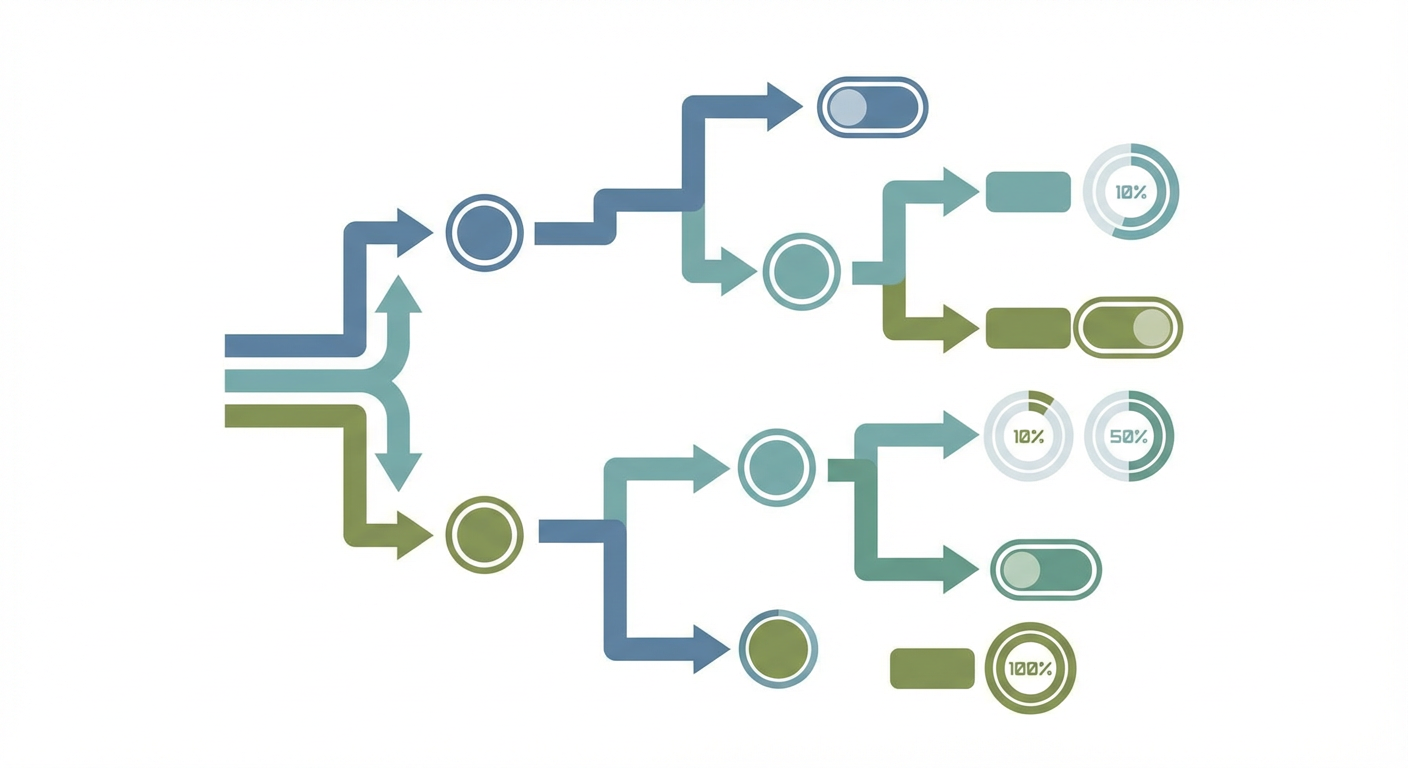
Release conditions. This is where you decide who sees the feature. PostHog gives you three options out of the box. You can roll out to a percentage of users (50% see it, 50% don't). You can target specific users by property (only users where plan_tier equals enterprise). Or you can combine both: 20% of enterprise users.
The payload. Most teams start with boolean flags -- on or off. PostHog also supports multivariate flags, which return a string value instead of a boolean. Marcus used multivariate flags for an A/B test of three different checkout flows. The flag returned control, variant_a, or variant_b, and his frontend rendered the corresponding UI. More on this later.
In code, checking a flag looks like this:
// React (using PostHog's React SDK)
import { useFeatureFlagEnabled } from 'posthog-js/react'

function Dashboard() {
  const showNewDashboard = useFeatureFlagEnabled('platform-new-dashboard')

  if (showNewDashboard) {
    return <NewDashboard />
  }
  return <LegacyDashboard />
}
On the backend:
# Python
import posthog

is_enabled = posthog.feature_enabled(
  'platform-new-dashboard',
  'user_8472',
  person_properties={'plan_tier': 'enterprise'}
)
Marcus had the first flag live in production within an hour. The hard part wasn't the setup. It was everything that came after.
Targeting Rules That Actually Work
Percentage rollouts are where most teams start, and they're deceptively simple. "Roll out to 10% of users" sounds straightforward. But which 10%?
PostHog uses consistent hashing based on the flag key and the user's distinct ID. This means the same user always gets the same result for the same flag. User 8472 either sees the new dashboard or doesn't, and it won't flip on them mid-session. This is the right behavior. Inconsistent flag evaluation -- where a user sees the feature, refreshes, and it's gone -- is a fast way to generate confused support tickets.
The percentage is also sticky across sessions. If user 8472 is in the 10% today, they're in the 10% tomorrow. You can increase the percentage (from 10% to 25%) and the original 10% stay included -- PostHog doesn't re-shuffle the population. This matters because it means your rollout is monotonic: users only get added, never removed, as you increase the percentage.
Marcus's team used a staged rollout for the new dashboard: 5% for the first week, 25% for the second, 50% for the third, then 100%. At each stage, they checked error rates, performance metrics, and support ticket volume. The 5% stage caught a rendering bug on Safari that would have affected every user in a full deployment. They fixed it at the 25% stage. Nobody at the 50% stage ever saw it.
Property-based targeting gets more interesting. PostHog evaluates flags against user properties, which means the properties you set via the Identify API directly influence who sees what features. Marcus set up a flag that showed an advanced analytics module only to users where company_size was greater than 100 and plan_tier was enterprise. That required his team to keep those user properties up to date in PostHog -- which they'd been neglecting until feature flags gave them a reason to care.
You can also combine percentage rollouts with property targeting. "Roll out to 20% of enterprise users" creates a controlled experiment within a specific segment. This is how Marcus tested pricing page variants: 33% of users on the free plan saw each of three pricing page designs.
Multivariate Flags: Beyond On and Off
Boolean flags answer a yes-or-no question. Multivariate flags answer a which-one question.
Marcus used a multivariate flag for the checkout redesign. The flag key was billing-checkout-variant and it returned one of three string values: control (the existing checkout), simplified (fewer fields, single page), and stepped (multi-step wizard with progress bar).
import { useFeatureFlagVariantKey } from 'posthog-js/react'

function Checkout() {
  const variant = useFeatureFlagVariantKey('billing-checkout-variant')

  switch (variant) {
    case 'simplified':
      return <SimplifiedCheckout />
    case 'stepped':
      return <SteppedCheckout />
    default:
      return <OriginalCheckout />
  }
}
Each variant gets a percentage allocation. Marcus split it 34/33/33. PostHog reports which variant each user received, so you can analyze conversion rates per variant after the experiment runs.
The catch is that multivariate flags aren't a full experimentation platform. PostHog has a separate Experiments feature that adds statistical significance calculations, minimum sample size recommendations, and automatic winner detection. If you're running a real A/B test that will influence a product decision, use Experiments. If you're doing a quick-and-dirty comparison or need runtime variant selection for non-experimental reasons (like showing different onboarding flows based on user segment), multivariate flags are simpler.
Tracking Flag Performance with Events
This is the part Marcus said nobody warned him about. Feature flags without performance tracking are just deployment switches. You need to know whether the flagged feature is actually working.
PostHog automatically tracks a $feature_flag_called event every time a flag is evaluated. This tells you how many times each flag was checked and which value was returned. But that's metadata about the flag, not about the feature behind it.
What Marcus actually needed was to correlate flag values with product outcomes. "Users who saw the new dashboard -- did they retain better? Did they use the export feature more? Did they contact support less?"
The answer is to capture events with the flag value as a property:
posthog.capture('dashboard_export_clicked', {
  $feature_flag: 'platform-new-dashboard',
  dashboard_version: showNewDashboard ? 'new' : 'legacy',
  export_format: 'csv'
})
Now you can filter any PostHog analysis by flag variant. Funnel analysis: does the new dashboard improve conversion from "view dashboard" to "create report"? Retention analysis: do users who see the new dashboard come back more often? Event frequency: do new-dashboard users export more data?
Marcus built a standard set of events that every flagged feature tracks: first exposure (feature_first_seen), engagement (feature_used), and completion of the feature's core action (feature_value_delivered). Every flag ships with these three events instrumented. Before the flag goes live, the team defines what "value delivered" means for that feature. For the new dashboard, it was "user creates and saves a custom report." For the checkout redesign, it was "user completes purchase."
This discipline transformed feature flags from a deployment safety net into a product development feedback loop. The flag controls who sees the feature. The events measure whether the feature works. The combination tells you whether to roll out further or roll back.
Cleaning Up Old Flags
Marcus learned this one the hard way. After six months, his codebase had 47 feature flags. Twelve of them were rolled out to 100% of users and had been for weeks. Eight were rolled out to 0% -- experiments that were abandoned but never cleaned up. The remaining 27 were active.
Old flags create two problems. In the codebase, they're dead branches that make the code harder to read. Every if (featureEnabled) block has an implicit "and also this other code path that hasn't been used in three months." In PostHog, inactive flags clutter the feature flag list and make it harder to find the ones that matter.
Marcus now runs a monthly flag cleanup. The process:
- List all flags at 100% rollout for more than two weeks. These are features that shipped and stuck. Remove the flag check from code, delete the flag in PostHog.
- List all flags at 0% rollout. These are abandoned experiments. Remove the code path, delete the flag.
- List all flags that haven't been evaluated in 30 days (PostHog shows last evaluation time). These are dead flags on dead features. Investigate and clean up.
His rule: no flag should exist for more than 90 days. Either the feature shipped (remove the flag) or the experiment concluded (remove the flag). If a flag is older than 90 days and still at a partial rollout, something went wrong with the decision-making process, not the flag.
Making Flags Part of the Feedback Loop
The pattern Marcus's team settled into: every feature ships behind a flag, every flag ships with tracking events, and an AI agent monitors usage patterns across flag variants.
When the agent detects that a new variant is underperforming the control -- lower engagement, higher error rates, more support contacts -- it flags the issue to the team before the metrics show up in a weekly review. When a variant outperforms, the agent recommends increasing the rollout percentage.
The feature flag isn't the end of the deployment process. It's the beginning of the measurement process. PostHog gives you the mechanism to control who sees what. The tracking events give you the data to evaluate whether what they see is working. And the agent gives you someone who's actually watching.
Marcus told me that before feature flags, his team deployed and moved on. Now they deploy, measure, and decide. The flags added about 30 minutes of setup per feature. The measurement loop caught three regressions in the first quarter that would have shipped to 100% of users under the old model. One of those regressions would have affected billing. The ROI paid for itself on that one catch alone.
Try These Agents
- PostHog Product Usage Tracker -- Monitor feature adoption and flag performance across user segments
- PostHog Event Tracking Setup -- Instrument tracking events for new feature flags with consistent conventions
- PostHog Funnel Tracking Agent -- Measure conversion impact of flagged features across the user journey
- PostHog User Identification Agent -- Keep user properties current for accurate flag targeting