
PostHog Self-Hosted: Worth the Ops Overhead? Our Honest Take.
Tomas is a DevOps engineer at a healthcare SaaS company that processes patient scheduling data. Last spring, his company's compliance team killed a deal worth $400K because the prospect required that all analytics data -- including user behavior events -- stay within a SOC 2 Type II boundary that excluded third-party SaaS platforms. The analytics tool they were using at the time was Amplitude. Cloud only. Non-negotiable.
Tomas's CTO asked him to find an analytics platform they could run on their own infrastructure. The requirements were straightforward: event tracking, funnels, retention analysis, and session replays. It had to run on Kubernetes because that's what the company already operated. And it had to be production-ready within a month because two more deals with similar requirements were in the pipeline.
Tomas deployed PostHog self-hosted in nine days. It's been running for ten months. Here's everything he wishes someone had told him before he started.
The Case for Self-Hosting
Let me be direct about why self-hosting PostHog makes sense for some companies and is a terrible idea for others. The reasons to self-host are specific and quantifiable. If none of them apply to you, use PostHog Cloud and save yourself the headache.
Data sovereignty. This is Tomas's reason. His company's customers include hospital systems, insurance providers, and telehealth platforms. Their contracts specify where data lives. Some require U.S.-only infrastructure. Some require specific cloud providers. Some require that no third party processes the data at all. PostHog Cloud runs on infrastructure PostHog controls. Self-hosted PostHog runs on infrastructure you control. For companies in healthcare, fintech, government, and defense, this distinction is the entire conversation.
Cost at scale. PostHog Cloud pricing is usage-based, and at high volumes the bill gets real. Tomas's company ingests about 80 million events per month. On PostHog Cloud, that would cost roughly $800-1,000/month for the events alone, plus additional charges for session replays and feature flags. Self-hosted, their infrastructure cost is about $450/month -- three Kubernetes nodes, a managed PostgreSQL instance, ClickHouse on dedicated hardware, and object storage. The savings compound over time, but only if you have the engineering capacity to maintain the deployment.
Full control over the codebase. PostHog is open source. Self-hosting means you can modify the source code. Tomas's team added a custom event preprocessor that redacts PII from event properties before they hit ClickHouse. On Cloud, they'd need to sanitize data before sending it across the entire codebase. Self-hosted, they handle it at the ingestion layer.
Deployment Options: What Actually Works
PostHog officially supports two deployment methods for self-hosting: Docker Compose and Kubernetes via Helm charts. I'll save you some time on the third option people always ask about.
Docker Compose
This is the "get it running on a single machine" option. PostHog provides a docker-compose.yml that spins up all the services -- the web app, the plugin server, ClickHouse, PostgreSQL, Redis, Kafka, and object storage (MinIO). On a machine with 16GB RAM and 4 CPUs, it starts up in about five minutes.
Tomas used Docker Compose for his initial evaluation. It worked well for that. He pointed it at a test event stream, verified that dashboards loaded, checked that session replays rendered, and confirmed the feature flags API responded correctly. Total time from git clone to working instance: about 45 minutes, including reading the docs.
Docker Compose is not suitable for production at any meaningful scale. No redundancy, no replication, single points of failure everywhere. Tomas ran it for three weeks during evaluation, then migrated to Kubernetes for production. Use Docker Compose to evaluate. Don't use it for anything that needs to stay running.
Kubernetes with Helm
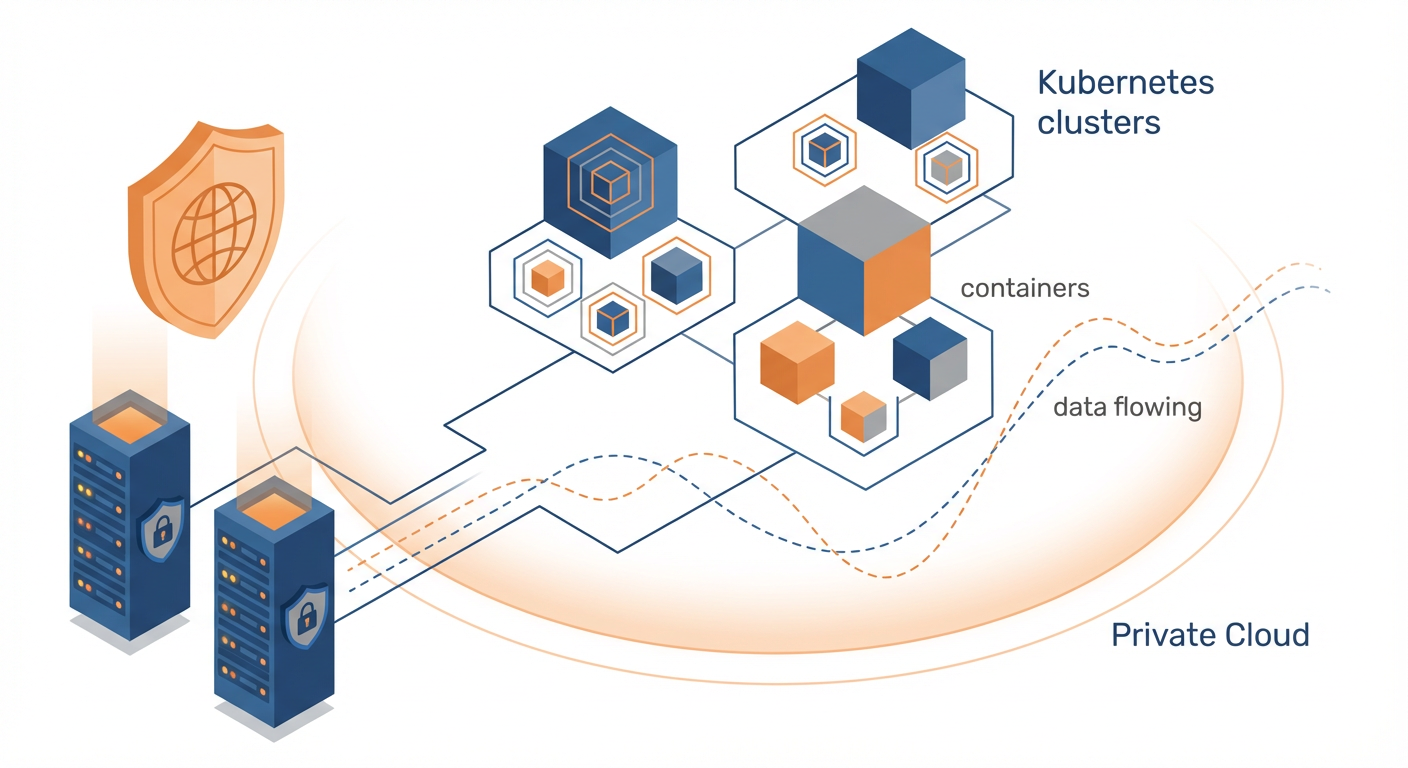
This is the production deployment path. PostHog publishes Helm charts that deploy all components as Kubernetes workloads. ClickHouse runs as a StatefulSet with configurable replication. PostgreSQL can use an in-cluster StatefulSet or an external managed database (Tomas used AWS RDS). Kafka handles the event ingestion queue. Redis provides caching and session storage.
Tomas's production deployment runs on AWS EKS with three c5.2xlarge nodes. The Helm chart deployment itself took about two hours, including configuring ingress, TLS certificates, and connecting to RDS. The initial ClickHouse schema migration took another 30 minutes.
The Helm values file is where configuration lives. Tomas changed the defaults to point PostgreSQL at RDS, set ClickHouse replication to 2, swap MinIO for S3, and enable the ingestion proxy for rate limiting.
DigitalOcean and Other Managed Kubernetes
PostHog has a one-click deployment for DigitalOcean's Kubernetes service -- the Helm chart with DigitalOcean-specific defaults. A friend of Tomas at a smaller company runs it for about $200/month on a team of 15 with 5 million events per month. It's a good path for smaller companies that want self-hosting without the AWS/GCP complexity tax.
The Maintenance Burden: Be Honest With Yourself
This is the section most self-hosting guides skip, and it's the one that matters most.
Tomas spends about 6-8 hours per month maintaining PostHog self-hosted. That number has been consistent for ten months. Here's where the time goes.
Upgrades. PostHog ships updates frequently -- sometimes weekly. Each upgrade requires updating the Helm chart, running migrations, and verifying that nothing broke. Tomas upgrades roughly every two weeks. Most upgrades are uneventful: update the chart version, run helm upgrade, watch the pods roll. About one in five requires a migration that takes longer or introduces a breaking change in configuration. Tomas keeps a 30-minute window for routine upgrades and blocks two hours for major version bumps.
ClickHouse operations. ClickHouse is the analytics database, and it's where most self-hosting complexity lives. Disk usage grows with event volume. Tomas's ClickHouse cluster uses about 200GB of storage for ten months of data at 80 million events/month. He runs monthly checks on partition sizes, occasionally drops old partitions to manage storage, and monitors query performance to catch slow queries before they affect dashboard load times.
One incident in ten months: a ClickHouse node ran out of disk on a Saturday because a batch import job sent 50 million events in two hours. Tomas got paged, expanded the volume, and added an alert on disk usage percentage. Total time: 90 minutes on a weekend.
PostgreSQL maintenance. Tomas uses RDS, so AWS handles backups, failover, and patching. If he were running PostgreSQL in-cluster, add another 2-3 hours per month for backup verification and tuning.
The honest math. Tomas is a competent DevOps engineer. His 6-8 hours per month assumes familiarity with Kubernetes, Helm, ClickHouse, and PostgreSQL. For a team without that background, double or triple the estimate for the first six months. If your company doesn't have a dedicated DevOps or platform engineering function, self-hosting PostHog is probably not the right call.
Cost Comparison: Self-Hosted vs Cloud
Tomas ran the numbers at the six-month mark. Here's what he found for his volume (80 million events/month, 5,000 session replays/month, feature flags for 30,000 MAUs).
PostHog Cloud estimate: ~$1,100/month total (events + session replays + feature flags)
Self-hosted actual costs:
- EKS cluster (3x c5.2xlarge): ~$310/month
- RDS PostgreSQL (db.r6g.large): ~$90/month
- S3 storage: ~$15/month
- Data transfer: ~$35/month
- Total infrastructure: ~$450/month
Self-hosted hidden costs:
- Tomas's time (6-8 hrs/month at loaded cost): ~$400-550/month
When you factor in engineering time, the cost advantage shrinks to roughly $100-200/month. For Tomas's company, the savings were irrelevant -- they self-host for compliance, not cost. For a company choosing self-hosted purely to save money, the math doesn't work unless you're at significantly higher volumes.
When NOT to Self-Host
Tomas is blunt about this. He recommends against self-hosting PostHog for most companies. His list of disqualifiers:
You don't have a DevOps team. If "DevOps" at your company means "the backend engineer who also manages AWS," self-hosting PostHog will consume a disproportionate amount of their time. PostHog's infrastructure stack (ClickHouse, Kafka, PostgreSQL, Redis) is not trivial to operate.
Your event volume is under 10 million/month. PostHog Cloud's free tier covers 1 million events. Even at 10 million, Cloud pricing is reasonable enough that the ops overhead of self-hosting doesn't make financial sense.
You don't have data sovereignty requirements. If your compliance team hasn't flagged third-party analytics as a problem, Cloud is strictly better. Managed upgrades, managed infrastructure, managed backups. PostHog's team operates the platform so you don't have to.
Your team's Kubernetes experience is shallow. ClickHouse on Kubernetes is not a beginner workload. If your team isn't comfortable debugging StatefulSet issues and troubleshooting Kafka consumer lag, you'll spend your first month fighting infrastructure instead of using analytics.
Making Self-Hosted PostHog Work Harder
Tomas's self-hosted PostHog instance does the same thing most analytics installations do: it collects events and serves dashboards. The compliance box is checked. The deals closed. But for the first four months, the dashboards were mostly idle. The product team checked them during sprint reviews. The data team ran occasional ad-hoc queries. The analytics were accurate and comprehensive and largely unread.
What changed was connecting an AI agent to the PostHog instance. Because the deployment is self-hosted, the agent connects directly to the PostHog API on the internal network -- no data leaves the infrastructure boundary. The agent sets up event tracking for new features as the product evolves and monitors the event stream for patterns: conversion changes, adoption rates after releases, session drops for high-value accounts. When it spots something, it sends the insight to Slack. The data stays inside the infrastructure boundary the entire time.
Self-hosting PostHog gives you control over the infrastructure. Connecting an agent to that self-hosted instance gives you control over the insights. One without the other is just well-organized data storage.
The Bottom Line
PostHog self-hosted is a real production-grade option for companies that need it. The Kubernetes deployment works. The software is stable. The open-source model means no licensing surprises. Tomas's ten-month experience confirms that a competent ops team can run it reliably with manageable overhead.
But "can" and "should" are different questions. Self-host because your compliance requirements demand it, because you need the cost structure at very high volumes, or because you want full control over the data pipeline. Don't self-host because it seems cool, because you're afraid of vendor lock-in that doesn't actually affect you, or because you assume it'll be cheaper without doing the math.
Tomas's advice to anyone considering self-hosted PostHog: "Start with Cloud. Deploy self-hosted in staging. Run both for a month. If the compliance team says you need self-hosted, migrate. If they don't, stay on Cloud and spend your ops budget on something that actually needs it."
Try These Agents
- PostHog Event Tracking Setup -- Set up and maintain event tracking on self-hosted PostHog instances
- PostHog Product Usage Tracker -- Monitor product usage patterns within your infrastructure boundary
- PostHog Mobile Analytics Tracker -- Track mobile app events through your self-hosted PostHog API
- PostHog User Identification Agent -- Manage user identity resolution on self-hosted deployments