
Shopify Marketing Automation: How AI Agents Replace Gut-Feel Decisions
Our marketing lead pushed a big promotion on a product last month. She picked it because it looked good in the new photography, had decent reviews, and "felt like it was trending." She spent $2,400 on ads over two weeks. Conversion rate was 0.8%. The campaign lost money.
Meanwhile, a product she'd never promoted was quietly converting at 4.2% from organic traffic alone. It had a 67% reorder rate. Customers who bought it first went on to spend 3x more than the store average over the following 90 days. She didn't know any of this because the data lived in two different places and nobody had cross-referenced them.
That is the problem with Shopify marketing right now. The product catalog tells you what you sell. The order data tells you what people actually buy. Marketers rarely look at both together because it takes too long to pull the data manually, and by the time you've assembled the spreadsheet the campaign window has moved.
The Gap Between Catalog and Orders
Shopify gives you a product catalog with titles, descriptions, variants, prices, images, and inventory counts. Separately, it gives you order data with line items, quantities, revenue, and customer information. These two datasets are related but they don't talk to each other in any useful way inside Shopify's analytics.
If you want to know "which products have the highest reorder rate among customers who spent over $200 in their first purchase," you're writing a report. Manually. In a spreadsheet. Pulling order data, matching line items to products, filtering by customer spend thresholds, and calculating reorder frequency. This takes hours. Most marketers just don't do it.
So they pick products to promote based on what's new, what's seasonal, what the brand team is excited about, or what they personally think looks good. Sometimes that works. Often it doesn't. And the frustrating part is that the data to make a better choice already exists inside Shopify. It's just trapped in a format that requires engineering effort to extract.
What Happens When You Cross-Reference
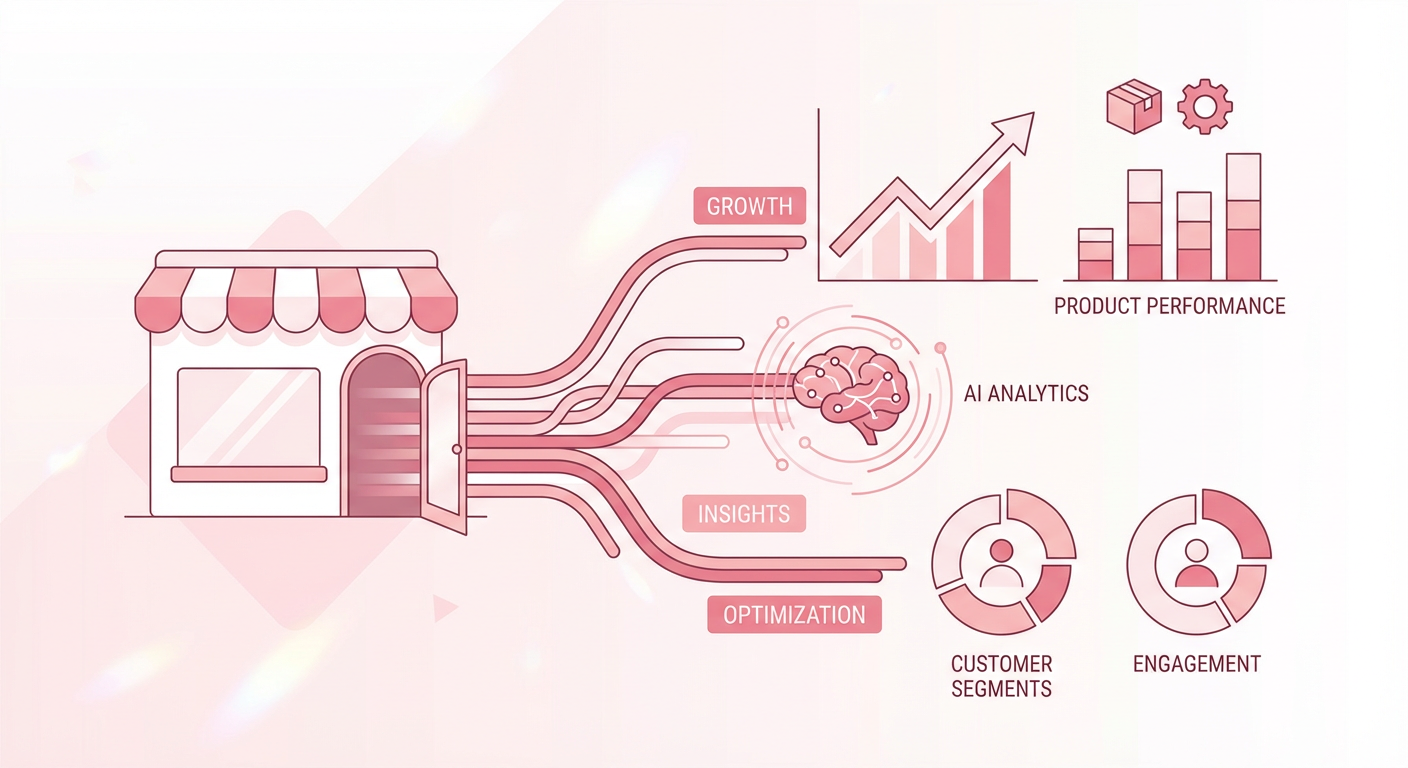
We set up a product order analysis agent about six weeks ago. It pulls the product catalog and recent order data together, then answers questions about both simultaneously. The first thing our marketing lead asked it was simple: "Which products have the highest conversion from first-time buyers?"
The answer surprised her. The top converter wasn't any of the products she'd been promoting. It was a $34 accessory that she'd considered too low-margin to feature. But the data showed something she couldn't see from the catalog alone. Customers who bought that accessory first had a 52% chance of making a second purchase within 30 days. The average second order was $127. That $34 item was a customer acquisition tool disguised as a low-margin accessory.
She shifted $1,500 of ad spend to that product. First-month ROAS was 4.8x. Not because the product itself was high-margin, but because it started a buying pattern that the order data had been screaming about for months.
This is the kind of insight that's obvious in retrospect but impossible to find if you're only looking at one dataset at a time. The catalog says "this product costs $34 and has a 22% margin." The order data says "this product creates repeat customers." You need both to make a good marketing decision.
Beyond Product Selection
Product selection is where most teams start, but the agent handles other marketing questions too.
Customer spend segmentation. Which customers are in the top 10% by lifetime value? What did they buy first? How quickly did they come back for a second order? A customer spending analyzer answers these questions without any spreadsheet work. The marketing team uses the output to build lookalike audiences on Meta and Google. Instead of targeting "people who look like our website visitors," they target "people who look like our highest-LTV customers." Different audience, better results.
Campaign timing. Order data contains purchase timestamps. When you aggregate those, you can see which days and times your best customers buy. One of our clients discovered that their highest-AOV orders came in on Tuesday mornings between 9 and 11 AM. They shifted their email sends from Thursday afternoon (industry "best practice") to Tuesday at 8:45 AM. Open rates went up 15%. Revenue per send went up 30%. The "best practice" was wrong for their specific audience, and the data was sitting in Shopify the whole time.
CRM enrichment for targeted campaigns. Your email marketing is only as good as your segmentation, and your segmentation is only as good as your data. We connected the Shopify agent to HubSpot using a customer sync workflow so the marketing team could build segments based on actual purchase behavior instead of self-reported preferences. The "spent over $500 in the last 90 days" segment outperformed the "interested in premium products" segment by 2x on every campaign we tested.
The Dashboard Problem
I know what you're thinking. Can't Triple Whale or Lifetimely or Polar Analytics do this? They can show you some of it. Product performance metrics, LTV curves, cohort analysis. They're good tools.
But they're dashboards. Someone has to open them, know what to look for, and interpret the results. The question our marketing lead asked, "which products create the most repeat buyers among first-time customers," would require combining multiple reports in any of those tools and probably some spreadsheet post-processing.
An agent answers the question directly. You ask it in English, it queries the data, and it gives you the answer. No filtering through five tabs to find the right view. No exporting to CSV so you can pivot it differently. The speed difference matters because marketing decisions are often time-sensitive. If it takes two hours to pull the data, you'll just go with your gut and launch the campaign. If it takes thirty seconds, you'll actually check.
The cost difference matters too. Triple Whale runs $100-300/month depending on your plan. Lifetimely is $50-150/month. These tools charge monthly whether you check the dashboard daily or once a quarter. An agent costs per query. If you ask it five questions a week, you're paying for five questions. If you ask it fifty, you're paying for fifty. No wasted subscription months.
Why Use an Agent For This
Marketing automation for Shopify has traditionally meant email flows. Cart abandonment sequences, post-purchase follow-ups, win-back campaigns. Those are good and you should have them. But they're execution automation. They make the sending faster. They don't make the decisions better.
An AI agent automates the analysis that informs the decisions. Which products to promote. Which customers to target. When to send. How to segment. These are the questions that determine whether your $2,400 ad spend returns $1,900 or $11,500. Getting the analysis right matters more than getting the email out five minutes faster.
The other thing an agent does well is ad-hoc questions. Dashboards are pre-built views. If the question you need answered isn't one of the pre-built views, you're stuck. An agent handles whatever question you throw at it, as long as the underlying data exists in Shopify. "What percentage of customers who bought Product A also bought Product B within 60 days?" is a perfectly reasonable marketing question that would require custom analytics in a dashboard tool. The agent just answers it.
Your marketing team already has the data they need. It's in Shopify. They just need a faster way to get it out and into a format that drives decisions.
Try These Agents
- Shopify Product Order Analyzer -- Cross-reference product catalog with order data to find what actually converts
- Shopify Customer Spending Analyzer -- Segment customers by spend patterns for better ad targeting
- Shopify + HubSpot Customer Sync -- Push real purchase data into your CRM for smarter email campaigns