
Shopify Order Tracking Automation: Kill the Morning Ritual
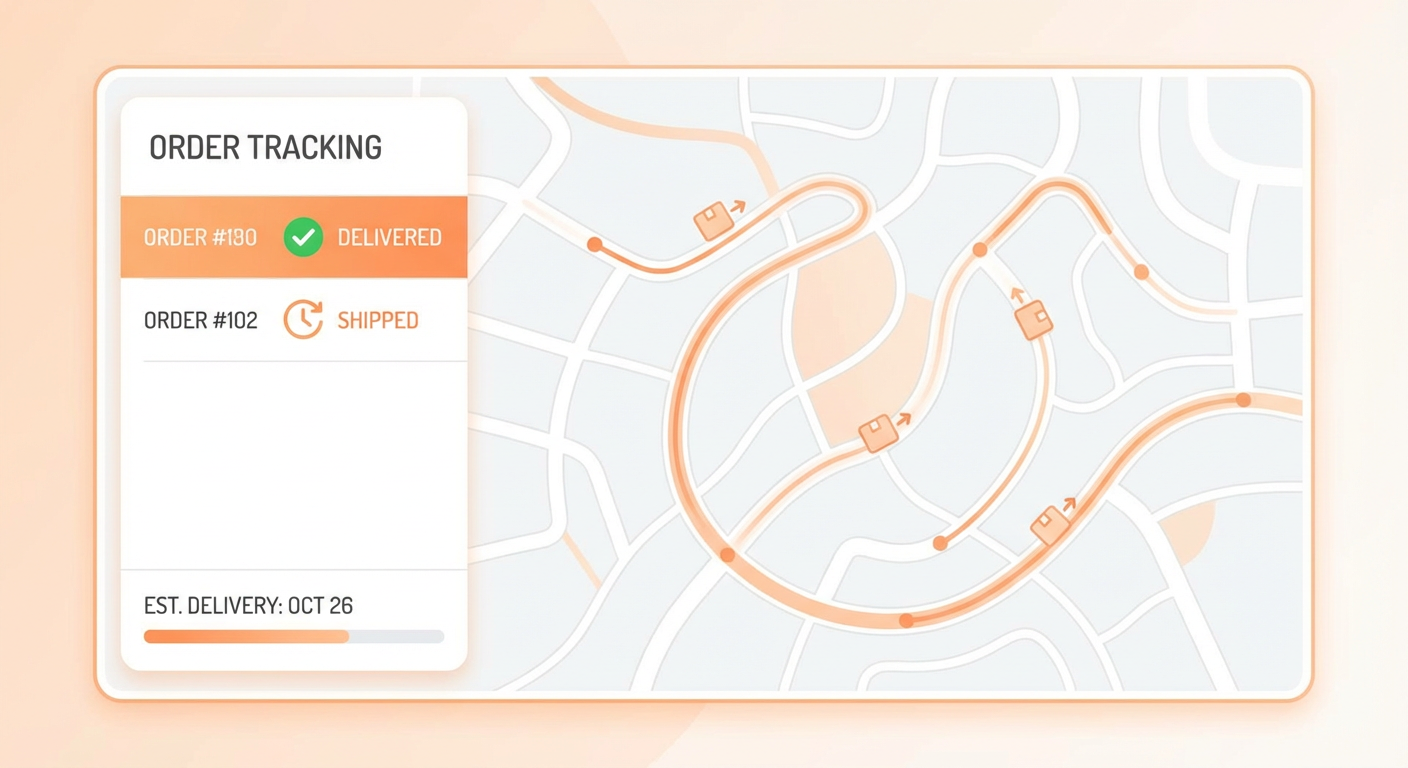
Here are the first 47 minutes of every weekday for an ops manager named Jenna who runs fulfillment for a Shopify store doing about $3M in revenue. She opens Shopify admin at 8:00 AM. Filters orders by "unfulfilled." Counts them. Twenty-two today. She clicks into each one to check when it was placed. Anything older than two business days gets flagged. She copies those order numbers into a Slack message for the warehouse team. Then she filters by "partially fulfilled" and clicks into each of those to see which line items shipped and which didn't. Eight orders with split shipments. She notes which ones are waiting on backstock. Then she switches to the Analytics tab, pulls yesterday's revenue, compares it to the same day last week, and drops a summary into the #ops-daily channel.
By 8:47 she has a picture of the business. She does this every single morning. On Mondays it takes longer because the weekend orders have piled up. On Fridays it sometimes doesn't happen because she's busy putting out fires from the week.
The information is the same every day. Total unfulfilled orders. How old they are. Partially fulfilled orders. Revenue numbers. Problem orders. It's the same data, the same Shopify admin clicks, the same mental arithmetic, the same Slack message format. Every day.
What Ops Teams Actually Need Every Morning
I've talked to ops managers at about fifteen different Shopify stores and the morning check looks almost identical everywhere. The specifics vary but the pattern is the same. They need four things.
First, how many unfulfilled orders are there, and how old are the oldest ones. This is the most basic operational health metric. If you have 50 unfulfilled orders and the oldest is from yesterday, you're fine. If you have 50 unfulfilled orders and the oldest is from six days ago, something is broken.
Second, which orders are stuck. "Stuck" means different things to different stores, but it usually means paid orders that haven't moved to fulfillment within the expected window. For most stores that ship within 1-2 business days, any unfulfilled order older than 3 days is stuck. These are the orders that generate "where's my package" tickets if you don't catch them.
Third, are there partial shipments with missing items. Split fulfillments happen when some items ship and others are backordered or on hold. These are easy to lose track of because the order shows as "partially fulfilled" and kind of looks done unless you click into it. The items that didn't ship are still waiting, and someone needs to track them down.
Fourth, a revenue snapshot. Yesterday's orders, revenue, average order value, and how it compares to the previous period. Not deep analytics. Just a pulse check so you know if yesterday was normal or weird.
All of this data lives in Shopify. Getting it out requires 30-50 minutes of clicking, filtering, and mental math. Or it requires a bulk order status agent that pulls everything in 30 seconds.
How the Agent Builds Your Morning Report
The agent connects to your Shopify Admin API and runs a series of queries. It pulls all orders from a configurable time window, usually the last 24-48 hours. It categorizes them by fulfillment status: unfulfilled, partially fulfilled, fulfilled, and any that are flagged for attention.
For unfulfilled orders, it calculates how long each one has been sitting. It identifies which ones are past your expected fulfillment window and flags them. It groups them by product or variant so you can see if one specific item is causing a backlog, which usually means an inventory issue on that SKU.
For partially fulfilled orders, it lists which items shipped and which didn't. If tracking numbers are available, it includes them. If items are missing tracking, it flags those specifically because a partially fulfilled order with no tracking on the remaining items is a customer complaint waiting to happen.
It compiles the revenue summary: total orders, total revenue, average order value, top products by quantity sold. Then it formats the whole thing into a report.
The report goes wherever you want it. Slack channel, email, a dashboard. Most teams I've seen post it to Slack because that's where the ops team already lives. It's there at 8:00 AM, every day, whether Jenna is at her desk or not.
Catching Problems Before They Become Tickets
The reactive version of ops is waiting for a customer to email "where's my order" and then scrambling to figure out what happened. The proactive version is catching stuck orders before the customer notices.
An order monitoring agent that runs on a schedule does the proactive version. It checks for orders that match certain risk criteria. Paid but unfulfilled for more than X days. Partially fulfilled with no update in Y days. High-value orders that might need priority handling. Orders from repeat customers who you really don't want to disappoint.
When it finds orders that match these criteria, it sends an alert. Not a generic "you have unfulfilled orders" notification, which Shopify already does. A specific alert with order numbers, customer names, dollar amounts, and how many days they've been waiting. The warehouse team or ops manager sees the alert and can act on it immediately.
One Shopify store I work with was averaging 12 "where's my order" tickets per week. After they set up automated monitoring that flagged stuck orders at the 48-hour mark, that number dropped to 3 per week. The orders were still getting stuck sometimes, but now the ops team caught them and resolved the issue before the customer noticed.
Fulfillment Tracking Across Carriers
If your store uses multiple fulfillment locations or carriers, tracking gets more complicated. An order might have two line items fulfilled from two different warehouses with two different carriers and two different tracking numbers. In Shopify admin, you see this as two fulfillment records on the order. To check both, you click into each one.
An order fulfillment tracker agent consolidates this. It pulls all fulfillment records for an order or a batch of orders and presents them together. Order 1234: item A shipped via USPS, tracking 9400..., delivered March 3. Item B shipped via FedEx, tracking 7892..., in transit, estimated March 6. One view. No clicking.
For stores that do high volume, this is the difference between spending an hour checking individual fulfillment records and spending two minutes scanning a consolidated report. The information is the same. The time cost is radically different.
Moving Beyond the Morning Check
The morning report is where most teams start. But once you have an agent that can query your Shopify order data on demand, the morning check becomes just one use case.
A customer calls and references an order. Instead of opening Shopify admin and searching, you ask the agent. It pulls the order in seconds. Your warehouse team wants to know how many units of a specific SKU shipped this week. The agent queries and answers. Your VP wants a quick snapshot of yesterday's revenue for a board call in 10 minutes. The agent has it.
The morning report is a scheduled run. But the underlying capability, fast access to order and fulfillment data through natural language, is useful all day. The agent becomes the interface to your order data, and it's faster than Shopify admin because you don't have to click through a UI designed for browsing. You just ask a question and get an answer.
Why Use an Agent For This
Shopify's admin panel is designed for managing individual orders. It's good at that. You can find an order, see its details, take actions on it. But it's not designed for operational reporting. The filters are basic. There's no "show me all orders that are stuck" view. There's no "compare today's revenue to last Tuesday" button. There's no "list all partially fulfilled orders with missing tracking" report.
You can get some of this from Shopify's analytics section or third-party reporting apps. But those are dashboards you have to go look at. They don't push information to you, and they don't answer specific questions.
An agent inverts the relationship. Instead of you going to the data and clicking through it, the data comes to you, formatted as a report, on a schedule, in the channel where your team already works. The ops manager who used to spend 47 minutes compiling the morning report now spends 2 minutes reading it and the rest of the hour actually managing operations.
Jenna still manages fulfillment. She still makes decisions about priorities and exceptions and which orders need special handling. She just doesn't spend her first hour copying order numbers between tabs anymore.
Try These Agents
- Shopify Bulk Order Status -- Pull order status across your entire queue and flag stuck orders
- Shopify Order Monitoring -- Scheduled alerts for unfulfilled orders, revenue snapshots, and fulfillment gaps
- Shopify Order Fulfillment Tracker -- Consolidated fulfillment tracking across carriers and locations