
How Our CS Team Uses Slack as Their Primary Workspace (Not Just Chat)
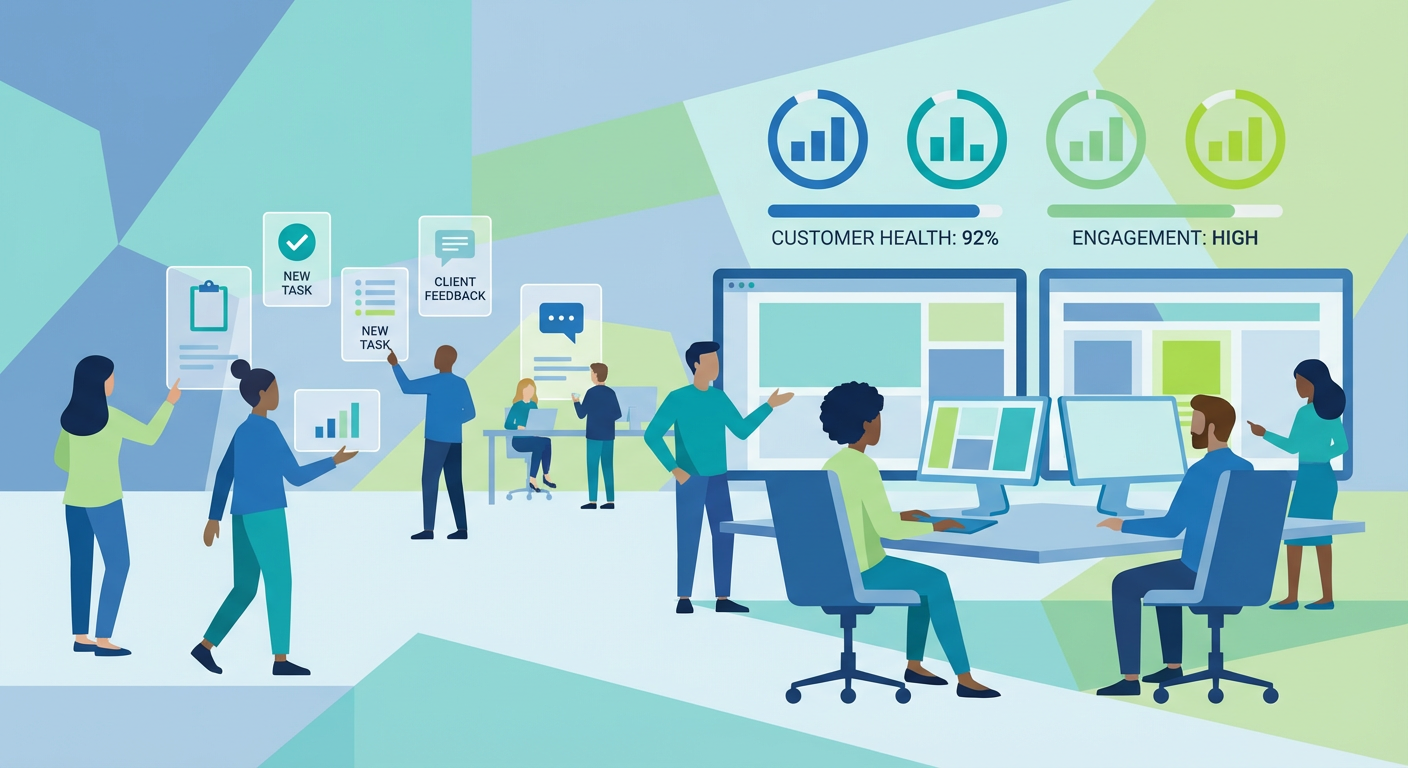
Diana runs a six-person CS team. Last year, I watched her morning routine and counted the tools she opened before her first cup of coffee got cold. Slack, the CRM, Zendesk, a shared Google Sheet with account health scores, another spreadsheet tracking renewal dates, her email for customer follow-ups, and a Notion page where the team logged handoff notes. Seven tools. Every morning. Before 9:30.
The information she needed existed across all of them, but it didn't talk to each other. A customer mentioned in Slack might have a Zendesk ticket she didn't know about. A renewal date in the spreadsheet might have changed in the CRM but nobody updated the sheet. A follow-up she promised in email three days ago was still sitting unfinished because the reminder was in her calendar, not in the context where the conversation happened.
The fix wasn't a new tool. It was making the tool she already lived in — Slack — do the work that all the other tools were failing to coordinate.
The Problem With Tool-Hopping
CS teams are uniquely punished by tool fragmentation. Sales teams have a CRM as their single source of truth. Engineering teams have Jira or Linear. CS teams have a little bit of everything and ownership of nothing.
Rafael, who handles the mid-market accounts, described it as "playing telephone with myself." A customer mentions a problem in a Slack shared channel. Rafael logs it in the CRM. He creates a Zendesk ticket. He updates the health score spreadsheet. He adds a follow-up reminder in his calendar. He sends a Slack message to the product team. Each of these touches is a chance for information to get lost, duplicated, or outdated.
Last October, we lost a $42K account because of tool fragmentation. The customer had mentioned dissatisfaction in their shared Slack channel three times over six weeks. The CSM assigned to that account saw the first message and logged it in the CRM. The second message came during a week when the CSM was on vacation and the backup didn't check the shared channels. The third message was the cancellation notice.
When we did the post-mortem, every individual system had partial information. The CRM showed one logged concern. Zendesk had a related ticket marked as resolved. The health score spreadsheet still showed green because nobody had updated it. Slack had all three messages, but nobody was systematically watching for the pattern.
That post-mortem is when we decided to stop treating Slack as a messaging app and start treating it as a workspace.
Building the CS Command Center
The first thing we built was a customer mention tracker that watches every internal channel for customer name mentions. Not just #cs-team. All channels. When a salesperson mentions a customer in #deals, when engineering discusses a customer's bug in #product, when someone in #leadership asks about an account — the tracker catches it and posts a consolidated alert to #cs-alerts.
This single agent solved the vacation coverage problem that cost us the $42K account. It doesn't matter which CSM is watching which channel. The tracker watches all of them and posts to one place. Diana checks #cs-alerts every morning and sees every customer mention from the previous day, across the entire company, with context.
The format is simple. Customer name, which channel, who mentioned them, what was said, and whether the sentiment was positive, negative, or neutral. If the same customer was mentioned in multiple channels, the mentions are grouped. If a customer has been mentioned three or more times in a week, the alert is flagged as high-attention.
Within the first month, the tracker caught 14 customer conversations that the CS team would have missed. Two of those were accounts where sales was renegotiating terms without CS involvement. One was engineering deprecating a feature that a specific customer depended on. These aren't edge cases. They're the normal information gaps that exist when a company communicates in channels that a six-person CS team can't possibly monitor manually.
Escalation Routing That Actually Works
Before the agents, our escalation process was: customer posts something that sounds bad, someone reads it, someone decides if it's bad enough to escalate, someone pings the right person. Four human steps, each with a chance of delay or failure.
We connected the Zendesk escalation agent to automate the routing. When a Zendesk ticket meets escalation criteria — severity, customer tier, time without response — the agent posts a formatted alert to the appropriate Slack channel with the full ticket context. Enterprise accounts go to #cs-enterprise. Accounts in their first 90 days go to #cs-onboarding. Accounts with renewal dates in the next 60 days go to #cs-renewals.
Priya, who handles enterprise accounts, told me the escalation routing changed her response time more than any other single change. "Before, I'd find out about an enterprise escalation when someone DMed me or when I happened to check Zendesk. Now it shows up in my channel within minutes of being filed. I've gone from finding out about fires to preventing them."
The agent also tracks whether the escalation was acknowledged. If nobody responds to an escalation alert within 30 minutes, it re-posts with an @channel mention. If an hour passes, it DMs the team lead. We stopped having escalations that sat unnoticed for hours.
Standup and Accountability
CS teams need accountability rhythms just like engineering teams, but the standup format doesn't translate well. Engineers report on tasks. CS reps report on relationships. The information is softer and harder to standardize.
We built a standup collection flow that asks each CS rep three questions every morning: which accounts need attention today, what blockers do they have, and which follow-ups are overdue. The agent collects responses and posts a team summary to #cs-team at 10 AM.
The part that makes this better than a form or a manual standup is the context layer. The agent searches each rep's recent channel activity and adds relevant information to the summary. If Rafael promised a customer he'd send a report by Thursday and it's now Friday, that shows up in his standup entry automatically. He doesn't have to remember. The agent searched his messages and found the commitment.
Diana said this one change improved follow-through on customer promises more than any process she'd ever implemented. "Before, follow-ups lived in people's heads or their personal to-do lists. Now they live in a shared, visible system that doesn't forget."
The Conversation Analyzer
The most powerful agent in our CS stack is the conversation analyzer. It runs weekly across all customer-facing Slack channels and produces a report on conversation patterns.
It surfaces things like: which customers have had declining sentiment over the past month, which shared channels have gone quiet (a leading indicator of churn), which issues are being discussed repeatedly without resolution, and which customers are engaging more (a signal for upsell conversations).
Marcus, our head of revenue, uses the analyzer output in his weekly leadership meeting. "I used to ask Diana how accounts were doing and get a gut-feel answer. Now I get data. Not CRM data, which is always stale. Conversation data, which is real-time."
The analyzer caught a pattern last quarter that no one was watching for. Three mid-market accounts in the same industry segment all started asking about the same feature within a two-week window. The CS team hadn't connected the requests because they were handled by different reps. The analyzer grouped them by theme and flagged the pattern. Product built the feature in the next sprint. All three accounts renewed.
What the Daily Rhythm Looks Like Now
Diana's morning routine has changed. She opens Slack. She reads #cs-alerts for overnight customer mentions. She checks the standup summary at 10 AM. She reviews any escalation alerts in her team channels. On Fridays, she reads the weekly conversation analyzer report.
She hasn't opened the health score spreadsheet in two months. The renewal date tracker is still there, but the agents surface renewal-relevant information before she needs to look it up. She still uses the CRM for deep account research, but the daily monitoring happens entirely in Slack.
The team went from spending about 35% of their time on information gathering and coordination to spending about 10%. The remaining time goes where it should: talking to customers, solving problems, and building relationships. The agents handle the operational overhead that used to eat the first two hours of every day.
Tomás joined the team last month and told me the onboarding experience was different from any CS role he'd had before. "At my last company, it took me two months to learn where all the information lived. Here, it lives in Slack. The agents bring it to me. I was productive in the first week."
That's the point. Not to replace the CS team with AI. To make Slack the place where the CS team actually works, instead of just the place where they chat between opening six other tabs.
Try These Agents
- Slack Customer Mention Tracker -- Track customer mentions across all internal channels in real time
- Slack Zendesk Escalations -- Route escalations to the right Slack channel with full ticket context
- Slack Conversation Analyzer -- Weekly analysis of conversation patterns, sentiment, and engagement
- Slack Scheduled Standup Collector -- Daily standup collection with automated follow-up tracking