
The 7 Slack Integrations Our Customer Team Actually Uses (and the 12 We Deleted)
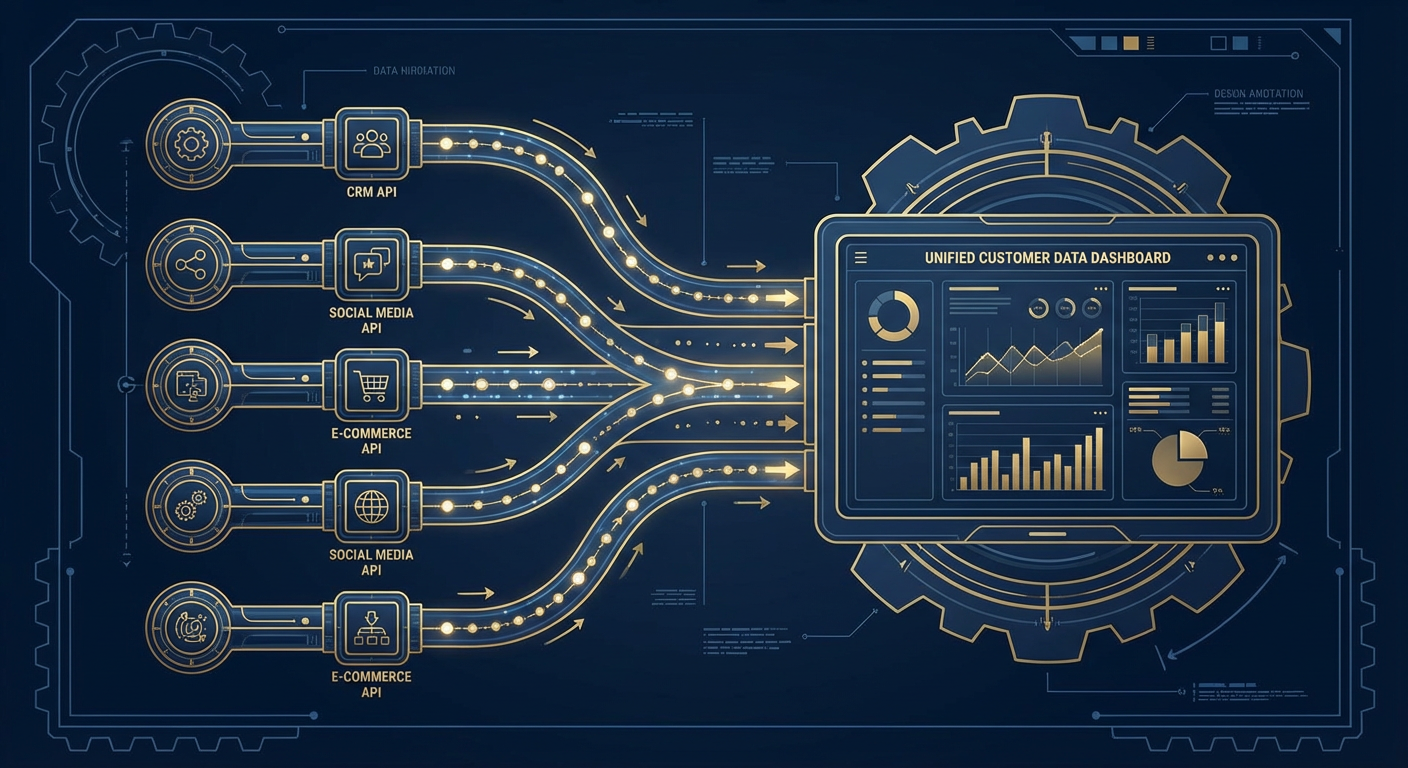
At peak integration bloat, our Slack workspace had 19 apps installed. Zendesk. Salesforce. HubSpot. Google Calendar. Jira. Notion. Asana. GitHub. Datadog. PagerDuty. Stripe. Intercom. Confluence. Google Drive. Figma. Loom. Donut. Polly. Giphy.
Nineteen apps, most of them posting notifications to channels that nobody had opened in weeks. Our #general channel had a bot-to-human message ratio of roughly 4:1. Rafael called it "the robot graveyard." He was not wrong.
In September, we did something that felt drastic at the time: we deleted 12 of the 19 integrations in a single afternoon. Nobody complained. Nobody even noticed for a full week, which tells you everything about whether those integrations were providing value.
Here are the 7 that survived, why they survived, and what we changed about how they work.
The 7 We Kept
1. Zendesk (via AI agent). This is the integration that earns its spot every single day. We replaced the native Zendesk Slack app with a support escalation agent because the native app had one mode: firehose. Every new ticket, every status change, every internal comment posted to Slack. Our #support channel was getting 80+ messages per day and the team had muted it.
The agent version only posts when something requires human attention. Tickets that have been open for more than 4 hours without a response. Escalations. VIP customer issues. Negative sentiment detected in customer messages. Instead of 80 messages a day, we get 8 to 12. Each one matters. Elena, who runs the support team, told me her average response time to escalated tickets dropped from 47 minutes to 11 minutes because she actually sees the alerts now instead of scrolling past a wall of noise.
2. Salesforce (via AI agent). Same story. The native Salesforce Slack integration sends deal updates, which sounds useful until you realize that "deal updates" includes every field change on every record. Someone fixes a typo in an account name? Update. A workflow rule changes a checkbox? Update. We were getting notifications about data hygiene activities, not about deals.
The agent version monitors for events that humans care about: deals moving to late stages, deals going quiet for more than a week, new deals above a certain threshold, and closed-won celebrations. It includes context from the account history. The message volume dropped from about 50 per day to maybe 6. All six are worth reading.
3. Google Calendar. We kept this one native and untouched. It does one job: remind people about upcoming meetings. Simple trigger, simple action, no interpretation needed. This is exactly the kind of thing that doesn't need AI.
4. GitHub. Also kept native. Pull request notifications in #engineering, deployment alerts in #releases. The engineering team self-manages the notification settings, and developers are comfortable with high-volume technical notifications in a way that customer-facing teams are not. Different audiences have different tolerances for noise.
5. Google Drive. Native integration, used mostly for link previews. When someone pastes a Google Doc link in Slack, the integration shows a preview with the title and a snippet. Simple. Useful. Low noise.
6. Stripe (via AI agent). We used to have the native Stripe integration posting every payment event. Successful charge, failed charge, subscription created, invoice sent. For a company processing hundreds of transactions daily, this was chaos. We moved to an agent that only alerts on anomalies: failed charges above a certain amount, subscription cancellations from accounts flagged as at-risk, and a daily revenue summary. From 100+ messages per day to 3 or 4.
7. PagerDuty. Kept native. When production is on fire, you want the raw alert with zero filtering. PagerDuty's Slack integration is one of the few where high urgency and low filtering is the correct setting. Every alert matters. Every second of delay matters. This is not a place for AI to decide what's worth showing you.
The 12 We Deleted
I won't go through all twelve, but the themes are instructive.
Duplicate functionality. We had both Jira and Asana installed. Nobody could remember why. Turned out a previous PM had used Asana and the current team uses Jira. Asana was posting to a channel with zero human members. Confluence and Notion were the same situation. Two knowledge bases, one team. We picked one and deleted the other.
Engagement toys. Donut (random coffee chat matching), Polly (polls), and Giphy. I'm not saying these have no value. In a 500-person company, Donut probably helps with cross-team connections. In our 40-person company, people already know each other. Polly was used for one team vote in April and never again. Giphy was delightful and also added exactly zero business value. We let people install it individually if they want it, but removed it from the workspace level.
Apps with native replacements. Loom and Figma both have link-unfurling features that work without the full integration installed. We didn't need the app; we just needed the link previews, and Slack handles those natively for most modern SaaS tools.
The "we might need this someday" category. Intercom was installed "in case we switch from Zendesk." We have not switched. Datadog was installed by an engineer who left the company eight months ago. HubSpot was from a marketing experiment that ended in Q2 of last year. Each of these was contributing background noise to a workspace where signal was already hard to find.
Why AI Agents Are the Connective Tissue
The pattern across our surviving integrations is clear. Tools that do one simple thing well (Calendar, Drive, PagerDuty) stayed native. Tools that generate high volumes of data that need filtering and context (Zendesk, Salesforce, Stripe) got replaced with AI agents.
The agent layer does three things that native integrations cannot.
Filtering. An agent decides what's worth sending to Slack and what isn't. The native Zendesk app doesn't know that a ticket from your largest customer is more important than a ticket about a password reset. An agent does, because it can check the customer's account value, their ticket history, and the sentiment of their current message before deciding whether to alert anyone.
Enrichment. When the agent does send an alert, it includes context. Not just "Ticket #4829 escalated" but "Ticket #4829 from Meridian Labs (ARR: $180K, renewal in 45 days) escalated after 3 hours without response. Customer tone is frustrated. This is their second escalation this quarter." That context changes how the support team responds. They don't need to look up the customer. They don't need to check the account. The alert arrives ready for action.
Routing. Different information belongs in different channels, and the right destination often depends on the content. A support ticket about billing goes to #support-billing. A support ticket about API issues goes to #support-engineering. A native integration can't make that routing decision. An agent reads the ticket content and routes it.
Marcus summed it up after we'd been running the slimmed-down setup for about a month. "I used to open Slack in the morning and feel behind before I'd read a single message. Now I open Slack and see five or six things that need my attention. That's it. I can actually process that."
The Metric That Matters
After the cleanup, we tracked one number: average time from Slack alert to human action. Before the purge, it was 2 hours and 14 minutes. Three months later, it was 23 minutes.
The improvement wasn't because we added something. It was because we removed things. When every message in a channel matters, people read the channel. When 80% of messages are noise, people mute the channel. We had spent two years carefully building automations that trained our team to ignore their notifications.
Fewer integrations, smarter filtering, better context. That's it. Nineteen apps became seven. Our team's response time dropped by over 80%. Sometimes the best Slack integration is the one you delete.
Try These Agents
- Zendesk Escalation to Slack -- Intelligent escalation alerts with customer context, sentiment, and account history
- Salesforce Deal Alerts to Slack -- Filtered deal notifications that only surface what matters
- Slack Customer Mention Tracker -- Track when customers are mentioned across channels and surface account context
- Slack Weekly Channel Digest -- AI-generated weekly summaries of channel activity and key discussions