
Slack Workflow Builder Topped Out at Step 3. Here's Where We Went From There
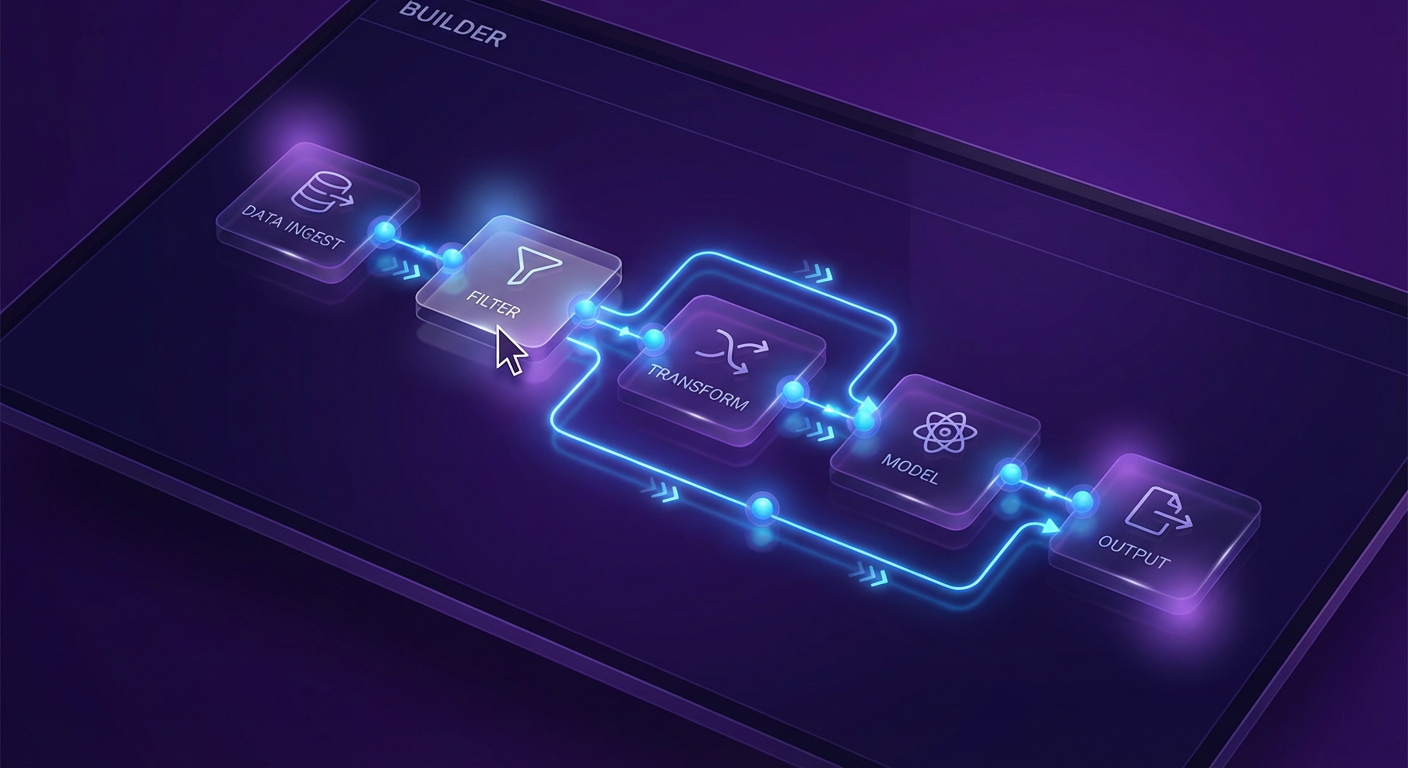
I built my first Slack Workflow Builder automation in about nine minutes. Step 1: someone posts in #support. Step 2: send them a form asking for their account email and issue description. Step 3: post the form responses to #support-triage. Done. Easy. I felt productive.
Then I tried to add Step 4: look up the customer's account in our CRM using the email they submitted. Workflow Builder doesn't do that. I tried Step 4 alternative: check if this customer has posted in the channel before. Can't do that either. Step 4 alternative alternative: if the issue description mentions "billing," route to #billing-team, and if it mentions "integration," route to #engineering, and if it mentions both, route to the account owner. Definitely can't do that.
The first three steps took nine minutes. Trying to build Step 4 took three hours of reading documentation before I accepted it wasn't possible.
This is the Workflow Builder experience for most teams. It gets you 60% of the way in ten minutes and then you spend the next month realizing the last 40% is a wall.
What Workflow Builder Does Well
Workflow Builder was designed for a specific kind of automation and it handles that kind well.
Trigger on a channel message, respond with a form. This is the core pattern. Someone posts in a channel. Workflow Builder shows them a structured form. Their answers get posted somewhere or sent to someone. HR uses this for PTO requests. IT uses it for access requests. Support uses it for ticket intake. The pattern works because it's a single interaction with a known format.
Scheduled messages. Post a reminder every Monday at 9 AM. Send a weekly check-in prompt. Deliver a recurring message to a channel. Reliable and simple.
Emoji reaction triggers. When someone reacts to a message with a specific emoji, take an action. Some teams use this for approvals: react with a checkmark to approve a request. It's clever and it works for binary decisions.
Webhook triggers. An external system sends a POST request. Workflow Builder receives it and posts a message. This is how most Workflow Builder integrations with outside tools work. The external system does the thinking. Workflow Builder does the posting.
All of these are linear. One trigger, one to three steps, no decisions, no external data lookups within the workflow. They're templates more than workflows.
Where the Wall Is
The wall shows up the moment you need any of these things.
Conditional logic. "If the customer is enterprise, do X. If they're on the free plan, do Y." Workflow Builder doesn't branch. Every message that matches the trigger goes through the same steps. You can build separate workflows for separate channels, which is a workaround, but it doesn't scale. We had a team that built 14 separate workflows to handle what should have been one workflow with branching. Maintaining 14 workflows is worse than maintaining one manual process.
Data from external systems. Workflow Builder can receive webhooks from external systems, but it can't query them. It can't say "take the email from this form submission and look it up in HubSpot." The data has to be pushed into Workflow Builder. It can't pull. This means every integration requires the external system to know about the workflow, which inverts the dependency in a way that makes everything harder to maintain.
Context from message history. Workflow Builder treats each trigger as an isolated event. It has no memory of previous triggers. It can't check whether this customer posted yesterday, whether the same question was asked last week, or whether there's a related thread in another channel. Each workflow invocation starts from zero.
Multi-step data transformation. You can pass variables between steps in a workflow, but the transformations are limited to basic formatting. You can't parse JSON, compute values, or manipulate data between steps. If step 2 returns a customer record and step 3 needs to extract the account tier and route based on it, you're stuck.
Rafael tried to build a workflow that took a weekly report from a Google Sheet, formatted it as a Slack message with highlights on metrics that changed more than 10%, and posted it to #ops. Step 1 (trigger on schedule) worked. Step 2 (receive webhook with spreadsheet data) worked. Step 3 (format as message with conditional highlighting) was impossible. Workflow Builder can't do math, can't compare values, and can't conditionally format message sections.
What We Built Instead
We replaced our most complex workflows with AI agents. The agents use three Slack capabilities: searching messages, sending messages, and scheduling messages. Combined with the ability to pull data from connected tools, these three operations cover everything Workflow Builder does and everything it doesn't.
Rafael's reporting workflow was the first one we rebuilt. The Google Sheets team reports agent pulls data from the spreadsheet, compares this week's numbers to last week's, highlights significant changes, and posts a formatted summary to #ops every Friday at 4 PM. The whole thing took about an hour to set up. The Workflow Builder attempt had consumed most of a day before we gave up.
The message includes context that no webhook-based workflow could produce. Instead of just posting numbers, the agent writes something like: "Support ticket volume increased 23% this week, the highest week-over-week jump since January. The increase is concentrated in integration-related issues. Three of the top five ticket categories involve the Salesforce connector." That context comes from the agent's ability to compare data across time periods and describe the patterns it finds.
Our standup collection got a similar upgrade. The old workflow posted a form at 9 AM and collected responses. The standup collector agent does the same thing but adds follow-up. If someone doesn't submit by 9:45, they get a DM. If the same person skips three standups in a week, the engineering manager gets a note. The agent also searches yesterday's threads for anything tagged with a team member's name and includes relevant context in the summary. "Anya mentioned she was blocked on the API migration yesterday" becomes part of the standup record even if Anya didn't submit a formal update.
Priya's customer escalation workflow was the most dramatic improvement. The old workflow matched keywords and routed to channels. The agent reads the message, determines the actual issue, checks the customer's account status, looks at their history in the support channel, and routes based on all of that context. A message from an enterprise customer with an expiring contract gets handled differently than the same message from a trial user. The old workflow treated them identically.
The Setup Difference
Workflow Builder has a visual interface. You drag steps, connect them, fill in fields. It's fast for simple workflows and impenetrable for complex ones, because the visual interface doesn't represent branching, external queries, or conditional logic. You hit the limits of the canvas before you hit the limits of what you want to build.
Setting up an agent takes longer for simple workflows. Writing a prompt and configuring tool access takes 20-30 minutes for something Workflow Builder handles in five. But the setup time scales differently. A simple Workflow Builder automation takes 5 minutes. A complex one is impossible. A simple agent takes 30 minutes. A complex one takes 60. The ceiling is different.
Marcus asked me whether we should have just used Zapier or Make instead of agents. Fair question. Those tools handle the data-pulling and conditional logic that Workflow Builder lacks. But they don't handle context. They can't search Slack message history. They can't read a message and determine whether it's a billing question or a technical issue based on meaning rather than keywords. They fill some of the gaps but not the ones that matter most for workflows that involve human communication.
What We Still Use Workflow Builder For
We haven't abandoned Workflow Builder. It still runs our PTO request form, our IT access request flow, and a few channel-specific automations that genuinely are just "trigger, form, post." These haven't changed in over a year and they don't need to.
The split is simple. If the workflow is linear and self-contained within Slack, Workflow Builder handles it. If the workflow needs external data, conditional logic, message context, or multi-step reasoning, an agent handles it. We stopped trying to force Workflow Builder past Step 3 and started building the workflows we actually needed.
The deal alerts that post to #sales with full Salesforce context, the deal room monitoring that flags stalled conversations, the reporting that pulls from multiple sources and posts formatted summaries — none of that fits in a three-step visual builder. All of it fits in an agent with the right tools.
Try These Agents
- Google Sheets Team Reports to Slack -- Pull spreadsheet data and post formatted reports with trend analysis
- Slack Scheduled Standup Collector -- Standup collection with follow-ups, reminders, and historical context
- Slack Salesforce Deal Alerts -- Deal stage alerts with full CRM context in every notification
- Slack Deal Room Monitor -- Monitor deal channels for activity drops and engagement patterns