
Supabase Alternatives: 8 Backend Platforms for Teams That Need Options
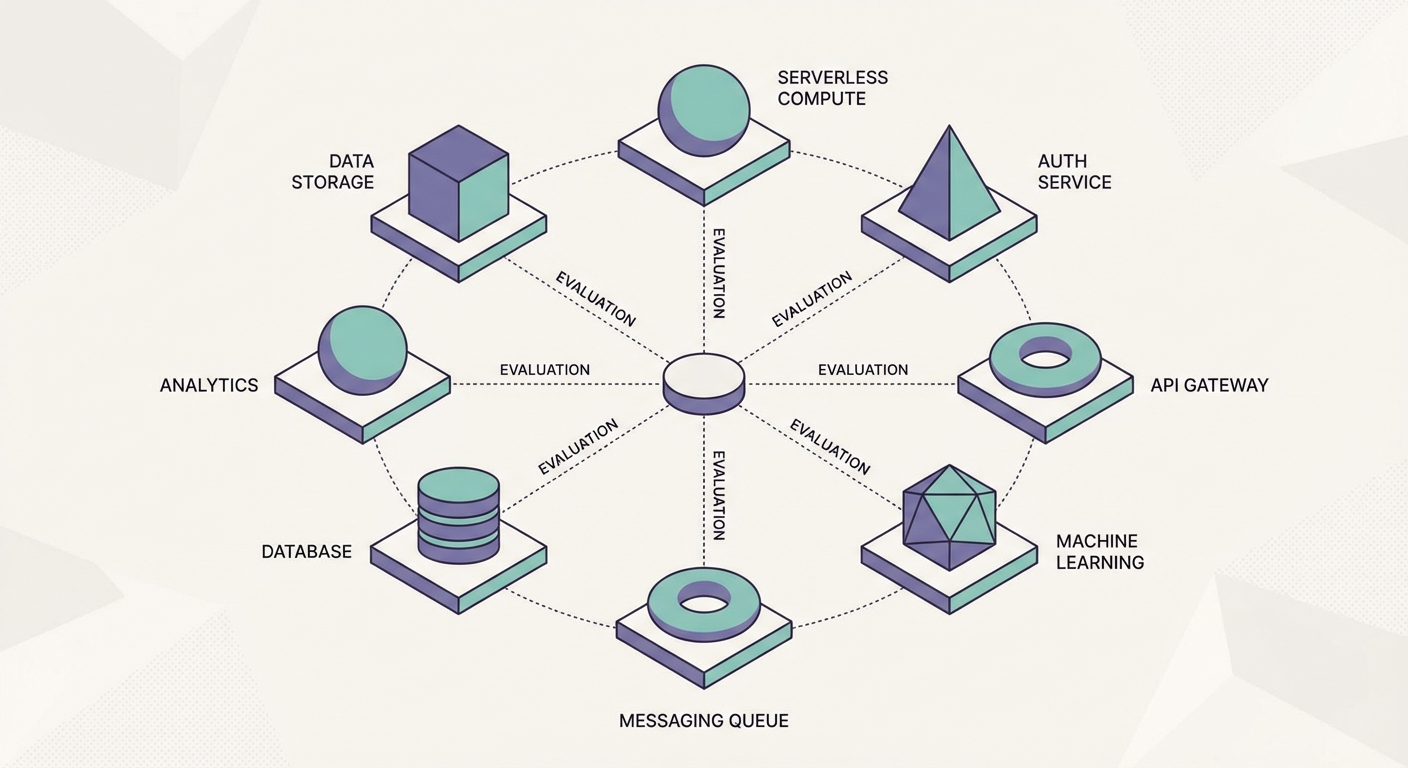
Elena leads backend infrastructure at a 40-person SaaS company. Her team picked Supabase about eight months ago. It has been mostly good. The Postgres foundation is solid, the client libraries are well-designed, and the pricing is reasonable. But she has three problems. First, they need multi-region support that Supabase does not offer yet (at least not in the way they need). Second, their compliance team wants self-hosted infrastructure on their own cloud account. Third, she figured it was worth shopping around before locking in an architecture for the next three years.
This is the evaluation she ran. Eight platforms, put through the wringer against actual production requirements, with no-BS takes on where each one shines and where it falls apart.
1. Firebase
Firebase is the elephant in the room. Google's backend platform runs under a staggering number of mobile and web apps at this point.
Where it wins. Nothing else comes close for mobile DX. The iOS, Android, and Flutter SDKs are genuinely polished -- not "good for open source" polished, but actually pleasant to use. Real-time sync with offline persistence just works. Auth, database, push notifications, analytics, crash reporting -- it's all bundled together and you barely have to configure anything.
Where it falls short. Firestore is a document database, and that shapes everything. The moment you need joins, aggregations, or multi-field filters, you're either denormalizing aggressively or stitching data together on the client. The per-document-read pricing model gets scary fast for read-heavy apps. And you're fully locked into Google Cloud -- that's not FUD, it's just the deal.
Best for. Mobile-first apps, quick prototypes, and teams already deep in the Google ecosystem who want everything under one roof.
Elena's take. "We used Firebase before Supabase. The real-time and offline support are genuinely better. But we left because our data is deeply relational and Firestore queries were killing our productivity."
2. Appwrite
Appwrite takes a fundamentally different architectural bet than Supabase. Rather than building on Postgres, it runs MariaDB underneath and wraps everything in a REST/GraphQL API layer.
Where it wins. Self-hosting is genuinely a first-class concern here, not an afterthought. You spin up Appwrite on your own infrastructure with Docker and it actually works without three days of debugging. Auth, database, storage, functions, real-time -- it's all there. The dashboard is surprisingly clean and the API design stays consistent across features. If your compliance team mandates on-prem or private cloud, Appwrite is probably the most mature open-source pick alongside Supabase itself.
Where it falls short. The big caveat: no Postgres underneath. That means no raw SQL, no extensions, none of the massive Postgres ecosystem. All your queries funnel through Appwrite's API layer, so you're capped at whatever query patterns they've implemented. Fine for straightforward CRUD. Painful once you need analytics, reporting, or anything involving complex transformations. The community is also noticeably smaller than both Firebase and Supabase, which means fewer Stack Overflow answers when you get stuck.
Best for. Teams that absolutely must self-host their BaaS, like a clean API, and can live without direct SQL access.
Elena's take. "Appwrite checks our self-hosting box. But we live and breathe SQL for reporting, so giving up Postgres was a dealbreaker. If that weren't the case, Appwrite would be at the top of my list."
3. PocketBase
PocketBase is the option that nobody expects to like as much as they do. The whole thing ships as a single Go binary -- database (SQLite), auth, file storage, real-time subscriptions, admin dashboard, all of it. One binary. No dependencies. No Docker. No configuration files.
Where it wins. Simplicity. Download a binary, double-click it (basically), and you've got a running backend. For solo devs, weekend projects, internal tools, and MVPs, the speed-to-working-thing ratio is unbeatable. The Go binary barely uses any resources -- a $5/month VPS handles it comfortably. The admin dashboard lets you define collections, set up auth rules, and manage data without touching config files. You can even drop in JavaScript hooks for custom logic.
Where it falls short. SQLite is the database. Reads are fast, but write concurrency is where it struggles. If you've got hundreds of users hammering inserts at the same time, SQLite will choke. There's no managed hosting from the PocketBase team either -- you're on your own for deployment, backups, and anything resembling horizontal scaling. The ecosystem is still small and largely community-driven. No official client libraries beyond JavaScript.
Best for. Solo developers, hackathon projects, internal tools, and anything where you'd rather have simplicity than scalability.
Elena's take. "We used PocketBase for an internal hackathon project. Had it running in maybe 10 minutes. But our production SaaS has 4,000 users slamming concurrent writes, and SQLite just isn't built for that."
4. Nhost
Nhost is the closest thing to a Supabase clone in terms of architecture -- Postgres database, Hasura for GraphQL, auth, storage, serverless functions. Basically, if you dig Supabase's philosophy but wish the API layer spoke GraphQL natively, Nhost is your play.
Where it wins. GraphQL-first. Hasura auto-generates a GraphQL API straight from your Postgres schema, subscriptions included. If your frontend folks are GraphQL-or-bust (or your app has deeply nested data that GraphQL handles more naturally), Nhost hands you a production-grade GraphQL layer on Postgres without writing a single resolver. The managed hosting is on AWS, which satisfies compliance requirements for some teams. Self-hosting is also available.
Where it falls short. Hasura adds a layer of complexity. You'll need to wrap your head around Hasura's own permission system (which is separate from Postgres RLS), plus its metadata management and relationship configuration -- it's a lot of concepts layered on top of each other. The learning curve is noticeably steeper than Supabase, especially if your team hasn't worked with GraphQL or Hasura before. And the managed service pricing runs higher than Supabase at comparable usage levels.
Best for. GraphQL-native teams who want Postgres underneath without having to wire up the GraphQL layer from scratch.
Elena's take. "We evaluated Nhost seriously. The GraphQL layer is well-built. But we're a REST shop through and through, and I couldn't justify retraining everyone on GraphQL. If I were starting a greenfield project with a team that already knew GraphQL, Nhost would be my first call."
5. AWS Amplify
AWS Amplify is Amazon's attempt at the Firebase playbook. It bundles a set of tools that wire your frontend into AWS backend services -- AppSync for GraphQL, DynamoDB for the database, Cognito for auth, S3 for storage, Lambda for functions.
Where it wins. If your org already lives on AWS, Amplify plugs you into the broader ecosystem without fighting procurement. IAM permissions, VPC networking, CloudWatch monitoring -- all the stuff your platform team already knows. It handles CI/CD for frontend deployments too. The Gen 2 experience (code-first configuration using TypeScript) is a big improvement over the Gen 1 CLI approach. For enterprise teams locked into AWS for compliance or organizational politics, Amplify is often the path of least resistance.
Where it falls short. DynamoDB ships as the default database, and it shares Firestore's pain points around relational data -- no joins, limited query patterns, capacity-based pricing that's hard to forecast. You can swap in Aurora (Postgres), but the Amplify integration feels like an afterthought. The abstraction layers get opaque fast. When something breaks, you'll find yourself spelunking through CloudFormation stacks, IAM policies, and AppSync resolver mapping templates. If your team doesn't already speak fluent AWS, expect a brutal ramp-up period.
Best for. Enterprise shops already all-in on AWS that want a managed pipeline from frontend to backend.
Elena's take. "Amplify solves our multi-region problem since AWS has regions everywhere. But the DynamoDB default and the AWS complexity tax were concerns. We would need a dedicated DevOps person just for the Amplify configuration."
6. Hasura
Hasura isn't really a BaaS at all -- it's a GraphQL engine that bolts onto your existing database and auto-generates a full GraphQL API from your schema. If you've already got a Postgres database and just want GraphQL on top without hand-rolling resolvers, Hasura is the best thing going. But it is not a complete backend. You still need to set up your own database, auth, storage, and functions separately.
Best for. Teams with existing Postgres databases that need a GraphQL API layer.
7. Back4App
Back4App is a managed Parse Server platform. Parse was Facebook's BaaS, open-sourced in 2016. The SDKs support every major platform and Cloud Code is straightforward. But Parse uses MongoDB under the hood (no joins, no SQL), the technology feels older than competitors, and the community has shrunk since Parse's peak years.
Best for. Teams familiar with Parse that want managed hosting.
8. Backendless
Backendless has been kicking around since 2012. Its big differentiator is a codeless visual logic builder -- people who can't (or won't) write code can wire up API endpoints and event handlers through a drag-and-drop interface. The catch: the database is proprietary, anything moderately complex becomes a nightmare to express visually, and the whole platform feels like it was built for the low-code crowd rather than engineering teams.
Best for. Teams with non-technical members who want to build backend logic visually, and don't mind the trade-offs that come with it.
How We Automated the Evaluation
Evaluating eight platforms meant creating test projects, loading sample data, running queries, and measuring performance. For the Supabase side of the comparison, we used agents to automate the repetitive database operations.
The database cleanup agent helped us clean up test data between evaluation rounds. Instead of manually deleting records and resetting tables, the agent identified stale test records, orphaned rows from failed imports, and duplicate entries from repeated test runs. This saved Elena about two hours per evaluation cycle.
For ongoing production work, we use the user data manager to handle user record operations and the inventory tracker to monitor stock levels across tables. These agents work so well partly because Supabase sits on Postgres with standard CRUD operations. The relational model gives agents a predictable surface area -- read, create, update, delete, and the schema tells you exactly what to expect. Try doing the same automations on a document database and you're suddenly writing defensive code to handle nested documents and denormalized data that may or may not have the fields you're looking for.
Elena's Final Decision
Elena's team stayed on Supabase. The Postgres foundation, the SQL access for reporting, and the ability to automate database operations with agents outweighed the limitations. For multi-region, they are using Supabase's read replicas and a CDN for static assets. For the compliance requirement, they worked with Supabase's enterprise team on a dedicated instance.
But the evaluation was worth doing. Every team's constraints are different. The "best" platform depends entirely on your data model, what your team already knows, what your compliance people require, and what you're actually building. Anyone who tells you there's a universal answer is trying to sell you their universal answer.
Try These Agents
- Supabase Database Cleanup Agent -- Find and remove stale, orphaned, and duplicate records from your Supabase tables
- Supabase User Data Manager -- Manage user records, update properties, and enforce data consistency
- Supabase Data Sync Agent -- Sync records between Supabase tables and external data sources
- Supabase Inventory Tracker -- Track inventory levels, flag low stock, and automate reorder notifications