
User Behavior Analytics Tools: What Actually Tells You Why Users Churn
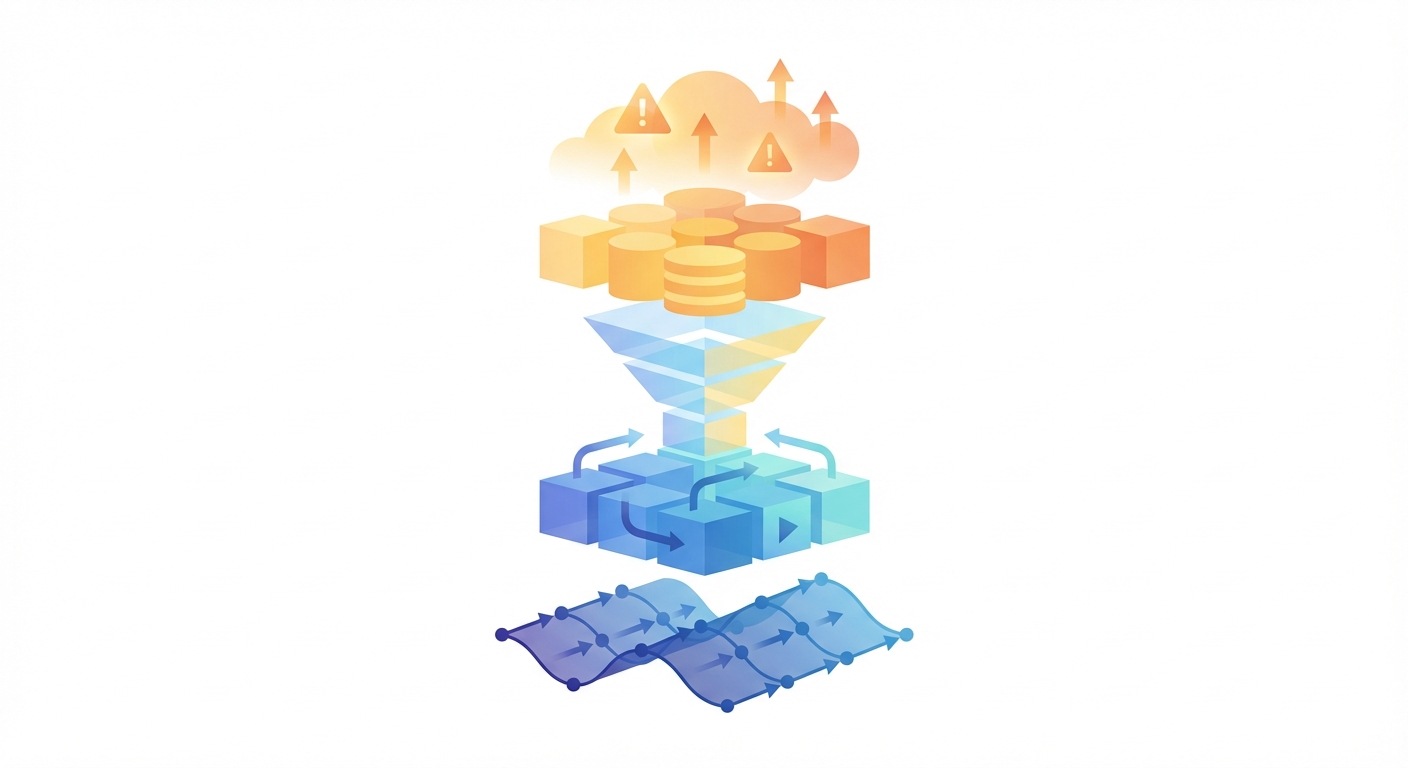
I got a call from Priya last quarter -- she leads product at a SaaS company, roughly 3,000 MAUs. Churn had spiked from 4.2% to 6.8% and the exec team was breathing down her neck. She pulled up her retention curve and it confirmed what everyone already suspected: users were walking out the door. The frustrating part? The dashboard showed the bleeding but offered zero clues about the wound -- no "why," no timeline, no "here's what you could have done."
I hear a version of this almost every week. The tools are running, the data is flowing, and everyone can see the numbers going the wrong direction. But knowing "things are bad" and knowing "here's the specific thing to fix" are separated by a canyon that most product teams never manage to cross. Bridging it takes more than another dashboard -- it takes the right analytics stack paired with automation that actually does something with the signals.
The Five Layers of User Behavior Data
When people say "user behavior analytics," they usually mean one thing -- like tracking clicks or watching session recordings. But user behavior is actually built from five distinct layers of data, and you need most of them to get the full picture.
Event tracking is the foundation. Every meaningful user action -- button clicks, form submissions, feature activations, purchases -- gets captured as a named event with properties. Think of it as a timestamped diary of everything your users do, tagged to their identity. PostHog, Mixpanel, Amplitude, and Heap each have their own spin on implementation, but the core idea is universal. Get this layer wrong and nothing you build on top will be trustworthy.
Session replay adds the visual layer. Instead of seeing "user clicked button X," you watch the user navigate to the page, hesitate, scroll past the button, scroll back up, and finally click it. The click in your event log looked normal. The 30 seconds of confusion before the click tells a completely different story. PostHog and FullStory are the strongest options here, especially when replay is integrated with your event data rather than sitting in a separate tool.
Funnel analysis exposes where users bail during multi-step flows. Sign up, onboarding step 1, step 2, first value moment -- where do they quit? Every platform lets you build a funnel. That's table stakes. The real value comes from slicing it: do free-tier users fall off at a completely different step than paid users? Is there a step that desktop users breeze through but mobile users abandon in droves?
Cohort analysis groups users by what they have in common and tracks how each group behaves over time. January signups vs. February signups. Organic traffic vs. paid. People who activated Feature X in week one vs. the ones who ignored it. This is the tool that transforms a meaningless "our retention is 65%" into "retention for users who finish onboarding within 48 hours is 82%, but everyone else drops to 41%." That kind of specificity changes what you build next.
Behavioral segmentation ties everything together. You define groups based on actual product behavior -- who's done what, who hasn't -- and then monitor how each group performs over time. Maybe "power users" log in 10+ times a month while "at-risk users" haven't shown up in two weeks. "Feature explorers" tried five different features in their very first session. Once you've named these groups and started tracking them, you stop looking in the rearview mirror and start seeing what's ahead.
Why Priya's Dashboard Failed Her
Here's the thing about Priya's situation: she had all five layers. PostHog was running, event tracking was solid, session replay was on, and a handful of dashboards covered funnels and retention. On paper? She had everything.
In practice? Nobody was looking.
Her team tracked around 40 events across 25+ dashboard tiles. Doing it right meant somebody checking those dashboards every morning, catching when a metric twitched, drilling into the segments behind the twitch, pulling session replays, forming a hypothesis, and then somehow finding the time to explain it all to the rest of the team. That's an analyst's full-time job. Priya didn't have an analyst. She had herself, one PM, and three engineers who were busy shipping features.
So the dashboards went stale. Not because the data was wrong. Because nobody had the time to babysit 25 tiles and do the multi-step detective work required to turn a dipping line on a chart into a specific, actionable finding.
This is the dirty secret of user behavior analytics tools. They give you incredible power to understand your users. But that power requires a human to wield it continuously. Most teams don't have that human.
What AI Agents Change About Behavior Analytics
Priya didn't need a prettier chart or a more powerful query language. She needed a tireless colleague who would do the detective work at 2am on a Tuesday and leave her a note about what they found.
In practice, that means an AI agent plugged into your analytics platform, programmatically watching event patterns, cohort trends, and funnel conversion rates around the clock. Not eyeballing dashboards -- running queries, comparing baselines, and flagging deviations.
When the agent detects a pattern worth investigating, it doesn't just alert you. It does the next three steps of analysis automatically.
Take Priya's churn problem. When her churn rate started creeping up in month one of the quarter, an agent watching her PostHog data would have noticed that the cohort of users who signed up in weeks 3 and 4 of the previous month had a 14-day retention rate 11 points below the historical average. It would have segmented those users and found that 73% of them never completed onboarding step 4 (connecting their data source). It would have pulled the session replays for a sample of those users and found the common thread: a confusing OAuth flow that was throwing a vague error on certain browser configurations.
That entire analysis chain took Priya's team three weeks to figure out manually. An agent could have flagged it in day four, when the retention gap first became statistically meaningful.
The funnel tracking agent is specifically built for this -- monitoring conversion funnels for drops and automatically segmenting to find which user groups are affected.
Picking the Right Tools for Each Layer
No single tool nails every layer. If I were building a stack from zero, here's how I'd think about it:
Event tracking -- PostHog or Mixpanel. Clean event models, solid SDKs, and APIs you can actually automate against. PostHog edges ahead on pricing transparency and the self-hosting option. Mixpanel pulls ahead on event governance, which starts to matter a lot once your team grows past five or six people.
Session replay -- PostHog or FullStory. The integration between PostHog's replay and its analytics data is genuinely useful when you want to jump from "this funnel step has a 40% drop" to watching the exact sessions where people bailed. FullStory, on the other hand, treats replay as its headline act and the search/filtering experience shows it.
Funnel and cohort analysis -- Amplitude stands out for PMs who want to self-serve. The guided workflows hold your hand just enough. PostHog's HogQL unlocks far more analytical firepower, but you need to be comfortable writing queries.
For behavioral segmentation: this is where most tools are roughly equivalent in capability but differ in usability. Amplitude and Mixpanel make it easy to save and share segments. PostHog lets you define segments in HogQL for more precision. Heap's retroactive event definition means you can build segments around interactions you didn't explicitly track.
The automation layer -- and this is the piece most people skip. Not one of the analytics tools I just mentioned will proactively tell you when something is going wrong. They sit there, patiently, waiting for a human to ask the right question at the right time. An agent layer flips that dynamic: it runs the queries you'd run if you had infinite time, spots the anomalies, and kicks off whatever downstream action makes sense -- Slack message, Jira ticket, email to the CS team, whatever your workflow demands.
The Pattern Detection Gap
Here's something I want to be specific about, because I think it gets glossed over in most "AI for analytics" conversations.
People are genuinely great at spotting patterns -- when they happen to be staring at the right chart on the right day. The trouble is that user behavior shifts don't announce themselves. A cohort churning faster than normal looks like a tiny dip on a Tuesday, then a slightly bigger dip by Thursday, and by the time anyone notices the trend line three weeks later, the damage is done.
An experienced product analyst would catch these things if they could watch everything simultaneously, every single day. They can't. That's not a skill problem, it's a bandwidth problem. Agents solve the bandwidth side: they monitor every metric, every cohort, every funnel, around the clock, and surface the ones that have drifted past whatever threshold you set. The human still decides what to do about it -- the agent just makes sure nothing slips through the cracks while you're in meetings or asleep.
That's exactly what Priya was missing. Not better analytics. A watchdog that never takes a day off.
From Signals to Actions
Pattern detection without follow-through is just noise. The closing-the-loop part is what separates a useful system from a fancy alert nobody reads.
Say an agent spots a cohort churning faster than baseline. It can tag those users in PostHog with churn_risk: high via the identify API, ping the CS team in Slack with the specific accounts, spin up a ticket to investigate root cause, and trigger a re-engagement email sequence -- all before anyone on the team has had their morning coffee.
Or picture this: a funnel conversion rate tanks right after a Friday deploy. The agent correlates the timing, narrows down which user segments took the hit, identifies the broken step, and files a bug ticket with session replay links attached. Monday morning, the engineer opens Jira and already has everything they need to start fixing it.
The traditional analytics workflow goes: human notices (if they're looking), human investigates (if they have time), human acts (if they remember). Agents flip that on its head. The machine handles the noticing and the grunt work. The human reviews, interprets, and makes the call.
Start With What You're Already Losing
If you're shopping for user behavior analytics tools right now, resist the urge to start with a feature matrix. Start with the one question your team can't answer today. Priya's was "why is churn spiking?" Yours might be "where exactly do users get stuck during onboarding?" or "what do our best customers have in common that the churned ones don't?"
Nail the question first. Pick the tool that answers it. Then -- and this is the part almost everyone skips -- connect an agent that keeps watching that answer so you find out the moment it changes, not three weeks later during a quarterly review.
The analytics tools have been good enough for years. Data collection was never the bottleneck. Paying attention was.
Try These Agents
- PostHog Funnel Tracking Agent -- Track conversion funnels and get automatic alerts when drop-off rates change
- PostHog Product Usage Tracker -- Monitor feature usage patterns and detect engagement shifts
- PostHog Event Tracking Setup -- Set up the event capture layer that powers behavior analytics
- PostHog User Identification Agent -- Identify users and link sessions for complete behavioral profiles