
We Tried 4 Team Wiki Tools. The Wiki Wasn't the Problem.
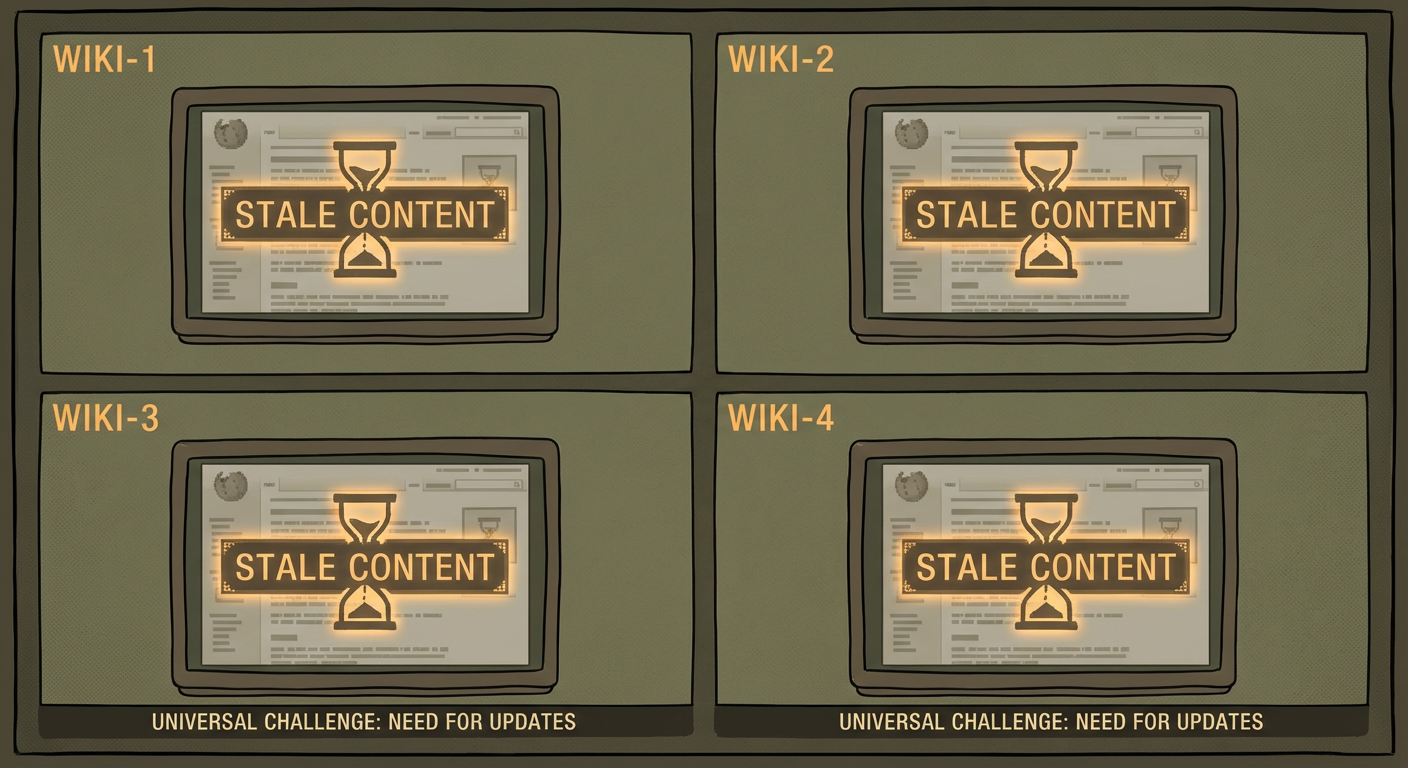
Anya's team of 90 people evaluated team wiki software the way most teams do: build a requirements list, trial three or four tools, score them on a matrix, pick a winner. Over two years, they tried all four contenders. Confluence first, then Notion, then a brief experiment with Slite, then Guru for their support team. Each tool had genuine strengths. Each tool ended up with the same problem: content that nobody maintained.
This isn't a review where I tell you which wiki is best. They're all good. This is about what we learned by using all of them, and why the wiki tool matters less than what you put around it.
Confluence: The Enterprise Default
Confluence was the first tool Anya's team adopted. The decision was practical: half the company already used Jira, and Confluence integrated natively. Spaces mapped to teams. Page trees gave structure. Templates created consistency. Within two months, the engineering team had built out a solid knowledge base with architecture docs, runbooks, and decision logs.
The strengths were real. Jira integration meant engineers could link Confluence pages to tickets, and ticket resolutions could reference documentation. Page trees allowed deep nesting, so a topic like "Infrastructure" could have child pages for AWS, Kubernetes, Monitoring, and Incident Response, each with their own children. Macros added functionality: status labels, table of contents, Jira issue lists embedded inline. For teams that need structured, hierarchical documentation with enterprise features, Confluence handles it.
The friction showed up in two areas. The editor, even after Atlassian's overhaul, felt heavier than writing in Google Docs or Notion. Tomás described it as "the difference between writing in a word processor and writing in a content management system." The formatting toolbar, the macro insertion process, the save-and-publish flow. Each step adds a few seconds of friction that discourages casual documentation. The other issue was permissions. Confluence's permission model is space-level by default, with page-level restrictions as an override. For teams that need fine-grained access control, configuring permissions correctly requires deliberate setup.
After six months on Confluence, Anya ran a content audit. The engineering space had 280 pages. Of those, 94 hadn't been updated in over 90 days. Thirty-one referenced tools or processes that had changed. Twelve were duplicates or near-duplicates, created because someone couldn't find the existing page and wrote a new one.
Notion: The Flexible Newcomer
Anya's team moved to Notion partly because of editor fatigue and partly because Notion's flexibility was appealing. The block-based editor felt modern. Databases let them create structured views of documentation: a table of all runbooks filterable by team and status, a board of all decision logs organized by quarter, a calendar of documentation review dates.
Notion's strength is that it can be anything. A wiki page, a task board, a meeting notes database, a CRM, a project tracker. The block model means you can mix text, tables, databases, toggles, callouts, and embeds on a single page. For teams that want one tool for everything, Notion is compelling.
The weakness is the flip side of that flexibility. Without enforced structure, teams create content wherever it makes sense to them individually. Rafael put his team's runbooks in a database. Diana put hers on nested pages. Kenji created a separate workspace for his team because the main workspace felt cluttered. Three months in, finding anything required knowing where the author had put it. The search was good, but search only helps if you know what to search for. If you're a new hire trying to understand how deployments work, you don't know whether to search "deployment," "release," "shipping," or "CD pipeline."
The content audit at six months told the same story as Confluence. Of 320 pages, 112 were stale. The ratio was almost identical: about 35% of content untouched for 90 days. The tool changed. The decay rate didn't.
Slite: The Simple Alternative
Slite entered the picture when Anya's product team asked for something simpler. They didn't need Confluence's enterprise features or Notion's database capabilities. They wanted a place to write things down and find them later.
Slite delivered on that promise. The editor was clean and fast. Organization was straightforward: channels (similar to folders) with documents inside them. Search worked well and included AI-powered answers that could synthesize information from multiple documents. The product team had their wiki up and running in a day, with no configuration debates about space structure or database schemas.
The limitation was ceiling height. Slite works beautifully for teams with simple documentation needs. When the product team wanted to embed a Jira board, link to specific Confluence pages, or create a relational database of feature specs, Slite couldn't do it. It's deliberately simple, which makes it fast to adopt and limiting to grow into.
The content audit at six months: 85 documents, 28 stale. Thirty-three percent. The simplest tool produced the same decay rate as the most complex one.
Guru: The Verified Knowledge Approach
Guru took a different angle. Instead of wiki pages, Guru uses "cards": short-form knowledge items with a built-in verification workflow. Each card has an owner and a verification interval. When the interval expires, the owner gets a notification to re-verify the content. If they don't, the card shows a "Needs Verification" badge.
Anya's support team adopted Guru for customer-facing knowledge: troubleshooting steps, product FAQs, and escalation procedures. The verification workflow was genuinely useful. Support agents could trust that a verified card was current. The badge system created social pressure to maintain content because an unverified card was visibly flagged.
The trade-off is format. Guru cards work for short-form, procedure-oriented content. A troubleshooting guide with five steps fits the card model well. A 3,000-word architecture overview doesn't. The support team thrived on Guru. The engineering team tried it and bounced off within two weeks because their documentation was too long-form for the card format.
The content audit told a different story than the other tools, but not by as much as you'd expect. Of 150 cards, 22 were past their verification date. Fifteen percent, meaningfully better than the 33-35% staleness rate on the other platforms. The verification workflow helped. But "better" still meant one in seven cards was unverified, and the system only worked for the type of content that fit Guru's format.
The Pattern Across All Four
Here's what running four different wiki tools over two years made obvious.
The content creation rate was roughly the same on every platform. Teams produced about 40 to 60 new pages per month regardless of the tool. Better editors made writing slightly faster, but the bottleneck on content creation was never the editor. It was whether someone had time and motivation to document something.
The content decay rate was roughly the same on every platform. Between 30% and 40% of content went stale within six months on Confluence, Notion, and Slite. Guru's verification workflow reduced this to about 15%, but only for content that fit the card format. The decay rate is a human behavior constant, not a software variable.
Search quality varied, but search quality doesn't matter if 35% of what you find is outdated. Notion's search was fast. Confluence's search understood page hierarchies. Slite's AI-powered search could synthesize answers. Guru's search was scoped to verified cards. Every platform's search was good enough to find relevant pages. None of them could tell you whether the page you found was still accurate.
The adoption curve was real but temporary. Each new tool generated excitement, documentation sprints, and a brief period of high engagement. That energy faded within three to four months on every platform. The tool honeymoon ends, and you're left with whatever maintenance habits you've established.
The Layer That Actually Matters
After two years and four tools, Anya's conclusion was that the wiki platform accounts for maybe 20% of whether a knowledge base succeeds. The other 80% is maintenance: who updates stale content, how often, and with what tooling.
A cross-space search agent addressed the findability problem that plagued every platform. Instead of searching within one tool's index, the agent searches across all documentation sources with context about what the user is actually looking for. When a new hire asks "how do deployments work," the agent finds the relevant pages across Confluence spaces, checks which ones are current, and returns the accurate ones. It's search with a staleness filter that none of the native search tools provide.
The audit and maintenance layer sits on top of whichever wiki you've chosen. It reads all pages on a schedule, flags stale content, identifies duplicates, and routes update requests to the right people. This layer doesn't care whether the content lives in Confluence, Notion, Slite, or Guru. It treats the wiki as a data source, reads everything, and reports what needs attention.
Anya's team eventually settled on Confluence for engineering, Guru for support, and an agent layer that maintains both. The wiki tools store knowledge. The agent layer keeps it honest. The tools cost about $12 per user per month combined. The agent layer costs less and saves more.
Choosing Your Wiki
If someone asks me which team wiki software to pick, my honest answer is: any of them. Pick the one that matches your team's size, existing tools, and preference for simplicity versus flexibility. Then spend twice as much time setting up the maintenance system as you spent evaluating the wiki.
Confluence if you're on Atlassian tools and need enterprise structure. Notion if you want flexibility and your team is under 200 people. Slite if you want speed and simplicity. Guru if your content is short-form and verification workflows matter.
Then add the layer that none of them include: automated detection of stale content, duplicate identification, cross-source search, and routing of maintenance tasks to the right people. That layer is the difference between a knowledge base that works for the first three months and one that works for three years.
Anya's parting thought: "We spent two years finding the right wiki. Turns out we needed to spend two weeks finding the right wiki and two years maintaining it. The tool is the easy decision. The maintenance is the actual work."
Try These Agents
- Confluence Cross-Space Search Agent -- Search across all documentation sources with staleness-aware results
- Confluence Knowledge Base Auditor -- Detect stale pages, duplicates, and content gaps across your wiki
- Confluence Onboarding Guide Generator -- Assemble onboarding guides from existing wiki content