
Confluence vs Notion: We Use Both. Here's Why.
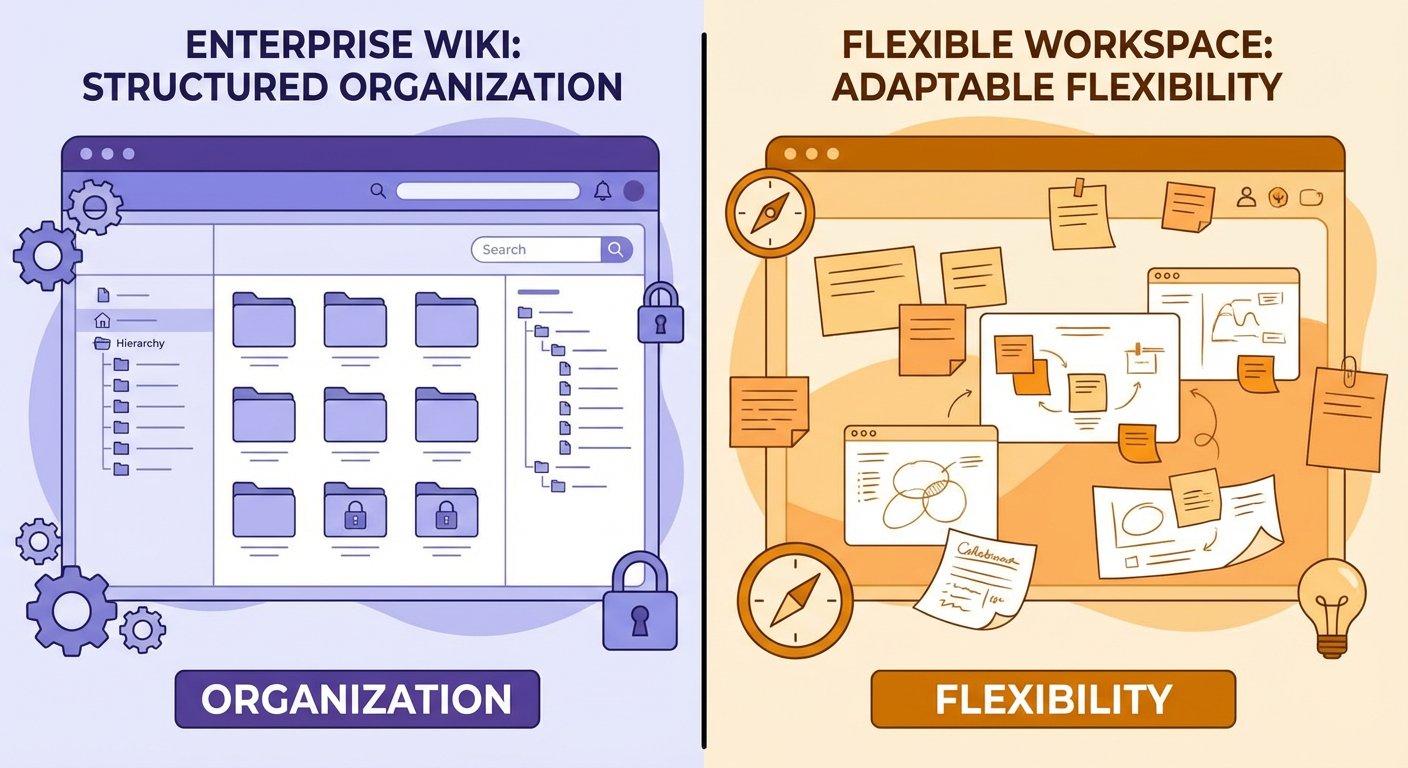
The internet wants you to pick one. Every comparison article pushes toward a verdict: use Confluence if you're enterprise, use Notion if you're a startup, pick a side. We tried picking a side twice and failed both times. Now we run both, and the combination works better than either one alone.
This isn't a feature comparison chart. You can find those anywhere. This is what actually happened when a 60-person company tried to standardize on one tool and couldn't.
How We Ended Up With Both
Confluence came first. It was the default when we set up our Atlassian stack four years ago. Jira for project tracking, Confluence for documentation. Engineering wrote their runbooks there. Product wrote their specs there. HR put the employee handbook there. For two years, everything lived in Confluence and it worked well enough.
Then Anya joined as our design lead. She'd used Notion at her previous company and started using it for her team's design docs, mood boards, and project trackers. She didn't ask permission. She just started a Notion workspace and invited her team. Within a month, the four-person design team had their entire workflow in Notion.
By summer, marketing had joined them. Rafael saw what the design team was doing and set up his own marketing workspace in Notion. Content calendars, campaign briefs, competitive research. The marketing team found Notion's database views natural for their planning workflows in a way that Confluence tables never were.
We tried to consolidate twice. The first time, we tried moving everything to Confluence. The design and marketing teams pushed back hard. Anya's argument: "Confluence makes me create a page just to hold a table. In Notion, the table is the page." Rafael's argument: "I need inline databases linked to other databases. Confluence doesn't think that way."
The second time, we tried moving everything to Notion. Engineering pushed back equally hard. Kenji's argument: "I need proper permission controls at the space level. Notion's permissions are page-level and they're confusing at scale." Tomás added: "Our runbooks use Confluence macros that don't have Notion equivalents. The Jira integration is built into how we write specs."
After the second failed consolidation, Priya made the call: "We're a two-tool company. Let's stop fighting it and make it work."
Where Each Tool Wins
After eighteen months of running both intentionally, the split has become clear.
Confluence owns org-wide reference documentation. Engineering runbooks, API docs, architecture decision records, security policies, compliance procedures, the employee handbook, onboarding guides. Anything that needs to be authoritative, versioned, and governed lives in Confluence. The permission model supports this. Spaces have administrators. Page restrictions are straightforward. The page history and version comparison are good enough for audit trails.
Confluence also owns cross-team documentation. When engineering and product need a shared spec, it goes in Confluence. When HR updates a policy that affects everyone, it goes in Confluence. The space structure maps naturally to organizational units, and the permission model means HR can restrict sensitive content without it being awkward.
Notion owns team-level working documents. Design briefs, marketing campaign trackers, sprint retrospective notes, personal wikis, meeting agendas. Anything that's collaborative, fluid, and team-specific lives in Notion. The database features support this. Linked databases let Rafael track a content piece from idea to published across multiple views. Anya builds design system documentation with embedded Figma previews and toggleable sections that Confluence can't replicate without third-party macros.
Notion also owns anything visual or creative. Mood boards, brand guidelines with embedded media, product roadmap views. Notion's block-based editor handles mixed content better than Confluence's editor. A page that needs text, images, callouts, embedded databases, and toggle sections in an arbitrary layout works in Notion. In Confluence, you'd fight the editor to get the same result.
Where Each Tool Breaks Down
Confluence's editor is the most common complaint. It's improved over the years, but it still feels stiff compared to Notion. Formatting is inconsistent. Copy-paste from external sources introduces invisible formatting that's hard to clean up. The macro system is powerful but requires you to know that a macro exists for what you want. New users find it unintuitive.
Confluence at scale produces clutter. Four years of pages across twelve spaces means a lot of content that nobody curates. Old project pages sit next to current documentation. Search returns results from 2022 alongside results from last week with no clear way to distinguish relevance. The sidebar tree becomes unwieldy after about 50 pages in a space.
Notion's permission model is its Achilles' heel for larger teams. Page-level permissions work for small groups but get confusing fast. Who can see what, who can edit what, which databases inherit permissions from their parent page: these questions become time sinks. Kenji spent an afternoon sorting out a permissions issue where a contractor could see pages they shouldn't have been able to access because a linked database inherited different permissions than its parent.
Notion's search, while fast, doesn't handle large workspaces well. When the marketing team's workspace grew past 300 pages, search started returning too many results for common terms. No space-level scoping, no metadata filters. Confluence's search is mediocre, but at least you can scope it to a single space.
Notion also doesn't integrate with Jira natively. There are third-party tools, but they're fragile. The design team tried syncing Notion tasks with Jira tickets and gave up after the sync broke for the third time. Engineering needs that Jira integration to be reliable, which is another reason their docs stay in Confluence.
The Cross-System Problem
Running both tools creates an obvious problem: information lives in two places. When Diana needs to find something, she doesn't always know which tool it's in. Is the product spec in Confluence or did someone draft it in Notion? Is the brand guidelines page the one in Confluence or the updated version in Notion that Anya maintains?
We tried manual conventions. "All final specs go in Confluence. All drafts live in Notion." People followed this inconsistently. A draft would graduate to "final" status but stay in Notion because nobody moved it. Or someone would write directly in Confluence because they didn't want to deal with the copy step.
The answer ended up being a cross-space search agent that searches both Confluence and Notion simultaneously. When someone needs to find something, the agent queries both systems, deduplicates results, and returns the most recent version regardless of which tool it lives in.
This solved about 80% of the findability problem. Diana told me: "I stopped caring which tool something is in. I ask the agent, it finds it. If there are two versions, it tells me which one is newer."
The remaining 20% is structural. Some information genuinely needs to exist in both places or be referenced across tools. A design system page in Notion needs to reference the engineering implementation docs in Confluence. A Confluence architecture doc needs to reference the product spec that lives in Notion. We handle this with cross-links, and the agent helps by flagging when a cross-linked page has been updated on one side but not the other.
What the Split Looks Like in Practice
Monday morning. Tomás checks the Confluence engineering space for the weekly audit report that our automation posts. He reviews which runbook pages need attention. He opens a runbook in Confluence, makes a correction, and moves on. Total time in Confluence: fifteen minutes.
Same Monday morning. Anya opens her Notion workspace. She checks the design team's sprint board, updates the status on three tasks, and opens the brand guidelines page to add a new color specification. She drags a Figma embed into the page, adds a note about usage context, and links it to the marketing team's campaign tracker database. Total time in Notion: twenty minutes.
Both are doing knowledge work. Both are happy with their tool. Neither could do the other's workflow as efficiently in the opposite tool.
When cross-team work happens, the handoff is explicit. Priya runs a product review meeting. The notes get published to Confluence automatically by our meeting notes agent. The action items that affect the design team get linked in Notion by Anya. The action items that affect engineering are already in Confluence where they work. The search agent makes sure anyone can find the meeting notes regardless of which tool they check first.
Should You Run Both?
If you're under about 30 people and everyone is comfortable in one tool, don't split. The overhead of maintaining two systems is only worth it when the team is large enough that different groups genuinely work differently.
If you're already running both informally, like we were when Anya started her Notion workspace without asking, you have two choices. Force consolidation and deal with the pushback and productivity loss. Or formalize the split and build a bridge between the tools.
We chose to formalize and bridge. The bridge is the agent layer that searches across both, keeps content in sync where needed, and flags drift when cross-linked pages get out of date. Without that bridge, running both tools would be a mess. With it, each team uses the tool that fits their workflow, and information still flows across the whole organization.
The comparison articles will tell you to pick one. In practice, teams adopt tools based on how they work, not based on comparison articles. If your org already has both, stop trying to eliminate one and start making them work together.
Try These Agents
- Confluence Cross-Space Search Agent -- Search across Confluence and Notion simultaneously, with deduplication and version detection
- Confluence Knowledge Base Auditor -- Weekly scans for stale content, broken links, and contradictions in your Confluence spaces
- Confluence Meeting Notes Publisher -- Automated meeting notes published to Confluence so cross-team decisions are always documented